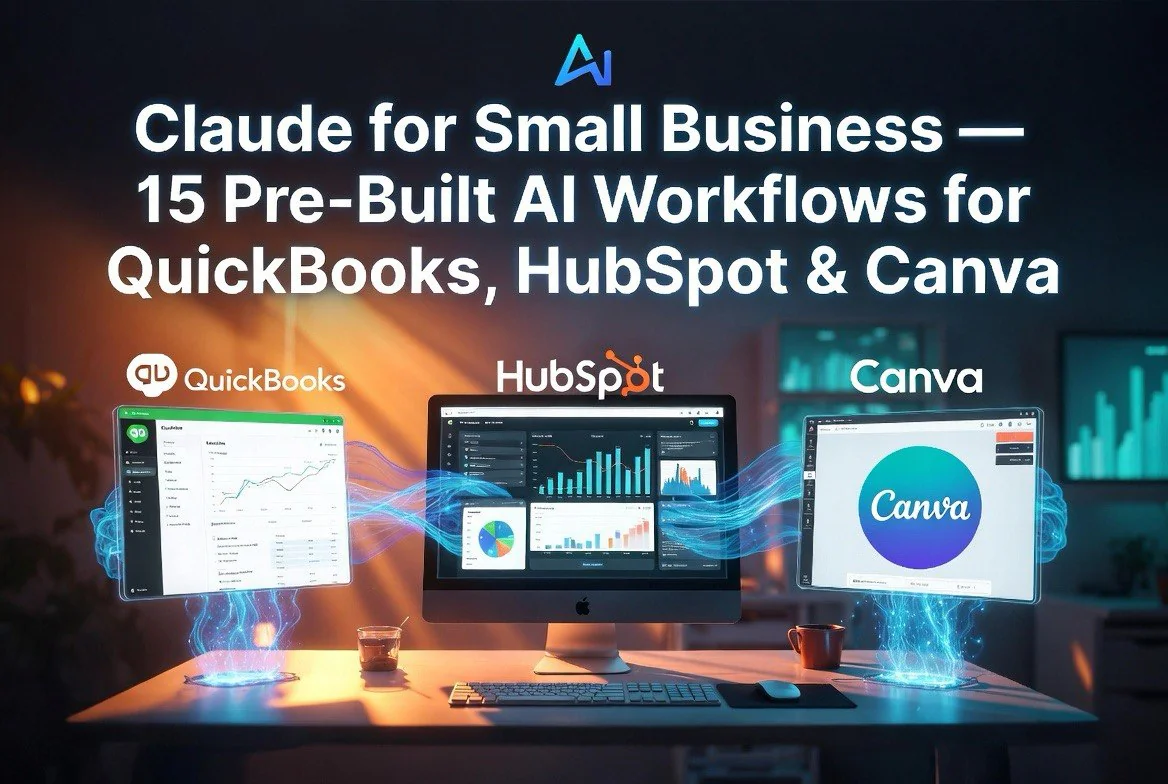
Claude for Small Business: 15 Pre-Built AI Workflows for QuickBooks, HubSpot, Canva, and PayPal
⚡ Expert Summary: Anthropic launched Claude for Small Business in May 2026, a toggle-install package that puts Claude AI directly inside QuickBooks, PayPal, HubSpot, Canva, DocuSign, Google Workspace, and Microsoft 365. It ships with 15 pre-built agentic workflows covering payroll planning, month-end closing, invoice chasing, sales campaigns, lead triage, content creation, and more. Small businesses account for 44 percent of U.S. GDP, but their AI adoption has lagged behind. This product is Anthropic’s bet on closing that gap — not through a separate AI dashboard, but by embedding AI into the tools owners already use.
Why Small Business AI Adoption Has Stalled — and How Anthropic Is Fixing It
Small businesses make up nearly half the American economy. They employ 46 percent of the private-sector workforce. They drive innovation in every community across the United States.
But when it comes to AI adoption, small businesses are being left behind.
The reason is not that the tools do not exist. ChatGPT, Claude, and Gemini are available to anyone with an internet connection. The problem is that these tools live in a separate window. A small business owner running payroll, chasing invoices, and managing campaigns in QuickBooks, PayPal, and HubSpot does not have time to copy-paste data into a chat interface, analyze the results, and switch back to the business tool to execute. The friction kills adoption.
Anthropic’s answer is Claude for Small Business — an integration layer that puts Claude directly inside the tools small business owners already use, with 15 pre-built workflows that handle the repetitive work without requiring the owner to learn a new system.
What Claude for Small Business Actually Does
You toggle it on inside Claude Cowork, connect the tools you already use, and pick the job you want done. Claude does the work. You review the plan and approve before anything sends, posts, or pays. Human oversight is built into every workflow — Claude never executes without approval.
The product ships with 15 ready-to-run agentic workflows covering six domains:
- Finance: Payroll planning, month-end closing, cash-flow forecasting, invoice chasing, margin analysis, tax-season preparation
- Operations: Month-end prepper, contract reviewer, reconciliation
- Sales: Lead triage, campaign analysis, pipeline movement tracking
- Marketing: Campaign drafting, Canva asset generation, content strategy
- HR: Onboarding workflows, employee pulse checks
- Customer service: Common query triage, escalation routing
Each workflow is a multi-step agentic process, not a single AI response. For example, the payroll planner does not just answer a question about payroll. It checks your QuickBooks cash position against incoming PayPal settlements, builds a 30-day cash-flow forecast, ranks overdue invoices, and prepares the reminders for you to approve. That is five steps, three tool integrations, and a decision-ready output.
How the Integrations Work
Each connected tool handles specific jobs within the Claude ecosystem:
PayPal handles settlements, invoicing, disputes, and refunds. When Claude runs the invoice chaser workflow, it checks PayPal for payment status, flags overdue invoices, and drafts reminder emails.
Intuit QuickBooks handles payroll planning, the monthly close, cash-flow analysis, tax-season preparation, and reconciliation that touches every other system. The month-end closer reconciles your books against settlements, flags mismatches, writes a plain-English profit and loss statement, and exports a close packet your accountant can review immediately.
HubSpot runs lead triage, customer pulse surveys, and campaign attribution. The lead triager analyzes incoming leads by deal size, source, and engagement, then ranks them so you work the right opportunities first.
Canva generates content for every channel directly from Claude prompts. The campaign workflow finds underperforming revenue periods in your data, analyzes your HubSpot campaign performance, drafts a promo strategy, and generates the assets in Canva — all in one chain.
DocuSign, Google Workspace, and Microsoft 365 handle contracts, documents, scheduling, and communications across the workflows.
What This Means for Small Business Owners
The significance of Claude for Small Business is not the feature list. It is the architecture decision Anthropic made: do not ask small business owners to come to the AI. Bring the AI to the tools they already use.
This matters because the biggest barrier to AI adoption in small businesses is not cost or capability. It is context switching. A business owner who has to export data from QuickBooks, paste it into Claude, analyze the output, and switch back to QuickBooks to execute will do it once, maybe twice, and then go back to doing things manually. The friction is too high for the time savings to materialize.
Claude for Small Business eliminates that friction by making the AI invisible. The owner says “close the month” and Claude reconciles the books inside QuickBooks, generates the P&L, and exports the close packet without the owner ever leaving their accounting tool.
Practical Use Cases for U.S. Small Businesses
The solo operator. A freelance consultant running their own books in QuickBooks can use the invoice chaser and tax-season organizer to recover months-old receivables and prepare deductible expenses without hiring a bookkeeper.
The 10-person agency. An agency owner managing HubSpot campaigns, Canva assets, and PayPal settlements can run an entire campaign workflow — analyze past performance, draft the next strategy, generate creative assets, and queue the send — in a single session.
The retail business with 20 employees. A store owner managing payroll, cash flow, and supplier invoices can automate the payroll planning and month-end close cycles, freeing up six to eight hours of back-office work per week.
Deep Dive: Three Workflows That Save the Most Time
Anthropic’s research team built the 15 workflows based directly on feedback from small business owners about which tasks slow them down most. Three workflows in particular address the highest-friction areas.
The Payroll Planner. This is a multi-step process. Claude checks your QuickBooks cash position, cross-references it against incoming PayPal settlements, builds a 30-day cash-flow projection, ranks overdue invoices by severity, and drafts email reminders for you to send. What used to take a business owner two to three hours of spreadsheet juggling at the end of every pay period is reduced to a single approval step. For a small business with unpredictable cash flow — a retail store with seasonal revenue, a consultancy with net-30 clients — this workflow alone can prevent payroll mistakes that cost thousands in fees and employee trust.
The Month-End Closer. Closing the books is the task small business owners dread most. It requires reconciling bank statements, credit card transactions, invoices, settlements, and receipts against the general ledger. Miss something and your P&L is wrong — which means tax estimates are wrong, loan applications are wrong, and your understanding of whether you actually made money last month is wrong. Claude reconciles your books against PayPal settlements, flags every mismatch, writes a plain-English profit and loss statement, and exports a close packet ready for your accountant. For a business owner paying a bookkeeper $300 to $600 per month for this work, the month-end closer alone can justify the cost of Claude for Small Business.
The Invoice Chaser. Late payments are the single biggest cash-flow killer for small businesses in the United States. According to a 2025 study by Fundbox, 64 percent of small businesses have invoices outstanding past their due date, and the average small business is owed $83,000 in overdue receivables at any given time. The invoice chaser workflow checks PayPal and QuickBooks for payment status, ranks overdue invoices by age and amount, and drafts personalized follow-up emails. It does not send them automatically — you review and approve — but it eliminates the friction of having to check each account, remember which invoices are overdue, and compose a professional reminder from scratch.
Who Should Not Use Claude for Small Business
Claude for Small Business is designed for businesses with one to fifty employees that already use the supported tools. If you are a sole proprietor who handles everything in a notebook and a PayPal account, the pre-built workflows may be more than you need. If you run a mid-market company with a dedicated finance team using enterprise ERP software like NetSuite or SAP, Claude for Small Business will not integrate with those systems.
The product is also not a replacement for a CPA. The month-end closer generates a plain-English P&L and reconciliation notes, but it does not file taxes, handle depreciation schedules, or perform audit-level verification. It automates the preparation work — the busiest part of the process — but the final review and filing still require a human professional.
For the small business owners who fit the target profile — using QuickBooks, PayPal, HubSpot, or Canva, with five to fifty employees, spending five to fifteen hours per week on back-office work — Claude for Small Business is the most practical AI tool available in 2026 for reducing that overhead.
How It Compares to Other AI Business Tools
Microsoft 365 Copilot works inside Microsoft apps. Google’s Gemini works inside Google Workspace. Claude for Small Business is the first to bridge across multiple platforms — QuickBooks, PayPal, HubSpot, Canva, DocuSign — in a single workflow chain. That cross-platform orchestration is what makes it different.
Most AI tools for small business are single-purpose: an AI bookkeeper, an AI marketer, an AI customer service agent. Claude for Small Business is a multi-purpose agentic layer that connects the tools a business already has, rather than replacing any one of them.
The Bottom Line
Anthropic’s co-founder Daniela Amodei put it clearly: “Small businesses make up nearly half the American economy, but they have never had the resources of bigger companies. AI is the first technology that can finally close that gap.”
Claude for Small Business is available now through Claude Cowork. The 15 pre-built workflows are ready to run after a toggle install and tool connection. For U.S. small business owners who have been waiting for a practical, multi-tool AI assistant that does not require learning a new system, this is the closest thing to a turnkey solution yet.
Frequently Asked Questions
What is Claude for Small Business?
It is a package of connectors and pre-built AI workflows that run inside tools small businesses already use, including QuickBooks, PayPal, HubSpot, Canva, DocuSign, Google Workspace, and Microsoft 365.
How much does Claude for Small Business cost?
Claude for Small Business is available through Claude Cowork. Pricing is part of Claude’s Team and Enterprise plans. Exact pricing depends on the plan and tools connected.
Does Claude for Small Business have access to my business data?
Claude respects your existing tool permissions and does not train on business data by default in Team and Enterprise plans. Every action requires human approval before execution.
What workflows are included?
Fifteen pre-built workflows across finance, operations, sales, marketing, HR, and customer service, including payroll planning, month-end closing, invoice chasing, campaign management, lead triage, and content generation.
Does it work with my existing accounting software?
QuickBooks and PayPal are supported for finance workflows. Google Workspace, Microsoft 365, HubSpot, Canva, and DocuSign are supported for other workflows.
Do I need technical skills to use it?
No. You toggle it on inside Claude Cowork, connect your tools, and pick a workflow. Claude handles the multi-step process. You review and approve before anything is sent or paid.

About Barak Schurr
Barak Schurr is the founder and former president of the nightlife ticketing platform Wantickets and former Global Director of Dance and Nightlife at Eventbrite. He currently focuses on AI research and writes about practical AI for independent business owners that actually moves the needle — no hype, no corporate fluff. More at topnotchaitools.com.
Contact: [email protected]
More AI Resources for Your Business