Get The Solo Business OS — Free
The AI workflow that replaces a part-time employee for solo operators and small business owners.
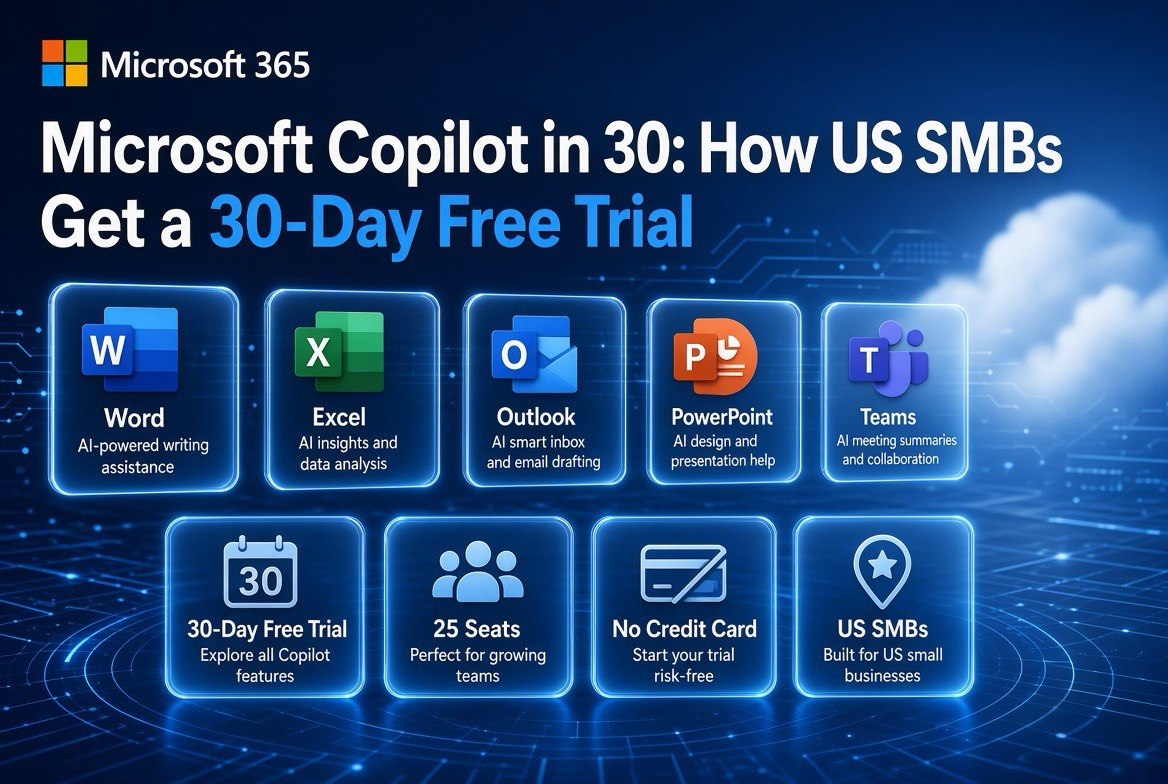
Microsoft Copilot in 30: How US SMBs Get a 30-Day Free Trial
⚡ Expert Summary: Microsoft launched “Copilot in 30,” a partner-led program giving US small and mid-sized businesses (up to 300 employees) a free 30-day trial of Microsoft 365 Copilot Business across Word, Excel, Outlook, and Teams — 25 seats, no payment info required. It removes the budget-risk barrier that stops most SMBs from piloting AI. Here is exactly how to get it through a CSP partner, what you get, and how to test it in 30 days without wasting a dollar.
Your competitors are already drafting proposals in Word with AI. You’re still starting from a blank page. The gap isn’t talent, and it isn’t willingness. It’s the fact that nobody wants to pay for a tool they can’t test first.
Microsoft just removed that excuse for every US business under 300 employees. On August 1, 2026, it launched “Copilot in 30” — a free, partner-led 30-day trial of Microsoft 365 Copilot Business for small and mid-sized businesses. 25 seats. Full access to the Copilot features in Word, Excel, Outlook, PowerPoint, and Teams. Zero cost during the trial. No payment information required on signup.
This is the clearest “try before you commit” path to AI adoption that has existed for the US SMB market. Here is what it actually is, how to get it, and how to run a 30-day test that tells you whether to keep paying.
What Is Microsoft “Copilot in 30”?
“Copilot in 30” is a Cloud Solution Provider (CSP) partner-led trial program launched August 1, 2026 and available through December 31, 2026. Microsoft designed it specifically for small businesses — the segment that has been slowest to adopt AI precisely because of the budget-risk problem. You don’t pay to spin it up, and you don’t risk a multi-seat annual commitment on a tool you haven’t used in anger.
Here is the offer, spelled out in numbers:
| Detail | “Copilot in 30” Value |
|---|---|
| Seats | 25 users |
| Trial length | 30 days, full Microsoft 365 Copilot Business |
| Cost during trial | $0 — no payment information required |
| Eligibility | SMBs up to 300 employees, new to Copilot |
| Availability | August 1 – December 31, 2026 (US + worldwide CSP) |
| Trial per customer | One eligible trial per customer |
| After 30 days | Auto-converts to paid unless you cancel |
This is not the broad self-service 30-day trial Microsoft began rolling out for eligible SMBs in July 2026. “Copilot in 30” is a partner-led motion with a structured adoption framework, so you get someone to help you through the pilot rather than a link and a hope.
Why Microsoft Built This for Small Business
The adoption data forced the move. According to Microsoft’s own partner guidance, the SMB segment has lagged enterprise on Copilot adoption precisely because of cost uncertainty and lack of a structured way to pilot it. Small businesses don’t have an IT department to run a sandbox. They have a person with a day job deciding whether to spend money on something they’ve never used.
That is the exact buyer “Copilot in 30” targets. Microsoft removed the two things that kill SMB AI pilots: the upfront cost and the absence of a guided path. A CSP partner provisions the trial, supplies the readiness assets, and runs a 30-day adoption framework so you actually use the tool instead of letting it sit in a menu.
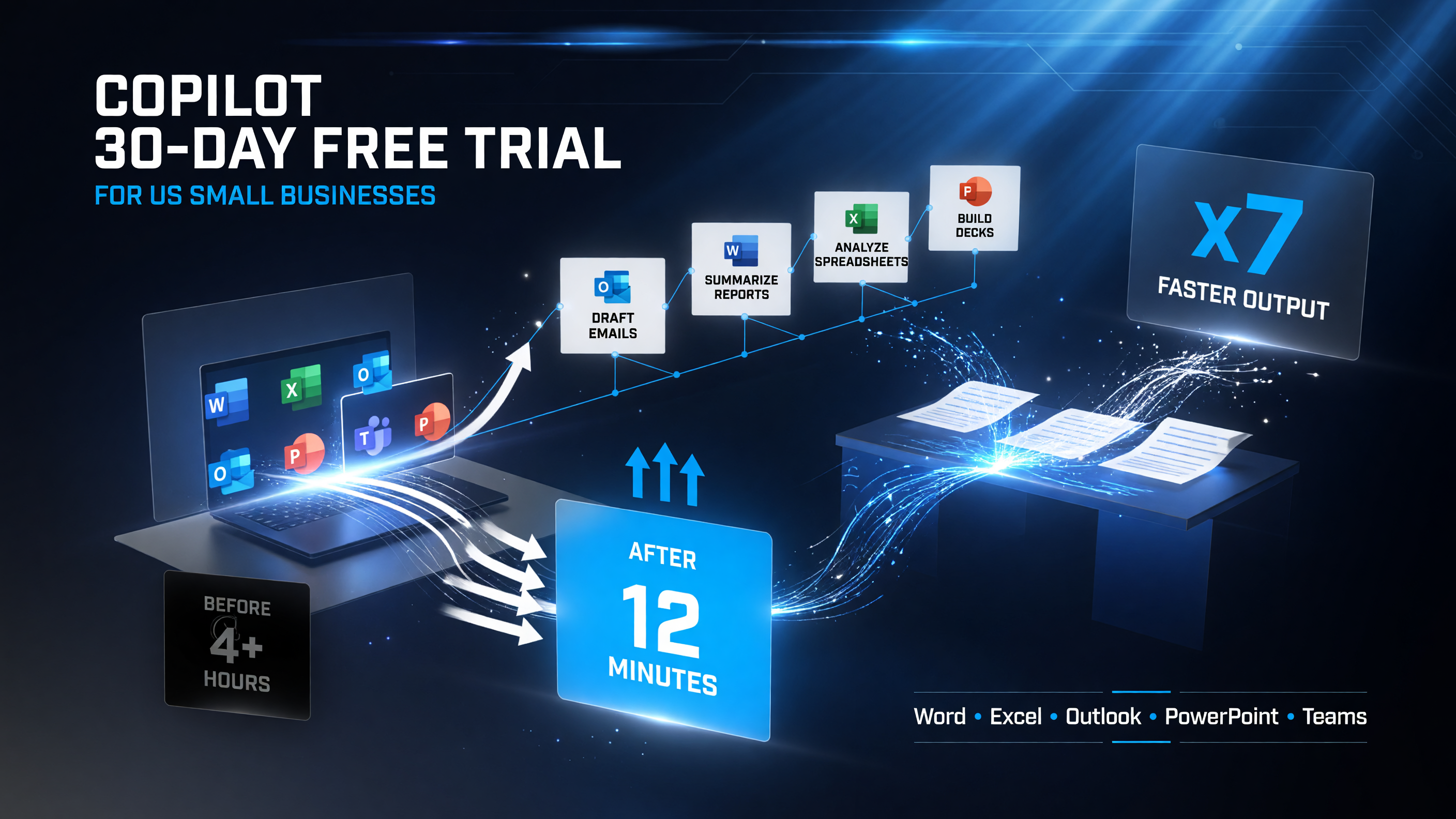
Microsoft Copilot 30-day free trial gives US small businesses one AI assistant across Word, Excel, Outlook, PowerPoint and Teams — draft, summarize, analyze and write in minutes instead of hours.
What You Actually Get: Copilot Across the Apps You Already Use
The 25 seats unlock the full Microsoft 365 Copilot Business experience inside the apps your team already has open all day. This is the key point — you are not learning a new tool. You are upgrading the tools you already use. There is no separate dashboard to babysit, no new platform to train people on. The Copilot panel lives where your team already works, which is exactly why the trial is so easy to run for a business that has never touched AI.
- Word — draft, rewrite, and summarize documents from a prompt; turn an outline into a full draft in seconds.
- Excel — ask questions about your data, generate formula suggestions, and surface patterns without writing formulas by hand.
- Outlook — draft and summarize emails, prioritize an inbox, and get meeting summaries.
- PowerPoint — generate slide decks from a prompt or existing document, then refine the design.
- Teams — meeting recaps, action items, and intelligent catch-up so nobody misses what happened.
Here’s the same lineup as a comparison, so you can see at a glance which app gives your team the fastest win:
| App | What Copilot Does | Fastest Win |
|---|---|---|
| Word | Draft, rewrite, summarize documents from a prompt | Outline to full draft in seconds |
| Excel | Answer data questions, generate formulas, surface patterns | No more hand-writing formulas |
| Outlook | Draft/summarize emails, prioritize inbox, meeting summaries | Inbox and replies compressed |
| PowerPoint | Generate decks from a prompt or existing document | Deck starter in minutes |
| Teams | Meeting recaps, action items, smart catch-up | No one misses what happened |
Here is the honest version of what that means for a small business: the hours your team spends drafting client proposals, chasing reply emails, and building presentations are the hours AI compresses. The 30-day trial exists so you can measure that compression on your own work, not on a vendor’s demo.
How to Get the Free Trial (Step by Step)
Because this is a partner-led program, you need a Microsoft CSP partner to provision it for you. Many US IT and managed-service providers are already running “Copilot in 30” for small business clients. Here is the process:
| Step | What Happens |
|---|---|
| 1. Find a CSP partner | Ask your current IT provider or managed service provider if they can provision “Copilot in 30.” Most use the CSP trial SKU (Microsoft 365 Copilot Business trial, Product ID CFQ7TTC0MM8R). |
| 2. Confirm eligibility | Your organization stays under 300 employees and is new to Copilot. One eligible trial per customer. |
| 3. Provision 25 seats | The partner provisions 25 trial seats. No payment information is collected during the trial. |
| 4. Run the 30-day adoption framework | Use the partner’s readiness assets to assign power users, pick real tasks, and track usage — not a “let’s try it” free-for-all. |
| 5. Decide before day 30 | Trials auto-convert to paid after 30 days. Either cut it to a pilot group or expand to the whole company with intent. |
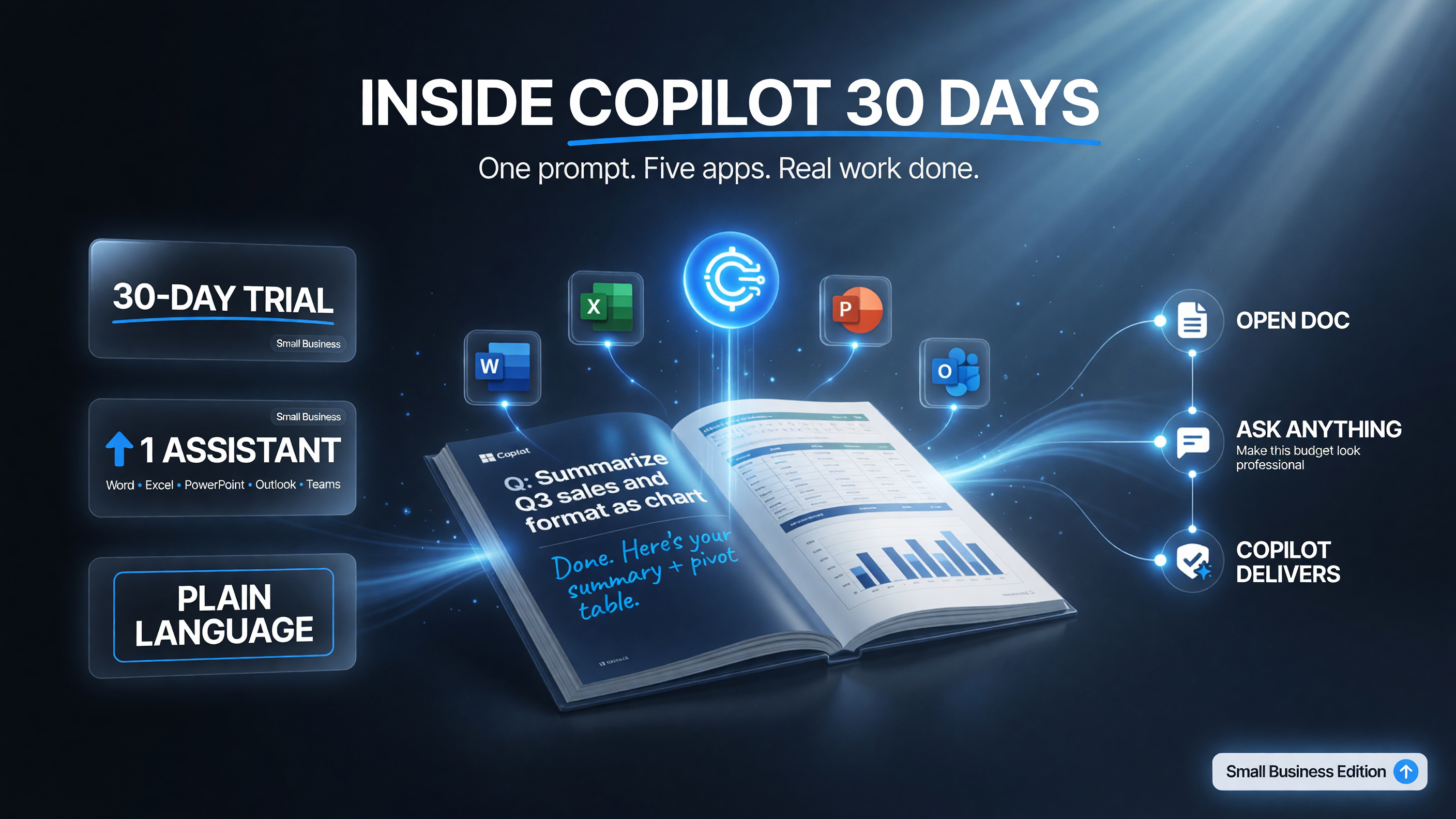
Inside the trial: open a document or spreadsheet, ask Copilot in plain language what you need, and it drafts, summarizes, analyzes or formats it — one assistant across Word, Excel, Outlook, PowerPoint and Teams.
How to Run a Smart 30-Day Trial (Don’t Waste It)
A free trial is only valuable if you actually test it. Most SMB AI pilots fail because leadership hands out licenses and then does nothing. Here is a plan that tells you in 30 days whether Copilot earns its keep:
- Pick 5 power users first. Don’t give all 25 seats to people who won’t use them. Start with your strongest writers, your ops lead, and your sales team. Measure their output before and after.
- Assign real work, not demo work. Draft an actual proposal in Word, recap a real meeting in Teams, forecast a real quarter in Excel. If it helps on real work, it earns a seat.
- Track time saved per task. Have each power user note roughly how long a task took before Copilot and after. Aggregate the number at the end of week two.
- Set a go/no-go metric. Decide now what would make you pay: a specific hours-saved number, a proposal turnaround time, or a weekly meeting-recap adoption rate.
The firms that win here treat the 30 days as a structured pilot with a decision gate, not as a free buffet. The adoption framework your CSP partner provides exists to keep you honest about that.
The Real World of SMB AI Adoption
Here is the uncomfortable stat behind why this trial exists: most small businesses stall on AI not because the tools are bad, but because nobody in the building owns the decision to test them. Microsoft’s partner guidance for “Copilot in 30” is explicitly built around adoption — readiness assets, a structured 30-day framework, and a named partner shepherding the pilot. That is a deliberate answer to a market problem: licenses deployed and never used, pilots started and abandoned, cost objections raised before anyone ever logged in.
Treat this trial as a management exercise, not a technology one. Assign an owner. Give that owner a budget of 30 days and 25 seats. Define what “winning” looks like before you start — a proposal drafted in half the time, an inbox that gets to zero by Friday, a forecast built without a spreadsheet marathon. If the owner can point to three of those wins by week four, you have your answer. If not, you have spent nothing and learned that your team needs a different tool or a different rollout.
That is the real value of a 30-day free pilot. It converts the AI decision from a leap of faith into a measurement. And measurement is the only thing that stops small businesses from being either too scared to start or too loose with the cash to care.
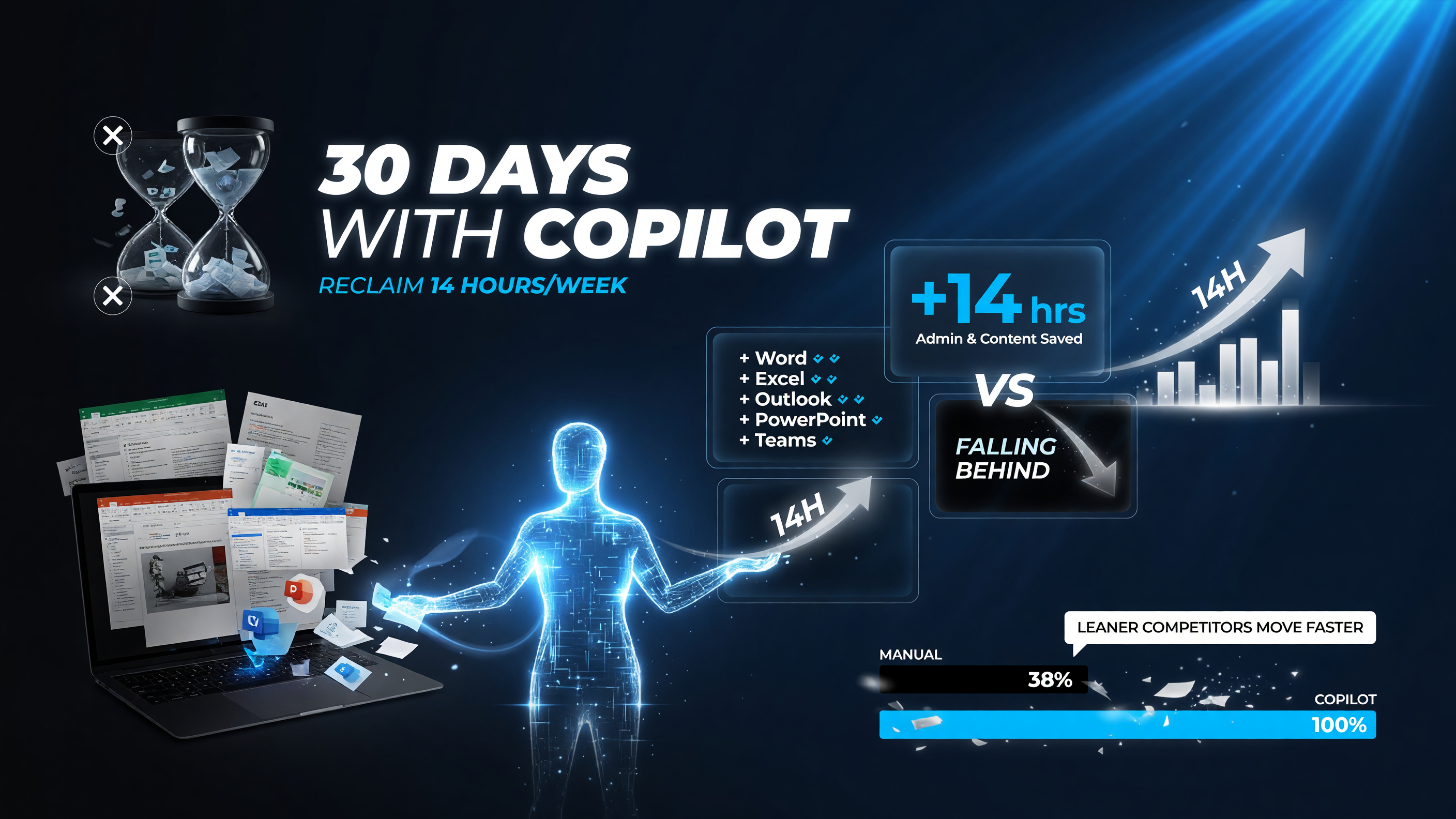
The payoff: reclaim hours of admin and content work per week with one assistant — versus doing it by hand and falling behind leaner, faster competitors.
What It Costs After the Trial
If the trial proves its value, the standard paid path for Microsoft 365 Copilot Business requires an eligible Microsoft 365 base plan, and Copilot is an added per-user monthly license. The exact price depends on your base plan and licensing agreement, which is why running the math with your CSP partner before day 30 matters. The point of the trial is that you only commit after you have real numbers from your own team — not after a sales pitch.
Is “Copilot in 30” Right for Your Business?
This is the strongest low-risk AI adoption path a US small business has in 2026. If your team lives in Microsoft 365 and you have been hesitating over the cost of AI, this removes the cost objection entirely for 30 days. The downside is minimal — you test on your own work, and you walk away free if it doesn’t move the needle.
If you are not a Microsoft 365 shop, this specific offer won’t fit you, and you should look at AI-native tools that match your stack instead. But if you are already paying for Word, Excel, Outlook, and Teams, the incremental cost of testing Copilot on top is now zero. That is the entire point.
Frequently Asked Questions
Is Microsoft “Copilot in 30” really free?
Yes. The trial gives 25 seats of Microsoft 365 Copilot Business for 30 days at no cost, and Microsoft does not require payment information during the trial. It auto-converts to paid after 30 days unless you cancel.
Who is eligible for “Copilot in 30”?
Small and mid-sized businesses up to 300 employees that are new to Copilot. Each eligible customer can run one trial under the program.
How do I get the free Copilot trial?
Contact a Microsoft CSP partner, such as your current IT or managed service provider, and ask them to provision the “Copilot in 30” trial for your organization. It is a partner-led program available through December 31, 2026.
Which apps does the trial cover?
Copilot for Microsoft 365 Business works inside Word, Excel, PowerPoint, Outlook, and Teams during the trial.
What happens when the 30 days end?
The trial auto-converts to a paid license unless you cancel before day 30. You must be on an eligible Microsoft 365 base plan for the paid version.

About Barak Schurr
Barak Schurr is the founder and former president of the nightlife ticketing platform Wantickets and former Global Director of Dance and Nightlife at Eventbrite. He currently focuses on AI research and writes about practical AI for independent business owners that actually moves the needle — no hype, no corporate fluff. More at topnotchaitools.com.
Contact: [email protected]
More AI Resources for Your Business