Get The Solo Business OS — Free
The AI workflow that replaces a part-time employee for solo operators and small business owners.
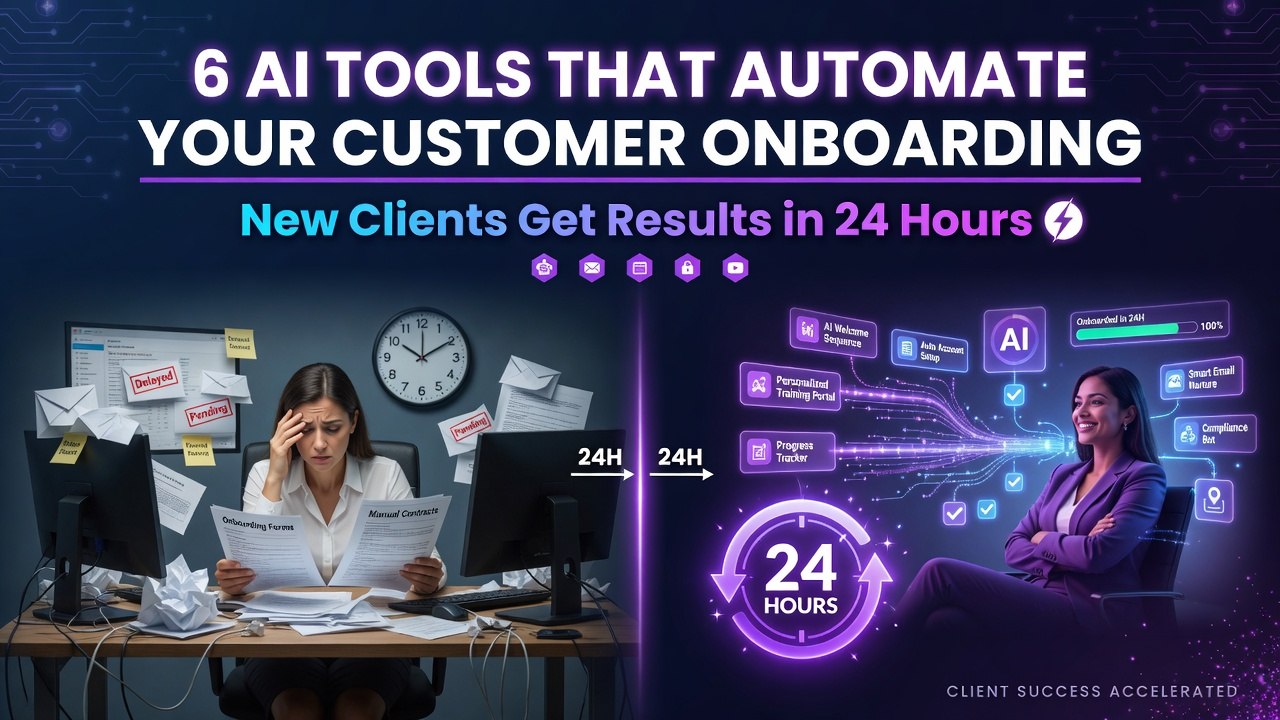
6 AI Tools That Automate Your Customer Onboarding — New Clients Get Results in 24 Hours
⚡ Expert Summary: Key Takeaways
6 AI tools — Airtable AI, Intercom Fin, Loom AI, Clay, Notion AI, and a Custom ChatGPT — automate customer onboarding from sign-up to first result in under 24 hours. Combined, these tools reclaim 10-15 hours of team time per week and cut onboarding from 5-7 days to 24 hours.
Not because your product is bad. Not because your team isn’t working hard.
Because the process still depends on manual follow-ups, calendar availability, and “let me check with the team.”
Every hour a new client spends waiting for onboarding is an hour they’re not seeing value. And every hour without value is a 10% higher chance they churn in the first 30 days.
Here’s the fix: AI tools that automate onboarding from the moment they sign.
Not eventually. Not “we’re building it.” Right now. Today.
1. Airtable AI — Your Onboarding Hub
Airtable with AI Interface turns your onboarding spreadsheet into an automated workflow.
When a client signs up, AI Interface auto-creates their record, assigns them a project manager, generates their custom timeline, and emails them their welcome packet — all based on what they selected during sign-up.
No manual data entry. No “who’s handling this?” No missed steps.
Setup time: 30 minutes to connect your sign-up form to Airtable.
Result: Every new client gets their onboarding started within 60 seconds of clicking “submit.”
2. Intercom Fin — Answers Before They Ask
Fin is Intercom’s AI agent that handles the first layer of onboarding questions.
What’s included in my plan? Who’s my account manager? Where do I download the software? How do I invite my team?
These questions hit your support team dozens of times per month. Each one takes 5-15 minutes. Fin answers them instantly from your existing docs — without escalating to a human.
New clients get answers at 2 AM on a Saturday. No one waits until Monday morning.
3. Loom AI — Record Once, Use Everywhere
Your best onboarding call with a new client — the one where you walk through setup step by step — gets recorded once and deployed to every client who signs up after.
Loom AI trims silences, adds chapters, and generates a written summary automatically. Drop that video into your welcome sequence and your team saves 4-6 hours per new client.
One recording is better than ten calls. Because it’s consistent. No one forgets to mention the billing step.
4. Clay — Trigger Actions Across 50+ Tools
Clay connects your onboarding data to everything else — your CRM, your email platform, your Slack, your billing system.
When a client completes step 1 in your onboarding, Clay fires a webhook that creates their account in your product, sends them a Slack notification, adds them to your email nurture sequence, and books the kickoff call.
All automatically. Based on the previous step completing.
It turns a sequential process into a parallel one. Steps that used to take 3-4 days now complete in minutes.
5. Notion AI — Knowledge Base That Updates Itself
Your onboarding documentation goes stale because no one has time to update it. Notion AI fixes that.
It suggests updates when your processes change. It rewrites onboarding guides for clarity. It generates FAQ sections from client questions that keep coming up.
Your newest hires and your newest clients both get the same accurate, current information — without a human spending hours keeping docs fresh.
6. ChatGPT (Custom GPT) — Your Onboarding Assistant
Build a Custom GPT trained on your onboarding documentation, your common client questions, and your specific product features.
New clients get a link to your GPT. They ask it anything about setup, features, billing, or next steps. It answers from your specific knowledge base — not general AI slop.
One Custom GPT replaces an average of 20-30 support tickets per client in the first week. That’s your team doing actual work instead of answering the same question for the tenth time.
The 24-Hour Onboarding System
Combine these six tools into one workflow:
1. Client signs up → Airtable AI creates their record + timeline
2. Welcome email goes out with Loom walkthrough video + Custom GPT link
3. Intercom Fin handles questions in the first 24 hours
4. Notion AI keeps documentation fresh for the whole process
5. Clay triggers the next step when each previous step completes
6. Your team only intervenes when the system flags an exception
Result: New clients go from sign-up to seeing their first result in 24 hours instead of 5-7 days. Your team handles 3x the onboarding volume without adding headcount. And your churn rate drops because clients see value before they have time to second-guess their decision.
Frequently Asked Questions
Frequently Asked Questions
How much time will this really save me?
Small business owners report 10-15 hours saved per week after the first 30 days. The initial setup takes 2-3 hours per tool, but the compounding time savings are significant.
What is the minimum investment to start?
Start with free trials of the tools that address your biggest bottleneck. Budget $50-150/month for a complete stack after the trial period ends.
Can these tools work together?
Most tools integrate via API or Zapier. A connected workflow saves 30-50% more time than using tools in isolation. Start with individual tools and connect them as you go.
How do I measure if these tools are worth it?
Track time spent on tasks before and after implementation. Most users see ROI within two weeks. Calculate your hourly rate against hours saved for a clear cost-benefit analysis.
What if a tool doesn’t work for my specific business?
Most tools offer 7-14 day free trials. Test before committing. If one tool doesn’t fit, there are alternatives in every category. The AI tools market is competitive and constantly improving.

About Barak Schurr
Barak Schurr is the founder and former president of the nightlife ticketing platform Wantickets and former Global Director of Dance and Nightlife at Eventbrite. He currently focuses on AI research and writes about practical AI for independent business owners that actually moves the needle — no hype, no corporate fluff. More at topnotchaitools.com.
Contact him at [email protected]
More AI Resources for Your Business