Get The Solo Business OS — Free
The AI workflow that replaces a part-time employee for solo operators and small business owners.
OpenAI Premium Seats: $125/Month ChatGPT Business Tier Explained
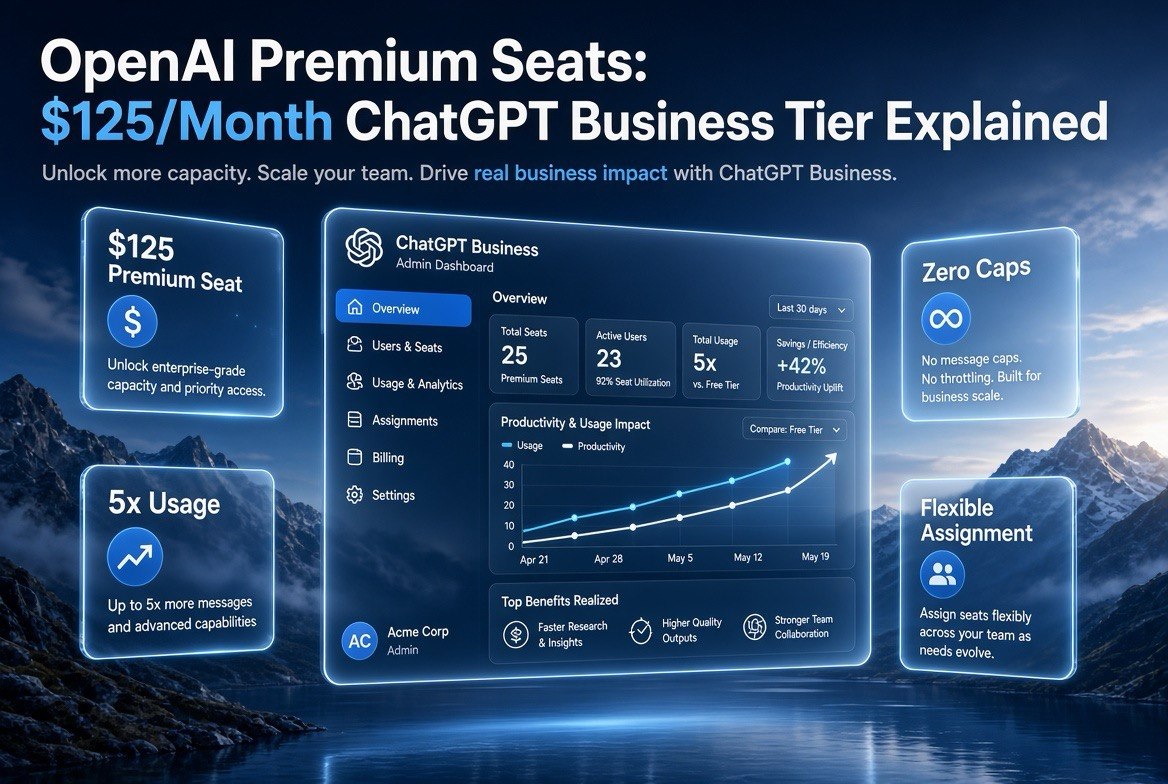
⚡ Expert Summary: OpenAI just added a premium tier to ChatGPT Business that changes the math for any US small business running AI agents. For $125 per user per month (or $100 annually), Premium Seats deliver 5x the standard usage, zero usage limits, and flexible team assignments in a secure workspace. If your team hits ChatGPT’s caps mid-project or you’re running autonomous agents through Codex and connectors, this tier exists to keep you working. Here’s exactly what it costs, what you get, and when it’s worth the money.
Here’s the problem most US small business owners hit around month three of running AI seriously: you stop using ChatGPT as a chatbot and start using it as an employee. It drafts, it codes, it researches, it builds. Then it hits a wall — the usage cap — right in the middle of your busiest week. Your whole operation stalls because you bought the wrong seat.
OpenAI just answered that gap. On August 10, 2026, the company launched Premium Seats for ChatGPT Business — a new pricing tier built specifically for teams that run heavy agentic workloads. This is a real shift, because it’s the first time OpenAI has priced a seat for the way businesses actually use AI now: not for occasional questions, but for continuous, multi-step work.
This article breaks down the new tier in plain terms — what it costs, what you actually get, how it compares to the standard Business plan, and whether a one-person shop or a 50-person team should pay the premium. Less noise. More output.
What Are OpenAI Premium Seats?
Premium Seats are an add-on tier inside ChatGPT Business. Standard Business seats cost $25 per user per month and give each team member a baseline amount of usage across GPT models, DALL·E, and the agentic tools. The new Premium Seats cost $125 per user per month (or $100 per user when billed annually) and deliver 5x the standard usage with no usage limits.
The key phrase there is “no usage limits.” Standard seats still carry usage caps that reset weekly — fine for a solopreneur asking the occasional question, painful for a team mid-deployment. Premium removes that ceiling, so agents can run for hours without a hard stop.
It also keeps the security and administration you’d expect from ChatGPT Business: a secure workspace, admin controls, and flexible team assignments. That last point matters. As the owner, you decide which team members get Premium versus standard — you don’t have to pay the premium rate for everyone.
| Feature | Standard Business Seat | Premium Seat |
|---|---|---|
| Price per user (monthly) | $25 | $125 ($100 annual) |
| Usage relative to standard | Baseline | 5x baseline |
| Usage limits | Yes (weekly reset) | None |
| Agentic workflows (Codex, connectors) | Limited | Optimized |
| Flexible team assignment | Yes | Yes |
| Best for | Light team usage | Heavy agent workloads |
Why OpenAI Built This — The Usage-Cap Problem
To understand why this tier matters, you have to understand the pain it solves. When OpenAI shipped ChatGPT for small businesses in July 2026, it bundled curated agents, plugins, and partner integrations for tools like Shopify, Intuit, and Slack. The idea: a small business could deploy AI agents to automate real work.
But agents are hungry. A single agent turned loose on a task — say, reconciling a month of QuickBooks transactions or drafting a full marketing plan — burns far more tokens than a human asking five questions a day. Business owners started hitting the standard seat’s usage ceiling within weeks, and the work ground to a halt.
The math explains the frustration. A typical ChatGPT Business standard seat gives you a fixed token budget each week. Ask a few questions a day and you barely dent it. Run a single Codex agent overnight and you can blow through the whole weekly allowance in one session. For teams that had moved past “ask and answer” into “deploy and run,” the standard seat was never designed to keep up.
Premium Seats close that gap.
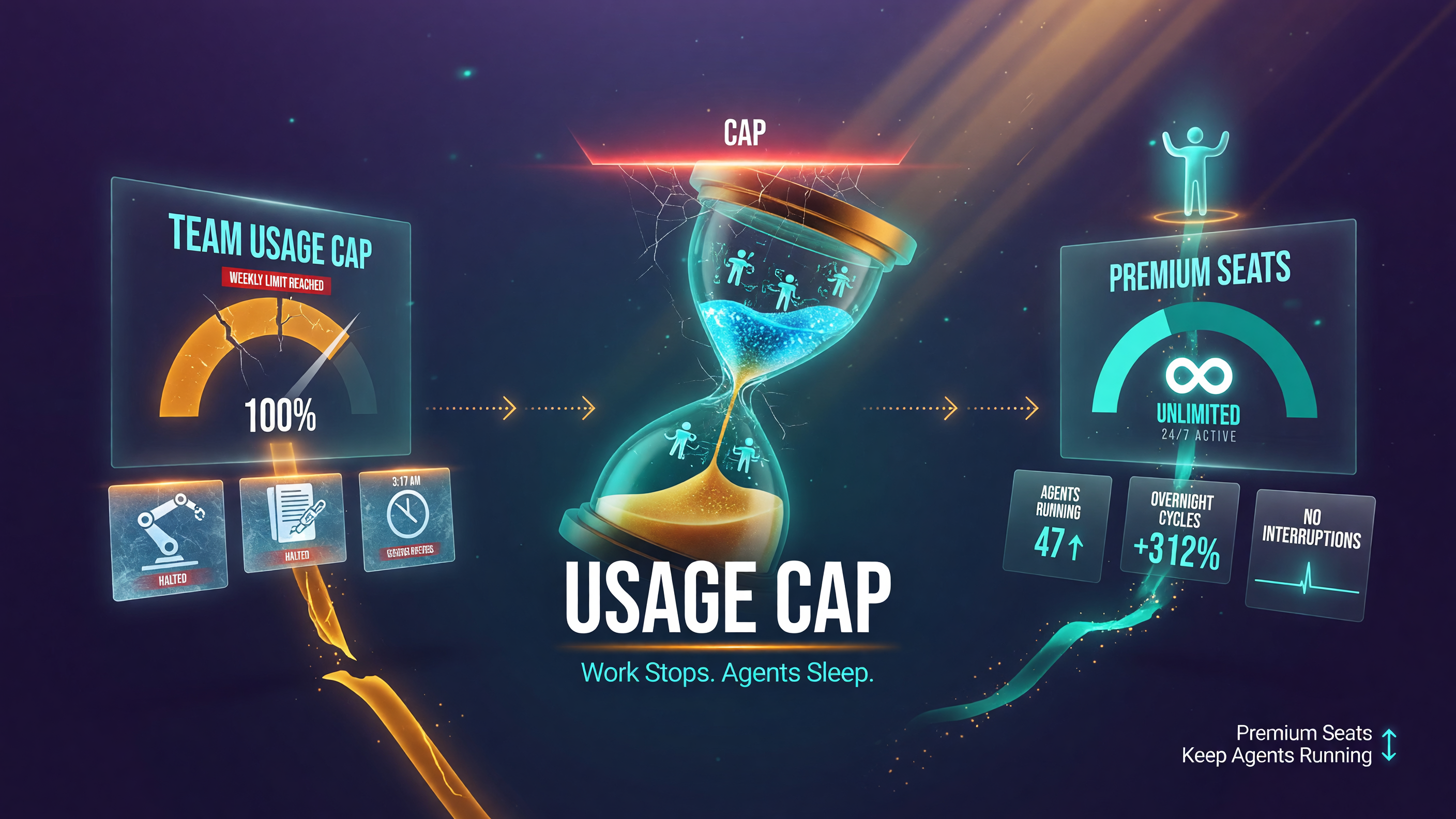
Standard seats hit a weekly usage cap that stalls overnight agent runs; Premium removes the ceiling so agents keep working.
They’re priced for teams where AI isn’t a nice-to-have; it’s a production worker. If your AI is generating revenue, a $100-a-month seat that keeps it running is a bargain. If your AI answers three questions a day, it’s overkill.
Why Usage-Limited Pricing Is Now the Market Norm
Premium Seats aren’t an isolated move. They’re the latest sign that the entire AI industry has shifted from flat-rate to usage-tiered pricing. OpenAI already cut GPT-5.6 API prices by up to 80% earlier in 2026, then introduced variable tiers. Anthropic launched Claude for Small Business in May 2026 with bundled agent workflows rather than an unlimited-all-answers model. Google runs Gemini Business on tiered plans where the agent platform costs more than the basic workspace.
What changed? The cost of GPUs and inference didn’t collapse enough to let providers sell unlimited agents for $20 a month. When we ran the numbers on this shift in our earlier coverage of the “$20-a-month AI era ending,” the pattern was clear: the era of flat unlimited pricing was over, and providers were moving to plans that charge more for heavy, continuous usage.
Premium Seats fit squarely in that trend. OpenAI isn’t raising the price of asking questions — it’s adding a paid tier for the power users who burn real compute. From a business owner’s perspective, that’s actually good news. You’re not forced onto an expensive plan for light use. You pay for capacity only when you need it, and you can mix seats to match how your team actually works.
How Premium Seats Stack Up Against the Alternatives
OpenAI isn’t the only player pricing for heavy use. Anthropic’s Claude for Small Business (launched May 2026) packages 15 ready-to-run agentic workflows with connectors for QuickBooks, HubSpot, and Google Workspace. The difference is packaging: Anthropic bundles workflows into a small-business plan, while OpenAI is now selling raw capacity — more usage, fewer limits — so you can run whatever agents you already have.
Google takes a third path. Gemini Business gives you the workspace AI and an agent platform, but the pricing ladder is separate from raw model usage. If you want unlimited agentic compute, you’re looking at a different (and higher) tier than the base workspace plan.
| Plan | Price | What You Get |
|---|---|---|
| ChatGPT Business (standard) | $25/user/month | Baseline usage, weekly caps |
| ChatGPT Business (premium) | $125/user/month | 5x usage, no limits, agent-ready |
| Claude for Small Business | Varies by plan | 15 bundled agent workflows + connectors |
| Google Gemini Business | $20-30/user/month | Standard workspace AI, agent platform |
The comparison clarifies the decision.
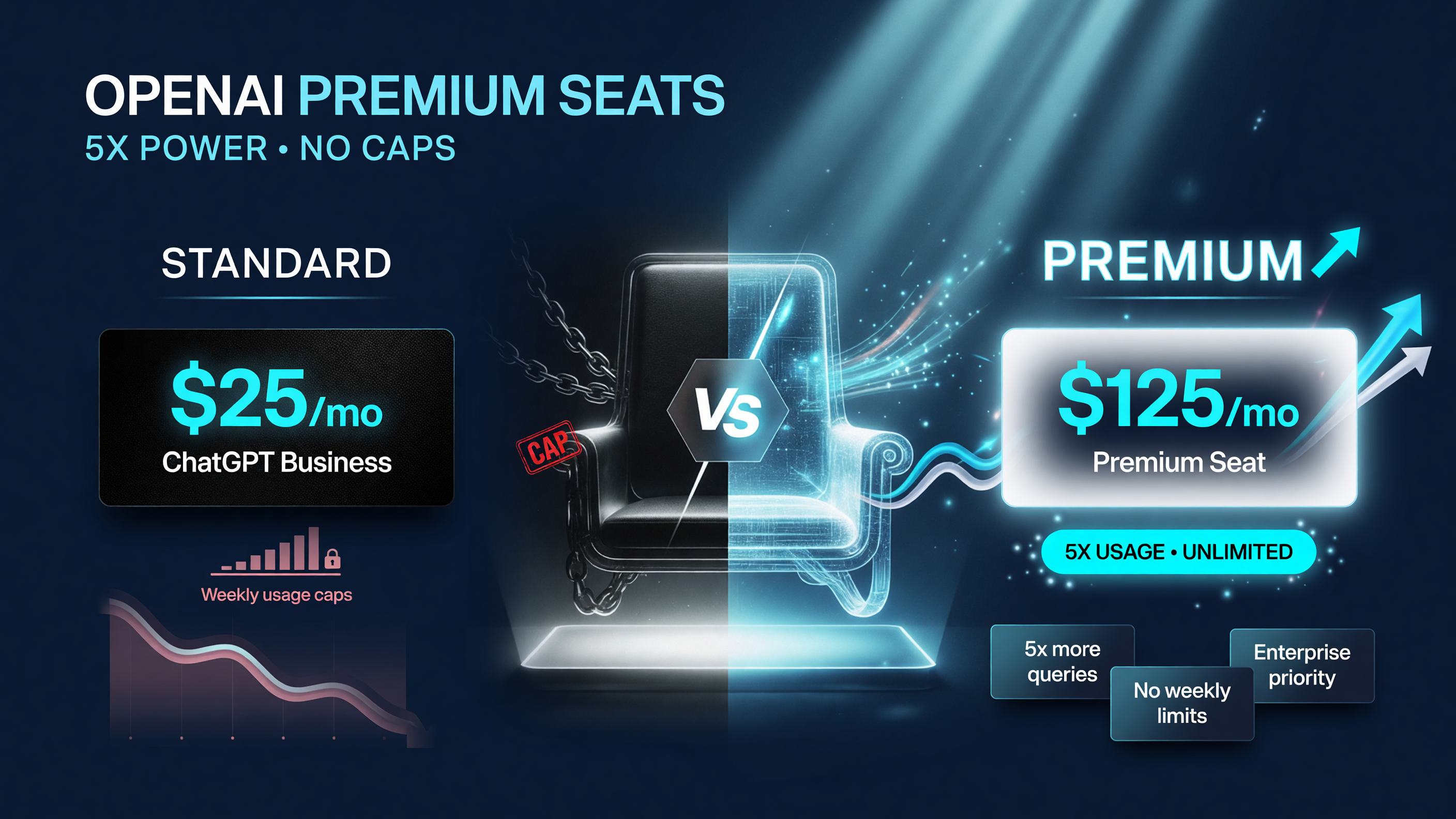
Premium Seats cost $125/user/month for 5x usage and no limits, versus $25/user for the standard ChatGPT Business seat with weekly caps.
If you already have agents built and running in ChatGPT, Premium Seats are the cheapest way to keep them fed. If you’re still deciding which platform to standardize on, compare the total cost of your agent workload across OpenAI, Anthropic, and Google before locking in. Don’t just compare the base seat price — model the workload that actually runs your business.
Real-World Math: When Premium Pays for Itself
Let’s make this concrete with the numbers that matter. Consider a five-person US marketing agency that uses ChatGPT Business to draft client campaigns, build content calendars, and run a Codex agent that generates and tests ad copy variants overnight.
Under standard seats, that agency pays $25 x 5 = $125 per month. But the overnight Codex runs keep slamming into the weekly cap. The fix the team improvised was buying extra standard seats just for headroom — two extra seats at $25 each, bringing the bill to $175 a month — and they still hit caps because the agent’s workload doesn’t divide cleanly across separate logins.
Now run the same team with one Premium Seat for the overnight agent and standard seats for the four human drafters. That’s $125 (premium) + $100 (four standard) = $225 per month. It’s $50 more than the improvised setup, but the agent never stops mid-run, the four humans never lose work to a shared cap, and nobody has to log into a throwaway seat to reset the allowance. Measured against one lost client deadline, the $50 delta is nothing.
The threshold is roughly this: if a single user
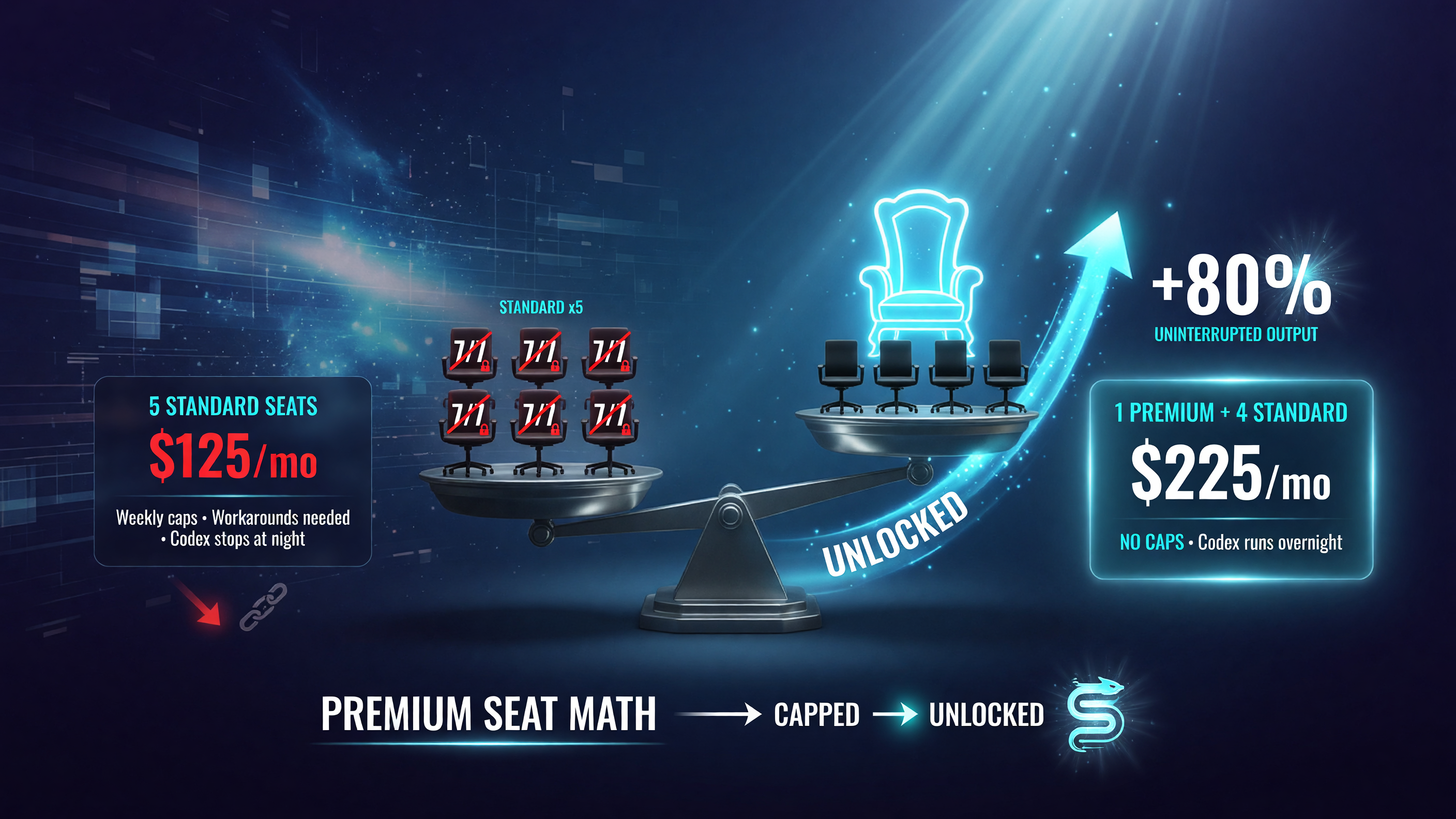
The seat math: 5 standard seats at $125/month still hit caps, while 1 premium plus 4 standard at $225/month runs the agent overnight with no interruptions.
(or a single agent login) hits the weekly cap more than once a month, a Premium Seat is cheaper than the workarounds — the extra standard seats, the manual throttling, the stalled projects. If you’re under that threshold, standard is fine.
Is $125 a Month Worth It for Your Business?
The honest answer: it depends on whether you have an agent workload that justifies it. Here’s a practical decision framework.
Buy Premium if: you already run agents through Codex or connectors, you hit ChatGPT’s usage caps at least once a month, your AI output directly feeds revenue (client work, product, sales), or you have a single power user who would otherwise need multiple standard seats to get enough usage.
Skip it if: you use ChatGPT for occasional research, drafting, and email — standard seats cover that. A $25 seat that’s idle 80% of the week doesn’t need to become a $125 seat.
Beware the classic trap: paying premium for everyone on the team. OpenAI built flexible assignment so you can put Premium on the two heavy users and keep standard on everyone else. A 10-person team with 2 power users pays $250 + $200 = $450/month, not $1,250. Do the seat math before you scale.
How to Get Started With Premium Seats
Premium Seats are rolling out now with a waitlist. Here’s the three-step play:
- Audit your usage. Open your ChatGPT Business admin panel and check which team members are hitting usage caps. Those are your Premium candidates.
- Join the waitlist. OpenAI is offering credits to early joiners — worth grabbing if you know you’ll deploy premium seats anyway.
- Start with one seat. Put Premium on your single heaviest user, measure the productivity delta for two weeks, then decide whether to expand. Don’t commit the whole team on day one.
A few practical tips while you roll it out. Assign Premium only to the logins that run agentic work — not to humans who mostly ask questions. Document your monthly token burn before you switch, so you have a baseline to measure whether the premium seat changed your output. And if you’re on annual billing, remember the $25-per-seat discount compounds across the team; a 5-seat premium team saves $125 per seat per year.
The Bottom Line
OpenAI Premium Seats are a sign that the AI pricing model has caught up with how businesses actually use these tools. The $20-a-month era of unlimited answers is over — the market has moved to usage-tiered plans where heavy users pay premium rates for guaranteed capacity. That’s not a bad thing for small businesses. It means you can now buy exactly the horsepower you need, and only for the people who need it.
If you’re running agents that generate revenue, a $100-125 seat that never cuts you off mid-task is cheap insurance. If you’re not, don’t let the feature list talk you into a bill you don’t need. Know your workload, do the seat math, and buy accordingly.
For more AI tools and strategies built for small business owners, check out the rest of the AI tools coverage on Top Notch AI Tools.
Frequently Asked Questions
How much do OpenAI Premium Seats cost?
Premium Seats for ChatGPT Business cost $125 per user per month, or $100 per user per month when billed annually. Each seat delivers 5x the standard usage with no usage limits.
What’s the difference between standard and premium ChatGPT Business seats?
Standard seats cost $25 per user per month and carry weekly usage caps. Premium seats cost $125 (or $100 annual) per user per month, deliver 5x the usage, and remove usage limits entirely — built for running agentic workflows.
Can I mix standard and premium seats on one plan?
Yes. OpenAI built flexible team assignment, so you can put Premium Seats on your heavy users and keep standard seats on everyone else. This lets you control cost instead of upgrading the whole team.
Is the premium tier worth it for a small business?
It’s worth it if your team runs agents through Codex or connectors and regularly hits usage caps. If you only use ChatGPT for occasional research and drafting, standard seats are more cost-effective.
When did OpenAI launch Premium Seats?
OpenAI announced Premium Seats for ChatGPT Business on August 10, 2026, with a waitlist for early access and credits offered to early joiners.
What does 5x usage actually mean in practice?
5x usage means a Premium Seat gets five times the standard token budget, with no usage limits on top of that. For an agent workload, this translates to running overnight Codex sessions or long connector workflows without hitting a hard stop mid-task.

About Barak Schurr
Barak Schurr is the founder and former president of the nightlife ticketing platform Wantickets and former Global Director of Dance and Nightlife at Eventbrite. He currently focuses on AI research and writes about practical AI for independent business owners that actually moves the needle — no hype, no corporate fluff. More at topnotchaitools.com.
Contact: [email protected]
More AI Resources for Your Business