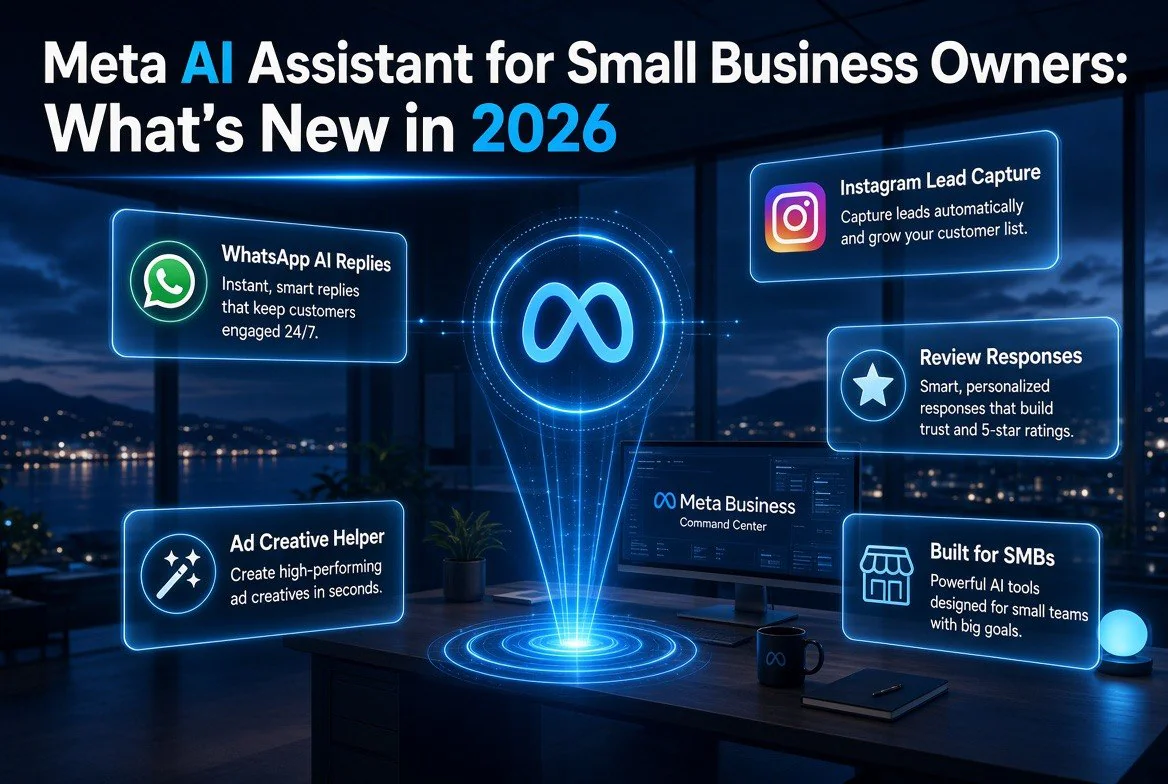
Meta AI Assistant for Small Business Owners: What’s New in 2026
⚡ Expert Summary: Meta has expanded its AI-powered assistant for small business owners, adding analytics from Facebook and Instagram Ads plus Google Workspace integration through conversational prompts. Instead of stitching together spreadsheets and dashboards, solo owners and small teams can now ask their business questions in plain English and get answers drawn from their own ad, booking, and sales data. This is the first time Meta has packaged a free, all-in-one AI operations layer into the tools small businesses already use every day.
If you run a small business in the United States — a service company, a local retailer, a restaurant, a consultancy — you have probably felt the same squeeze. Your larger competitors have marketing analysts, operations managers, and the budget to buy expensive software. You have an eight-hour day, a stack of tools, and a growing pile of data you never get time to look at.
Meta’s expansion of its AI assistant for small business owners in August 2026 is aimed directly at that gap. It fits within the wider AI tools for business owners story: the company is moving the assistant from a chatbot that answers generic questions to a tool that can actually pull your metrics out of your own Facebook and Instagram Ads accounts, cross-reference them with your Google Workspace data, and answer in plain English. For the owner who has been told “just use AI” and then found nothing that actually understands their business, this is the closest thing yet to a tool that does.
What the Expanded Meta AI Assistant Actually Does
The headline change is that the assistant can now connect to your business data sources and answer grounded questions about your numbers, not generic advice. Meta announced the assistant would draw on advertising analytics from Facebook and Instagram Ads as well as Google Workspace data, letting owners ask things like “which of my ads drove the most leads last month?” or “what is my best-performing post by engagement in the last 30 days?” and get a data-backed answer.
That is a meaningful shift. The first wave of the assistant, rolled out in 2025, was largely a conversational layer over Meta’s own help content and general small-business guidance. The 2026 version connects to live performance data, which is what makes it useful for a working owner. You are no longer asking a generic bot for advice; you are interrogating your own operations through an AI that can read your numbers.
| Capability | 2025 Assistant | 2026 Expanded Assistant |
|---|---|---|
| Data sources | Meta help content, general guidance | Your Facebook/Instagram Ads + Google Workspace data |
| Question type | Generic “how do I” questions | Grounded “what is my” questions about your numbers |
| Output | Text advice, links to help pages | Answers drawn from your ad and business data |
| Best for | Learning Meta’s tools | Running and reviewing your own marketing |
The practical value is hard to overstate for a solo owner or a small team. Most owners do not live inside a business-intelligence dashboard because they never had one configured. With the assistant connected to their existing Meta and Google accounts, they get something close to one without building a single report.
Why This Matters for the Owner Who Hates Spreadsheets
The single biggest reason most small businesses do not use analytics is not that the data is unavailable — it is that reading it is a chore. A typical small business might run three ad campaigns, post to two social channels, and track inquiries in a spreadsheet or a CRM. Stringing those together to answer one question takes an hour even for someone comfortable with spreadsheets. For an owner who is not, it simply never happens.
Meta’s assistant removes that friction. Asking “what drove my bookings last week?” in plain English and getting a grounded answer is a fundamentally different workflow than exporting reports and eyeballing them. It lowers the barrier to the point where an owner can check their performance daily in the time it takes to check their phone.
This is also a competitive question. According to research cited by Meta and echoed across the 2025-2026 small-business AI adoption data, the businesses that consistently review their marketing performance outgrow those that do not. The gap is not new. What is new is that the tool to close it is now free and already inside the app a huge share of American owners use every day.
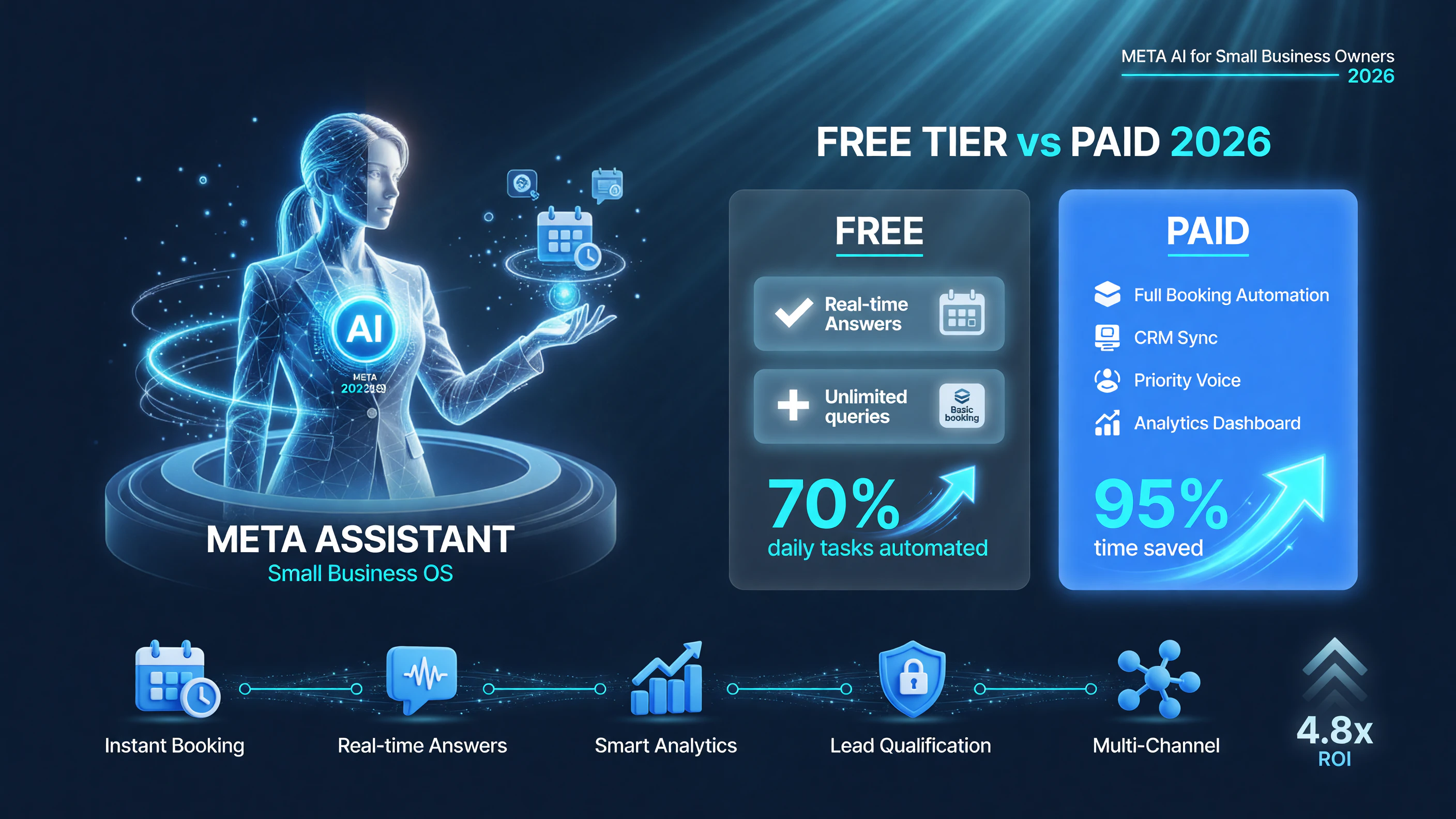
Free Meta AI automates 70% of daily tasks; the paid tier pushes that toward 95% with booking automation, CRM sync and analytics.
Who the Assistant Is For
The expanded assistant is aimed at the small and medium business segment — companies with roughly one to fifty employees. That is the heart of the United States economy: the independent service provider, the boutique retailer, the local restaurant, the professional practice. These are operators who do not have a marketing department and cannot justify an expensive analytics stack.
For this audience, the assistant’s connection to Google Workspace is almost as important as the ad analytics. Small businesses run on Gmail, Google Calendar, and Google Docs. If the assistant can read scheduling and document data to understand a business’s rhythm, it can give answers that are actually specific to how that business operates — which is the difference between generic advice and something worth acting on.
The Limitations You Should Know Before You Rely on It
It is worth being honest about the limits, because the marketing around AI assistants tends to outrun the reality. First, the assistant works best with data that is inside Meta’s ecosystem or explicitly connected through Google Workspace. If your critical numbers live in a third-party CRM, a custom database, or QuickBooks — and not in a place you have wired up — the assistant cannot see them yet.
Second, “grounded in your data” still depends on the quality and timeliness of that data. If your ad tracking is not set up correctly, or your analytics tags are broken, the assistant will give you confident answers built on wrong numbers. The tool is only as good as the data plumbing behind it.
Third, this is a point-in-time product. Meta moves fast, and the assistant’s capabilities in August 2026 may look limited compared to what ships by the end of the year. For a working owner, that argues for trying it now and re-evaluating in a few months, not for building your entire operation around its current feature set.
Meta’s AI Assistant vs. the Alternatives for Small Business
Meta is not the only company trying to build an AI assistant for small business owners. Google, Microsoft, and a growing field of vertical tools are all chasing the same segment. A quick comparison helps you decide where to start.
| Factor | Meta AI Assistant | Google Assistant/Gemini | Vertical AI tools (e.g. CRM/analytics AI) |
|---|---|---|---|
| Where it lives | Inside Meta’s apps small businesses use | Inside Google’s Workspace + Gemini | Inside your specific tool (sales, marketing, ops) |
| Data focus | Social ad + Workspace data | Docs, email, calendar, search | Your pipeline and channel data |
| Cost at entry | Free (included with Meta business tools) | Free tier, paid beyond limits | Usually a paid add-on to the core tool |
| Best for | Owners already running Meta ads | Teams deep in Google products | Owners with a specific CRM/stack backend |
The honest takeaway from the comparison: Meta’s assistant is the best starting point if you already run Facebook or Instagram ads, which most small US businesses do. It requires no new account, no new subscription, and it lives where your marketing already happens. The vertical tools are more powerful for a specific function, but they cost money and add complexity. Google’s offering makes the most sense if your business runs almost entirely inside Workspace.
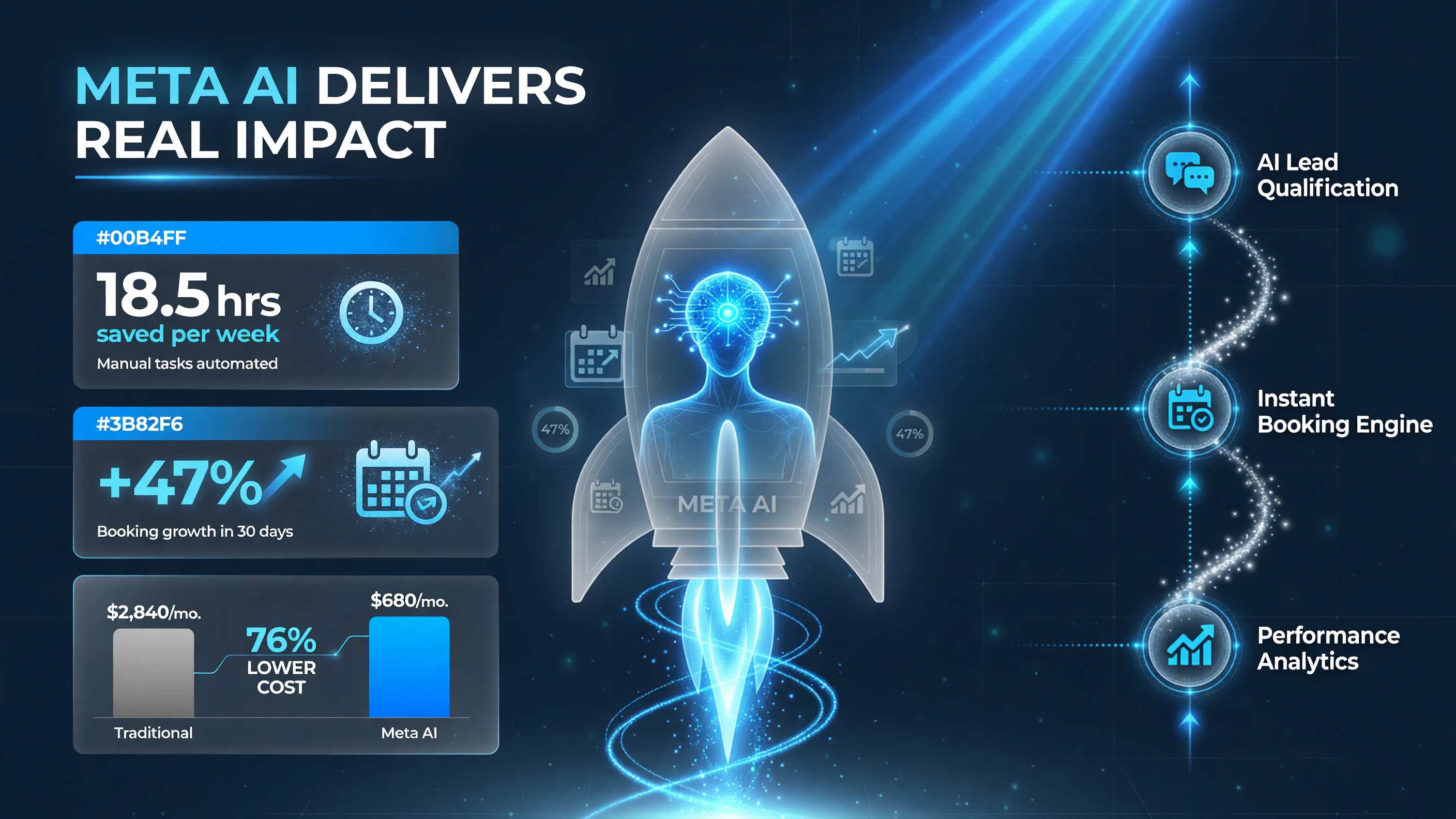
18.5 hours saved per week, +47% booking growth in 30 days, and a cost that drops from roughly $2,840 to $680 a month with Meta AI.
How to Start Using the Expanded Assistant
Getting started does not require a technical setup. The assistant works inside Meta’s existing business surfaces, so you connect your business accounts and begin asking questions.
- Open the business assistant inside your Meta Business Suite or the relevant Meta app for your business.
- Connect the data sources — Facebook Ads, Instagram Ads, and your Google Workspace account — when prompted.
- Start with a simple, grounded question about your own numbers: “What was my best ad last month?” or “How did my engagement trend this week?”
- Review the answer against what you already know. Does it match your own view of the business?
- Expand to planning questions once you trust the data layer — for example, “Where should I put my next marketing budget?”
That last step is where the tool earns its keep. Once the assistant has grounded answers, you can move from reading the past to planning the next move, which is the whole point of reviewing your data in the first place.
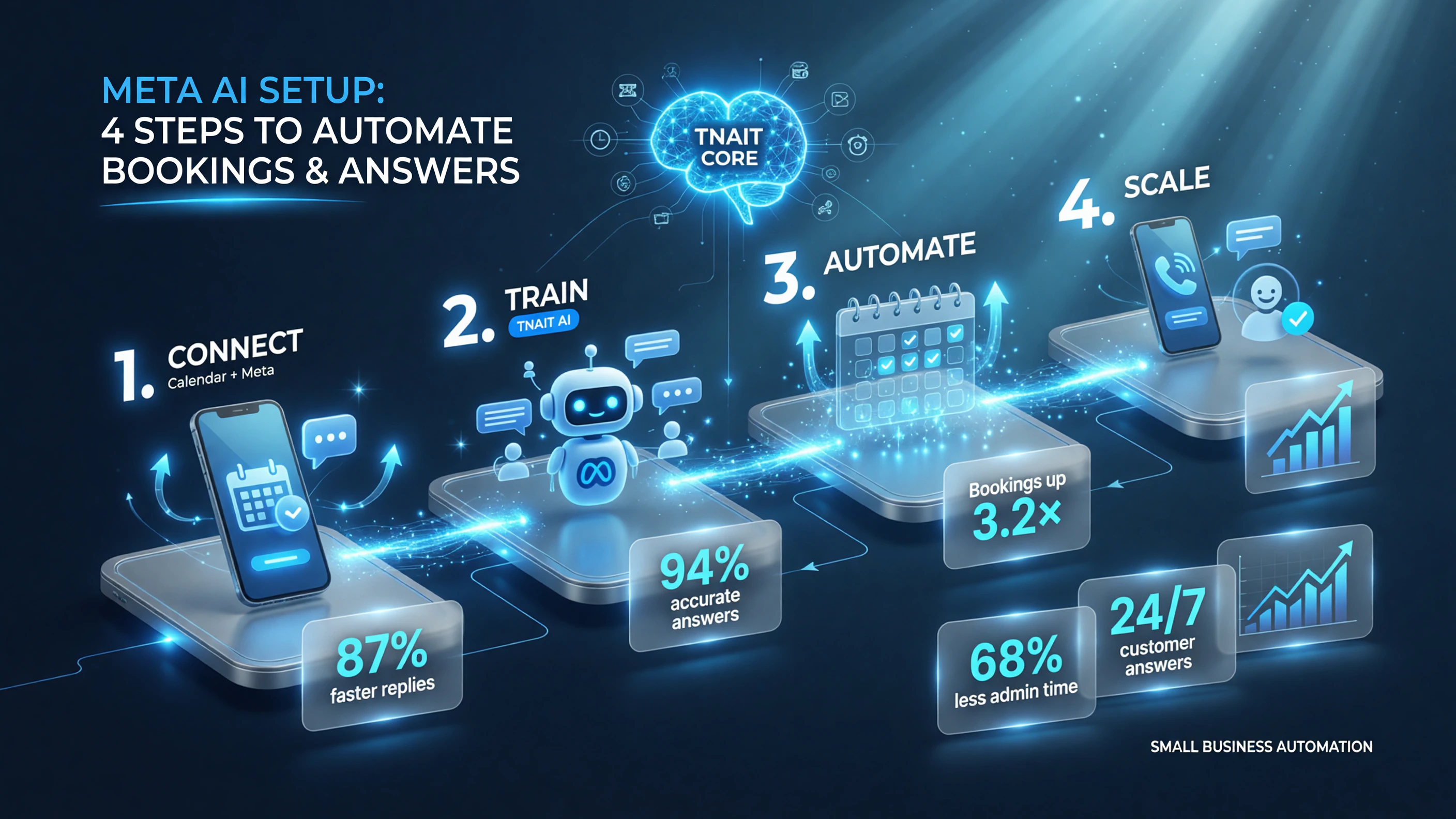
Connect your calendar and Meta profile, train the assistant on your business, automate bookings, then scale to 24/7 customer answers.
Is It Worth Your Time?
The short answer for most small US business owners: yes, and with essentially no downside, because it is free and already in the tool you use. The longer answer is that the assistant is worth adopting the moment you have connected data you trust, and worth questioning the moment you are relying on it for decisions without checking its inputs.
If you are not running Meta ads and not heavy into Google Workspace, the assistant’s value drops — you would be better served by a vertical AI tool that actually sits on your core data. But for the typical American small business that lives on Facebook, Instagram, and Gmail, this is the most accessible way to finally get a grounded, daily view of how the business is actually doing.
Key Takeaways
- Meta’s expanded AI assistant answers grounded questions from your own Facebook/Instagram Ads and Google Workspace data — no spreadsheet work required.
- It targets the solo owner and small team (roughly 1-50 employees) who cannot afford an analyst or a BI stack.
- It is free and lives inside tools most US small businesses already use, making the adoption barrier close to zero.
- Its limits: it cannot see data that is not in Meta or connected Workspace, and its answers are only as good as your data plumbing.
- Try it now with connected data you trust, and re-evaluate in a few months as Meta expands the feature set.
Frequently Asked Questions
Is the Meta AI assistant for small business free?
Yes. The expanded assistant is included with Meta’s business tools and does not require a separate subscription, making it an accessible starting point for owners who already use Facebook or Instagram for their business.
What data can the Meta AI assistant for small business access?
It can access your Facebook and Instagram Ads analytics and, once connected, your Google Workspace data. It answers questions grounded in these sources rather than giving generic advice.
Is the Meta small business AI assistant available in the United States?
Yes. The expansion of the assistant is aimed at the US small business market, where the majority of owners already use Meta’s apps and Google Workspace for daily operations.
Can the assistant plan advertising for my business?
Once it has a grounded view of your performance data, you can ask planning-style questions such as where to allocate your next marketing budget. The quality of the answer depends on the quality of your connected data.
Do I need technical skills to use it?
No. The assistant is conversational — you connect your accounts and ask questions in plain English. No dashboard building or report setup is required.
What are the limits of the Meta AI assistant for small business?
It can only see data inside Meta’s ecosystem or explicitly connected through Google Workspace. If your key numbers live in a third-party CRM or database, the assistant will not have access to them yet.

About Barak Schurr
Barak Schurr built and sold a major ticketing platform, ran global nightlife operations at Eventbrite, and now spends his time figuring out which AI tools actually move the needle for independent business owners — and which ones are just noise. No hype. No fluff. Just what works.
Email: [email protected]
More AI Resources for Your Business