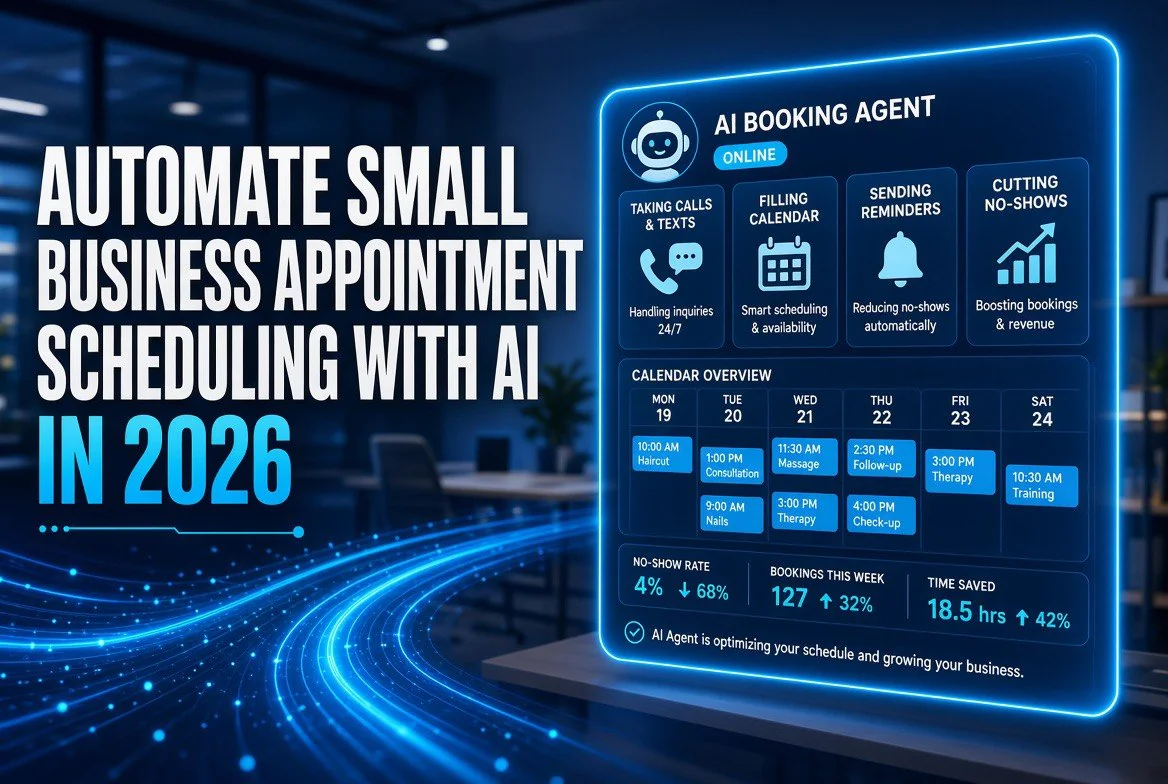
Automate Small Business Appointment Scheduling With AI in 2026
⚡ Expert Summary: Manual appointment scheduling quietly costs small businesses far more than the monthly fee of a good tool: missed calls, double-bookings, no-shows, and hours of back-and-forth email just to fill a calendar. In 2026, AI scheduling tools handle the whole loop automatically — they book from your website and social channels, answer calls and texts around the clock, send smart reminders, and rebook no-shows without you lifting a finger. This guide walks you through the five types of AI scheduling tools, what each costs, and a practical five-step plan to set one up in under a day — with the exact questions to ask before you pick.
Why AI Scheduling Is the Highest-ROI Automation a Small Business Can Make
Before you buy another tool, it pays to understand what the problem actually is. For a solo service provider or a small team, scheduling is not a friction point — it’s a silent revenue leak. Every missed call at a busy time is a lost booking. Every no-show is a slot you can’t resell. Every hour spent in email chains confirming a single appointment is an hour not spent doing the work that pays. Across the United States, small businesses lose a meaningful share of bookings to unanswered calls and manual scheduling gaps every week.
AI scheduling attacks all three at once. It books from multiple channels into one calendar, answers phone and text inquiries with a natural-language assistant that can check availability and confirm, sends automated reminders that meaningfully cut no-shows, and fills gaps left when someone cancels. A 2025 report from McKinsey on small-business AI adoption found that the businesses seeing the fastest returns were not the ones chasing flashy generative tools — they were the ones automating repetitive operations like scheduling, invoicing, and client communication first. Scheduling is the cleanest, most measurable version of that.
The numbers reinforce it. Studies on appointment no-shows in service businesses routinely put the average rate in the high single digits to low double digits, while automated reminders typically cut that by a third or more. For a therapist, salon, garage, or consultancy doing 30 to 60 appointments a week, that is a handful of recovered bookings every single week — far more than the cost of the scheduling software. Across the American service market, that recovery adds up quickly for operators who automate.
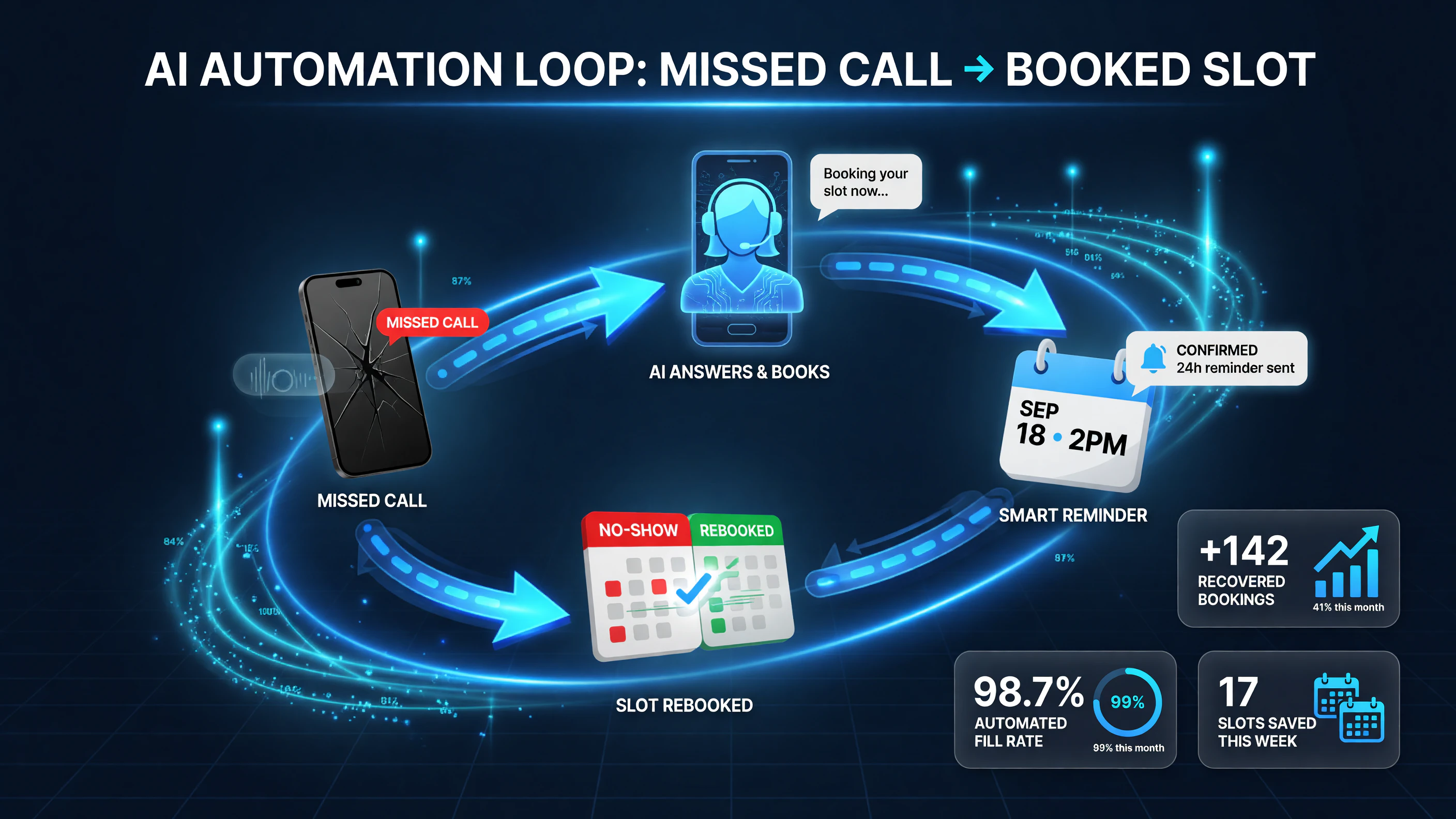
The AI scheduling loop attacks all three revenue leaks at once: it answers missed calls, sends smart reminders that cut no-shows by roughly a third, and rebooks cancelled or no-show slots automatically — recovering bookings every single week.
Step 1: Know the Five Types of AI Scheduling Tools
Every scheduling tool markets itself as “AI” these days, but they fall into five practical categories. The right one for you depends on how your appointments actually start — do clients book themselves, do they call, do they text, or does your team confirm everything by hand?
| Tool Type | Best For | Monthly Cost | Core Feature |
|---|---|---|---|
| Online Booking Scheduler (Calendly, Acuity, Square Appointments) | Clients who self-book from a link or website | $0–$40/mo | Shareable booking link, calendar sync |
| AI Voice Receptionist (Slang, Polly, Hostie) | Businesses that get bookings over the phone | $100–$500/mo | Answers calls, books and confirms by voice |
| AI Chat/Messaging Assistant (WhatsApp, SMS, Instagram DM) | Clients who message rather than call or book | $30–$200/mo | Books in the channel the client already uses |
| Automated Reminder & No-Show Reduction | High no-show businesses needing recovery | Often bundled; $0–$50 stand-alone | SMS/email reminders, waitlists, deposits |
| All-in-One Practice/Scheduling Suite | Needs booking + payments + client records | $50–$300/mo | Booking, billing, notes, client history together |
The five types of AI scheduling tools and which kind of client flow each one serves. Pick the type that matches how your customers actually book.
The pattern here matters: the tool you need is determined by the channel your clients already use, not by which product has the most features. A roof-repair company whose customers always call needs an AI voice receptionist. A massage therapist whose clients already book online can start free with a link-based scheduler. A skincare studio that runs its business on Instagram DMs needs a messaging assistant that books right in the chat. Match the tool to the channel and you cut your setup time and your cost at the same time.
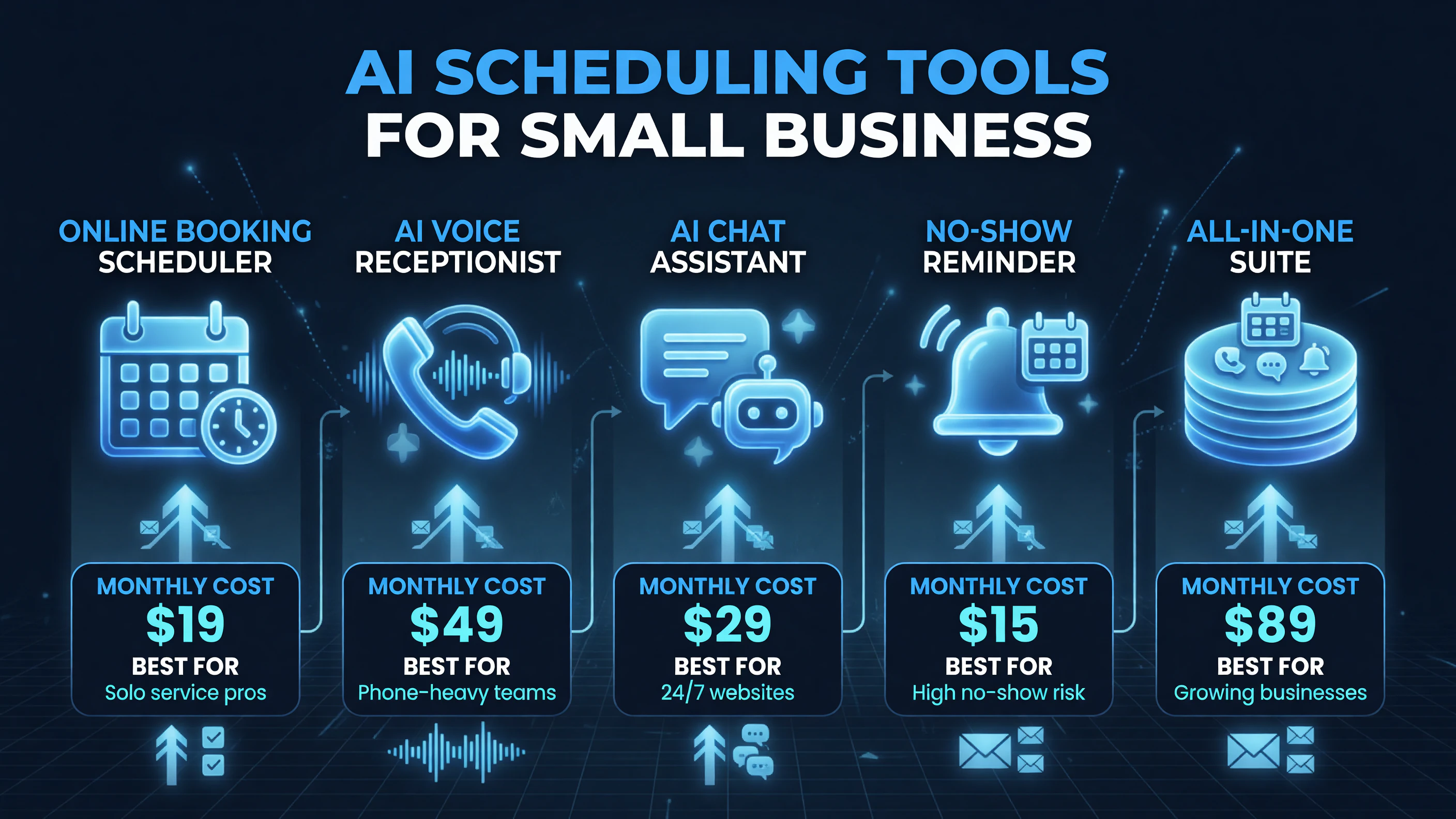
The five AI scheduling tool types and the client flow each one serves. Match the tool to the channel your customers already use — booking link, phone, text, or in-person — before comparing specific products.
Step 2: Compare the Leading AI Scheduling Tools Head-to-Head
Once you know your booking channel, you can compare the shortlist on the things that actually matter: how well the AI books on its own, cost at your volume, whether it holds cards on file for no-shows, and how easy it is to train your team. The table below compares five representative tools across the dimensions that matter most for a small operation.
| Factor | Calendly | Square Appointments | Acuity Scheduling |
|---|---|---|---|
| Best for channel | Link + email self-booking | Retail + payments + service | Website + client portal |
| Covers no-shows | Reminders, waitlist add-on | Cards on file, no-show fees | Deposits + cancellation policies |
| AI voice/text booking | Limited, link-forwarding | Limited, SMS confirm only | Some chat + email automations |
| Integrations | Huge (Zoom, HubSpot, 1000+) | Square ecosystem built-in | Many (QuickBooks, Zoom, CRM) |
| Starting price | $0–$12/mo | $0–$29/mo | $0–$30/mo |
Three leading AI scheduling tools compared on the factors that matter to a small business. No tool wins across every channel — match the features to how your clients book.
A few takeaways stand out. If you already run payments through Square, Square Appointments folds bookings in for essentially zero extra cost and gives you cards-on-file to punish no-shows automatically. If you just need a clean link to drop in your email signature and your menu, Calendly’s free tier is genuinely useful and integrates with everything. If you sell packages or subscriptions through a client portal, Acuity’s deposits and cancellation policies protect your calendar better. None of these are “wrong” — the right one is the one whose default behavior matches your operation.
Step 3: Build Your Booking-Uptime Rule Set
The biggest mistake small businesses make with AI scheduling is treating it as a one-time setup and walking away. AI scheduling works best when you give it a precise set of rules, the same way you’d brief a good receptionist. Before you switch anything on, define these operational rules:
- Availability windows: exactly which hours are bookable, which services can’t be double-slot, and how much padding goes between appointments so one late client doesn’t cascade.
- Lead time: how far in advance clients can book, and how close to the slot they can still book (e.g., no same-day bookings after 4 PM).
- Buffers and capacity: how many of each service type per day, and which days are lighter or heavier so AI doesn’t oversell a single afternoon.
- No-show policy: whether you require a card on file, charge a no-show fee, or take deposits for specific high-demand services.
- Reminder cadence: when and how reminders go out (many find two reminders — one 48 hours out and one 3 hours out — cut no-shows the most).
Writing these rules down and typing them into the tool’s settings is the difference between a system that runs itself and one that fights you. A scheduler with clear rules can fill gaps, enforce your policy, and route questions without you involved. A scheduler with vague settings either overbooks you or lets clients book times you can’t honor.
Step 4: Set It Up Live in Under a Day
With your rules defined, the actual setup is fast — most small businesses can go live in a single afternoon. Here’s the practical five-part sequence to avoid the common failure points:
- Connect your calendars. Link the tool to the calendar your team actually uses (Google, Outlook) so bookings land in the right place and don’t double-book a slot already taken.
- Import your services and pricing. Create one entry per service with duration, price, and a clean description clients will see at the booking step.
- Set your availability and buffers. Apply the rule set from Step 3, then test with a throwaway booking to confirm times land correctly.
- Turn on reminders and no-show protection. Enable the reminder cadence you chose and, if the tool supports it, attach a card-on-file or deposit requirement to your highest-demand services.
- Put booking links everywhere. Add the link to your website navigation, email signature, Google Business Profile, Instagram bio, and any invoice or proposal you send. The more entry points, the faster AI scheduling pays off.
Run a supervised week after go-live: check the calendar daily, watch for any booking the AI missed or mis-assigned, and adjust your rules as real traffic comes in. Most schedulers improve quickly once you tighten a setting or two. After that first week you should be able to stop actively managing it.
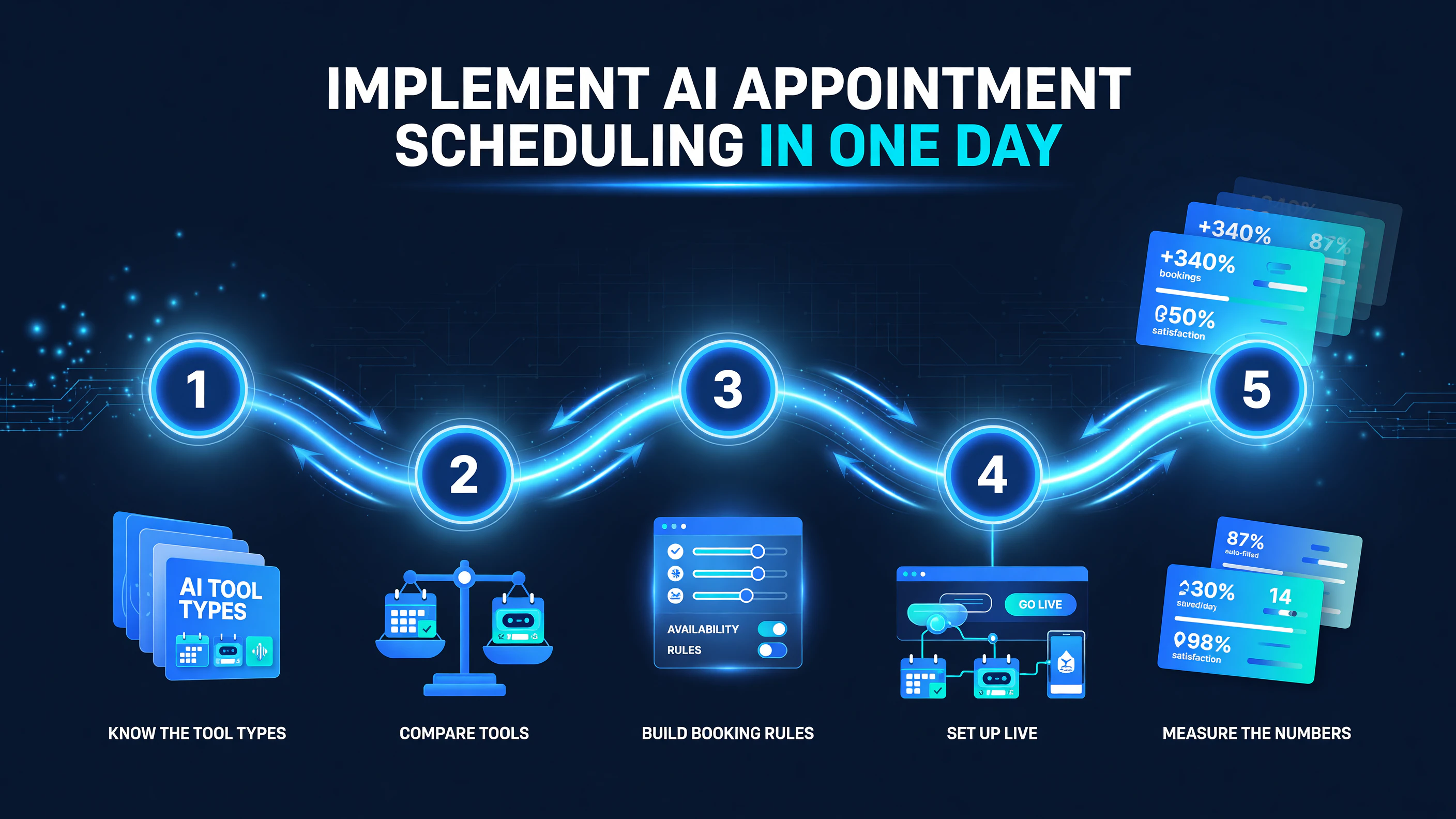
The five-step path to AI scheduling in under a day: know the tool types, compare your options, build booking rules, go live, and measure the numbers that prove it is working.
Step 5: Measure the Three Numbers That Prove It’s Working
AI scheduling is only worth it if it moves real numbers. Track these three after your first month, and use them to decide whether to keep, adjust, or switch tools:
| Metric | What It Tells You | Good Direction |
|---|---|---|
| Bookings captured | How many appointments came through the tool vs. before | Up; new channels producing bookings |
| No-show rate | % of appointments clients miss | Down by a third or more |
| Admin hours saved | Time your team used to spend on booking tasks | Several hours a week recovered |
Three metrics that prove whether your AI scheduling setup is paying off. If bookings are up, no-shows are down, and admin time is freed, keep going — if not, tighten your rules.
These three numbers are the ROI story. If bookings are up and no-shows are down, the tool is doing its job and you should expand it to more services or more channels. If nothing moved after a month, don’t buy more features — revisit your rules and your booking links, because the problem is almost always configuration, not the software.
Common Mistakes That Sabotage AI Scheduling
Three failures account for most scheduling-automation disappointments. The first is skipping the rules and letting the AI book with no guardrails, which overbooks busy days and leaves gaps on slow ones. The second is failing to connect the real calendar, so bookings land in a black hole and clients get double-booked — which instantly destroys trust. The third is expecting AI to replace judgment entirely before the system has enough real traffic to learn your patterns; let it run supervised for a few weeks first.
There’s also a pricing trap worth naming. Many schedulers advertise a low monthly price and then charge per booking or per user at volume. Ask directly what the tool costs at your actual number of appointments and staff, and read whether reminder credits or deposits are included. The cheapest-looking plan often isn’t the cheapest once you’re doing 200 bookings a month.
Why Now Is the Right Time to Automate Scheduling
The tooling has finally matured to where small-business scheduling automation is both affordable and genuinely autonomous. Voice receptionists can hold a natural conversation and book, messaging assistants meet clients in the apps they already use, and reminder systems have proven they cut no-shows. The barrier to entry has dropped to near zero — many businesses can start scheduling with a free link-based tool the same afternoon.
The cost of not automating is easier to ignore than it is to calculate, but it’s real: missed calls, lost bookings, no-shows, and hours of admin work every single week. On a 52-week calendar that compounds into a measurable chunk of revenue and labor. Automating scheduling in 2026 is one of the fastest, most reliable ways to buy back that time and revenue — not because AI is flashy, but because a calendar is one of the simplest things to automate well. For more on the AI tools that actually move the needle for independent businesses, browse the rest of our business automation guides on Top Notch AI Tools.
Frequently Asked Questions
What is the best AI appointment scheduling tool for a small business?
There’s no single winner — the right tool matches how your clients book. If they self-book from a link, Calendly or Square Appointments works well. If they call, an AI voice receptionist like Slang or Polly captures those bookings. If they message on Instagram or WhatsApp, a chat assistant that books in-app is the best fit. Choose by booking channel, not by feature count.
How much does AI appointment scheduling cost?
Simple link-based schedulers start free or around $10–$30 per month. AI voice receptionists typically run $100–$500 per month. All-in-one practice suites range from $50–$300 per month. Always ask what the tool costs at your actual booking volume, because per-booking and per-user fees add up fast.
Does AI scheduling reduce no-shows?
Yes, when you use the right features. Automated reminders typically cut no-shows by a third or more, and tools that hold a card on file, collect deposits, or charge no-show fees protect your calendar even further. The key is configuring reminders and no-show protection — not just enabling the scheduler.
Can AI schedule appointments over the phone?
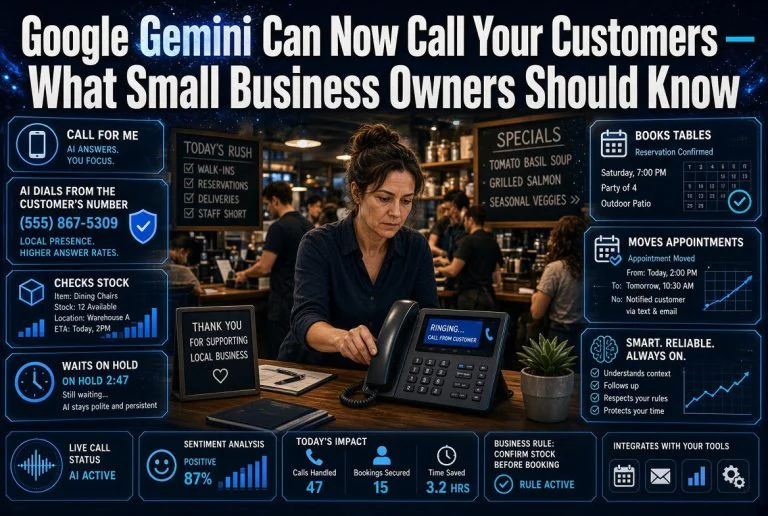
Yes. AI voice receptionists answer calls, check availability, book and confirm appointments through natural conversation, and run around the clock without adding a staff member. This is the strongest option for businesses that get most of their bookings by phone.
How long does it take to set up AI appointment scheduling?
Most small businesses can go live in under a day if they’ve defined their availability rules first. Connect your calendar, import your services, set availability and buffers, turn on reminders, then put your booking link everywhere. Run it supervised for the first week and adjust your rules as real bookings come in.

About Barak Schurr
Barak Schurr built and sold a major ticketing platform, ran global nightlife operations at Eventbrite, and now spends his time figuring out which AI tools actually move the needle for independent business owners — and which ones are just noise. No hype. No fluff. Just what works.
Email: [email protected]
More AI Resources for Your Business