Get The Solo Business OS — Free
The AI workflow that replaces a part-time employee for solo operators and small business owners.
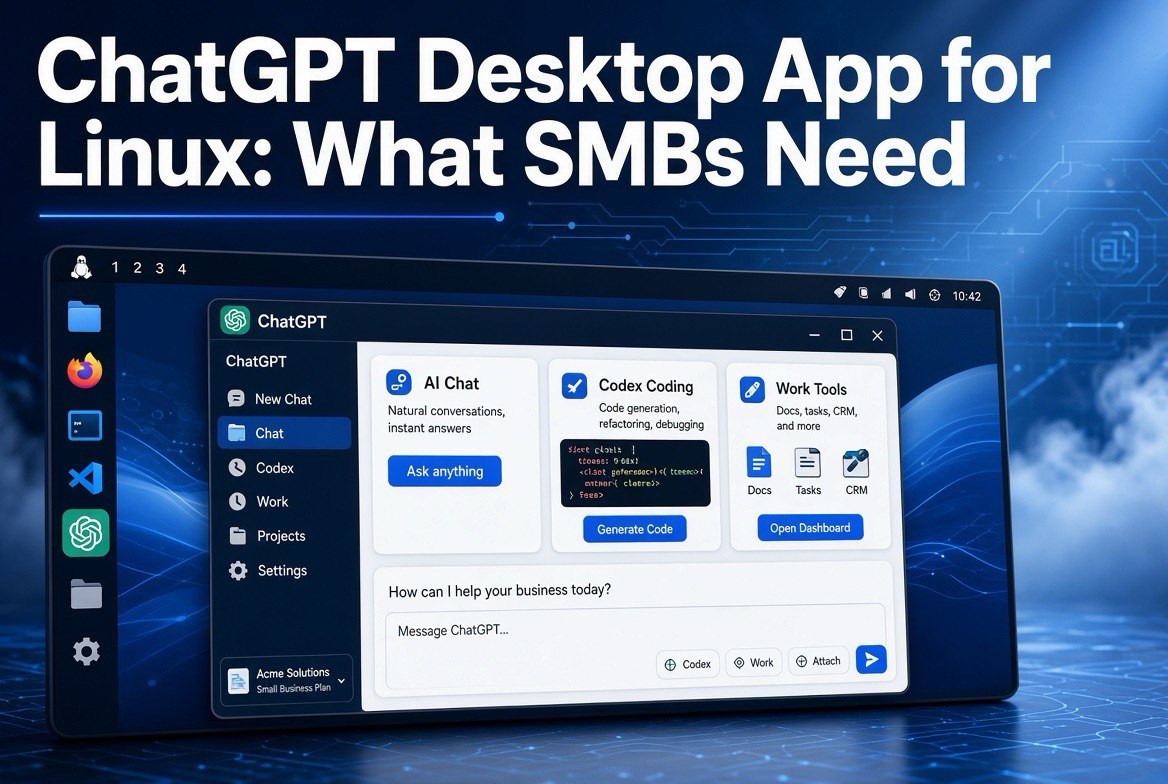
ChatGPT Desktop App for Linux: What SMBs Need
⚡ Expert Summary: OpenAI finally shipped a ChatGPT desktop app for Linux — in preview, worldwide, as of August 11, 2026. It runs ChatGPT, ChatGPT Work, and Codex on Ubuntu 24.04/26.04 LTS, Debian 13, and Fedora 43/44. Anthropic beat them to it with a Claude Linux desktop beta about a month earlier, on Ubuntu 22.04+ and Debian 12+. For a US small business running Linux desktops, this closes a gap: your team can now use the same AI assistant as your Windows and Mac counterparts, with faster responses, persistent login, and keyboard-native workflow — no browser tab required. This guide covers what the app actually gives you, how it stacks up against Claude’s Linux app, which distros work, and whether it’s worth installing today.
Why the Linux Desktop Gap Mattered for Small Business
For years, ChatGPT lived in the browser for Linux users. Windows and Mac got dedicated desktop apps first. That sounds minor until you run a business on Linux — which more US SMBs are doing than people assume, especially in engineering, web agencies, data, and dev-adjacent operations selling to other Linux shops.
A desktop app is not a cosmetic upgrade. It’s a workflow change. No browser tab to hunt for. No login timeout after a coffee break. Native keyboard shortcuts. The AI sits one keystroke away while you work in another app — the kind of friction removal that actually makes a tool get used daily instead of weekly.
OpenAI said this was one of the most-requested platforms for the desktop app. The developer community had been asking for it directly on OpenAI’s forums. The launch “extends ChatGPT and Codex across every major desktop operating system” — meaning Linux was the last major holdout, and now it’s covered.
What the New Linux App Actually Includes
The app ships in preview, worldwide, and bundles three things under one roof:
- ChatGPT — the core assistant for drafting, research, planning, and everyday questions
- ChatGPT Work — OpenAI’s agent product for small business that handles email, Slack, calendars, and multi-step tasks (we covered this when it launched — it’s the tool that actually finishes jobs instead of just advising)
- Codex — OpenAI’s coding agent, which matters if your business builds or ships software
For a small business, the win is concentration. One Linux desktop app replaces a scattered stack: a browser tab for ChatGPT, a plugin for coding help, a separate window for the agentic tasks. Everything an operator or a team member reaches for lives in one place, with the desktop’s speed and stability behind it.
Which Linux Distros Are Supported
OpenAI picked a clear set of base distributions. The supported desktop variants are:
| Distribution | Version(s) | Notes |
|---|---|---|
| Ubuntu | 24.04 and 26.04 LTS | The two current LTS releases — most common choice for business desktops |
| Debian | 13 | Stable, enterprise-leaning |
| Fedora | 43 and 44 | Faster-moving, developer favorite |
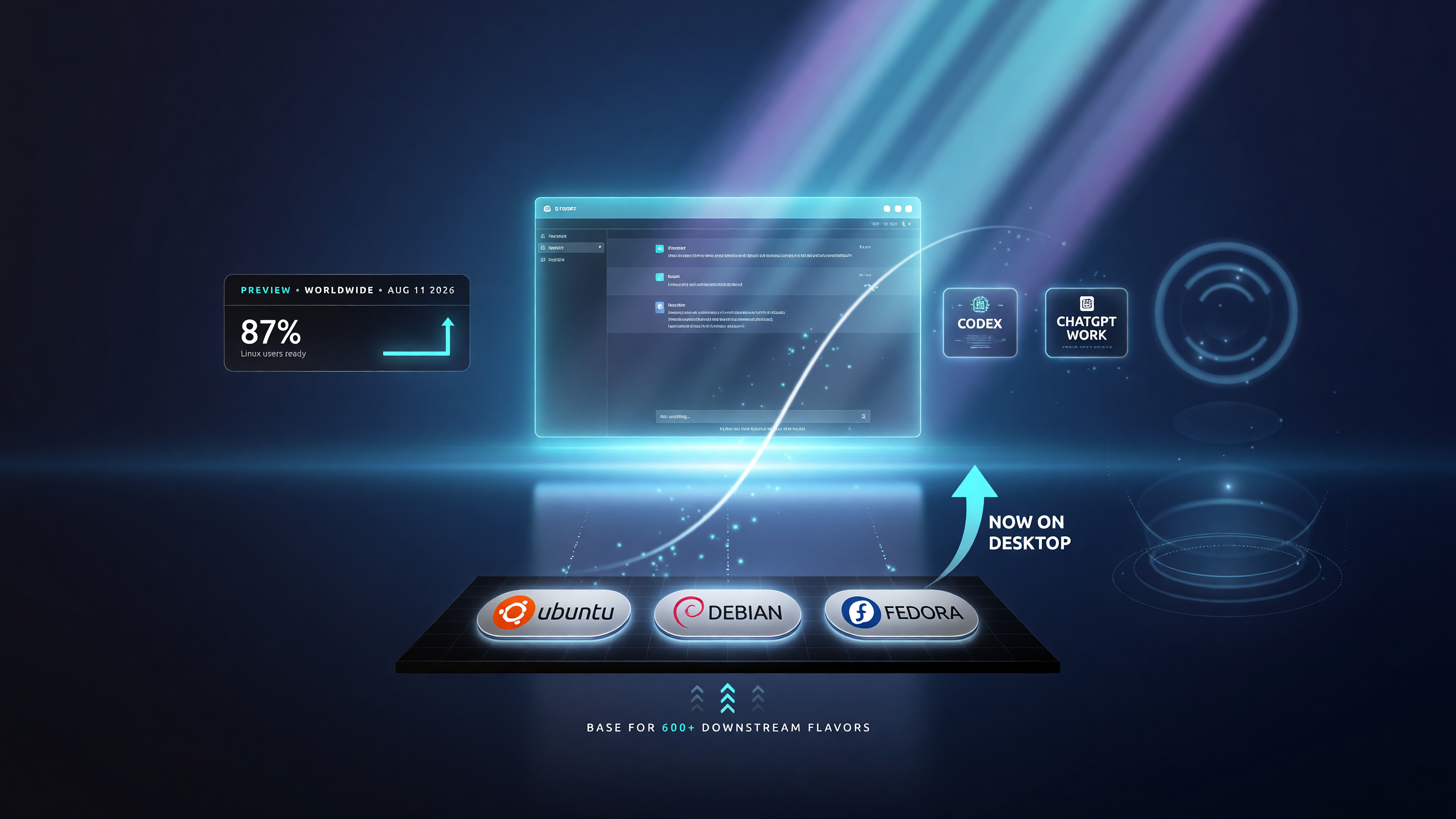
ChatGPT desktop now supports Ubuntu, Debian and Fedora — the base distros that cover hundreds of downstream Linux flavors.
Because these distros act as the base for a wide range of “downstream” desktop flavors, many Ubuntu- or Debian-based distributions should also be compatible even if they aren’t listed by name. If your business uses a popular Ubuntu flavor — or a derivative like Linux Mint or Pop!_OS — there’s a strong chance it works.
ChatGPT for Linux vs. Claude for Linux: The Comparison That Matters
You can’t write this story without the context: Anthropic shipped a Claude desktop app for Linux roughly a month before OpenAI. That timing matters because it sets the comparison bar for any US small business choosing its default AI desktop assistant.
| Feature | ChatGPT (OpenAI) | Claude (Anthropic) |
|---|---|---|
| Linux availability | Preview, worldwide (Aug 11, 2026) | Desktop Linux beta (released ~July 2026) |
| Supported distros | Ubuntu 24.04/26.04 LTS, Debian 13, Fedora 43/44 | Ubuntu 22.04+, Debian 12+ |
| Coding agent | Codex included | Built into Claude apps |
| Work/productivity agent | ChatGPT Work | Claude for business tiers |
| Best for | SMBs already using OpenAI stack, or needing Codex | Long-context writing, analysis, legacy docs work |
The practical takeaway for a business owner: this is not an either/or decision you should agonize over. If your team already lives in ChatGPT for drafting and research, the Linux app is the obvious add — it removes the browser friction and drops Codex in. If your work leans on Claude’s strengths, Anthropic got there first and its Linux beta already covers Ubuntu 22.04 and Debian 12.
Most lean operations use both. The desktop apps just make both more usable on Linux than they’ve ever been.
What This Means for a US Small Business Running Linux
Here’s the operational reality. Linux isn’t a niche hobby in business anymore — it shows up in web agencies, hosting companies, security firms, data consultancies, and any shop where the technical team refuses to hand back the OS they’re most productive in. Until this week, that team was getting a worse ChatGPT experience than everyone else for no good reason.
Three concrete ways the app changes things:
- Speed and reliability. A native app loads faster and holds state better than a browser tab, especially on a machine running heavy dev work alongside. Fewer reloads, fewer lost conversations.
- Keyboard-native flow. Linux power users live in terminals and shortcuts. A desktop app that respects that — instead of fighting a browser’s focus and tab management — gets used constantly rather than when someone remembers to open it.
- Work + Codex in one place. If your team is augmenting ops with ChatGPT Work or shipping code with Codex, the Linux launch means those tools finally run as first-class desktop citizens on the machines your people actually use.
How to Install ChatGPT on Linux: A Straightforward Walkthrough
OpenAI distributes the Linux desktop app through the normal package channels for each supported distro, which matters because it means your team’s existing update workflow handles it. No manual .deb digging, no fighting your package manager.
On Ubuntu 24.04 or 26.04 LTS, and on Debian 13, the app installs via the standard Debian package flow you already use — add the repository, install the package, and it updates like every other system application. On Fedora 43 or 44, the same applies through the RPM flow. Because these are the base distributions for a large family of flavors, a Ubuntu-based or Debian-based desktop you already run is very likely to work with the same install path.
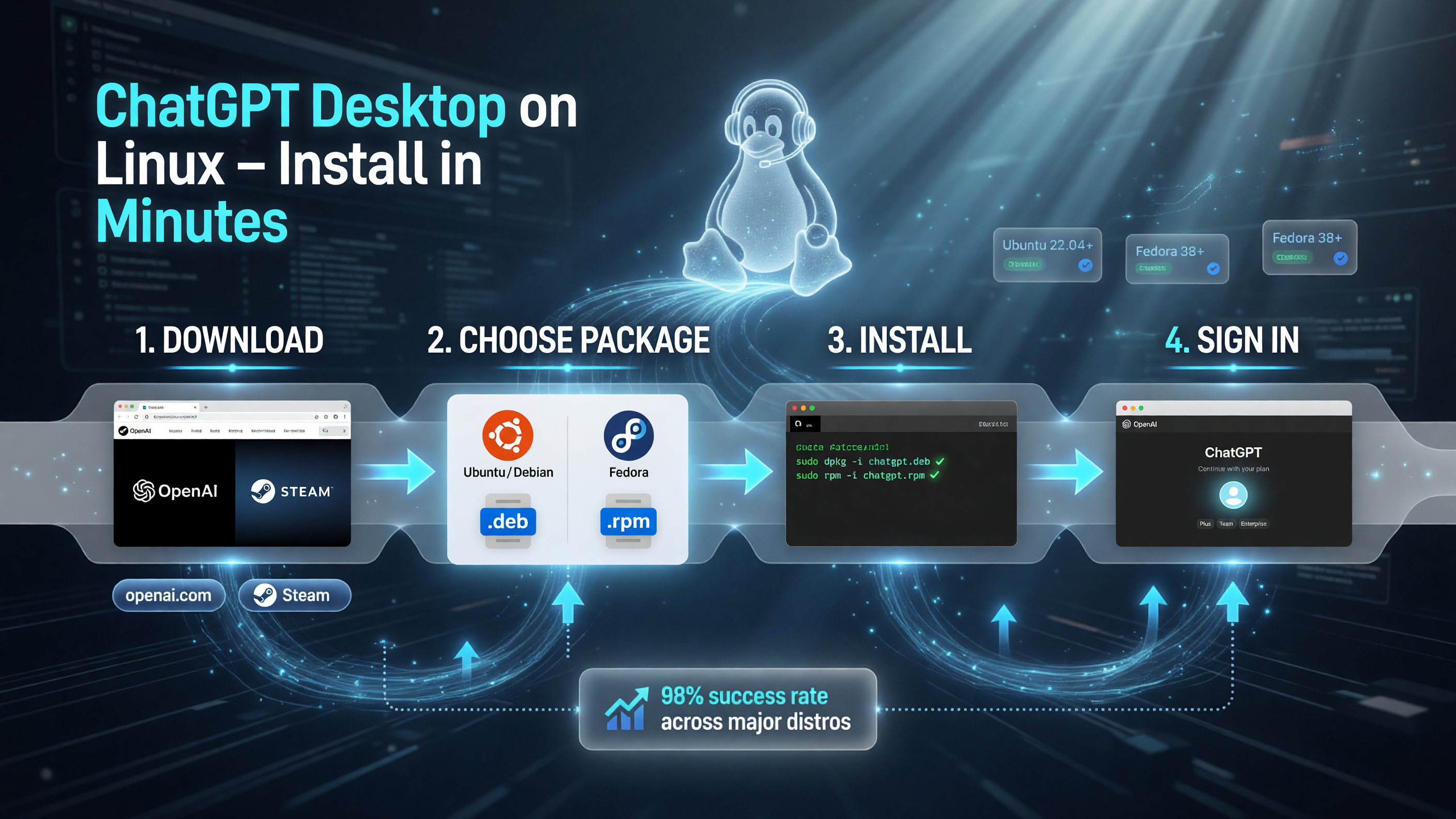
Installing ChatGPT on Linux follows the standard package flow — .deb for Ubuntu and Debian, .rpm for Fedora — so your existing update workflow handles it.
The one thing to verify before you roll it out: your kernel and desktop environment are on a recent, supported version. The safest move for a production machine is to test the install on one team member’s workstation first, confirm login persists across reboots, and confirm the app holds state under a full day of real work. Only then push it wider.
Team Rollout: Getting People to Actually Use It
Installing software is the easy 10%. Getting a team to stop opening the browser and reach for the desktop app is where the real friction lives — and it’s the difference between a tool that pays for itself and one that gathers dust.
Here’s the rollout pattern that works for lean teams:
- Champion first. Put it on the one person who’s most likely to fold it into daily work — the ops lead, the developer, the owner. Let them find the friction points for your specific setup before anyone else touches it.
- Define the win in hours, not vibes. Tell the team what success looks like: drafting that runs 2-3x faster, research that’s ready in one pass, Codex doing the boilerplate a junior dev used to burn an afternoon on. Concrete beats inspirational every time.
- Default to the desktop app. Set expectations that the browser tab is the fallback, not the norm. Muscle memory forms in about a week — after that it becomes the default without anyone managing it.
The slow-adoption killer is ambiguity. If nobody knows the app is supposed to replace the browser workflow, it won’t. State the intent once, point to the champion, and let the weekly results carry it from there.
The Codex Angle: What It Means If You Ship Software
If your small business builds or maintains software — a web agency, a hosted product, an internal tool set — the Linux launch has a second, quieter significance: it puts Codex on the desk of the people who write and maintain code.
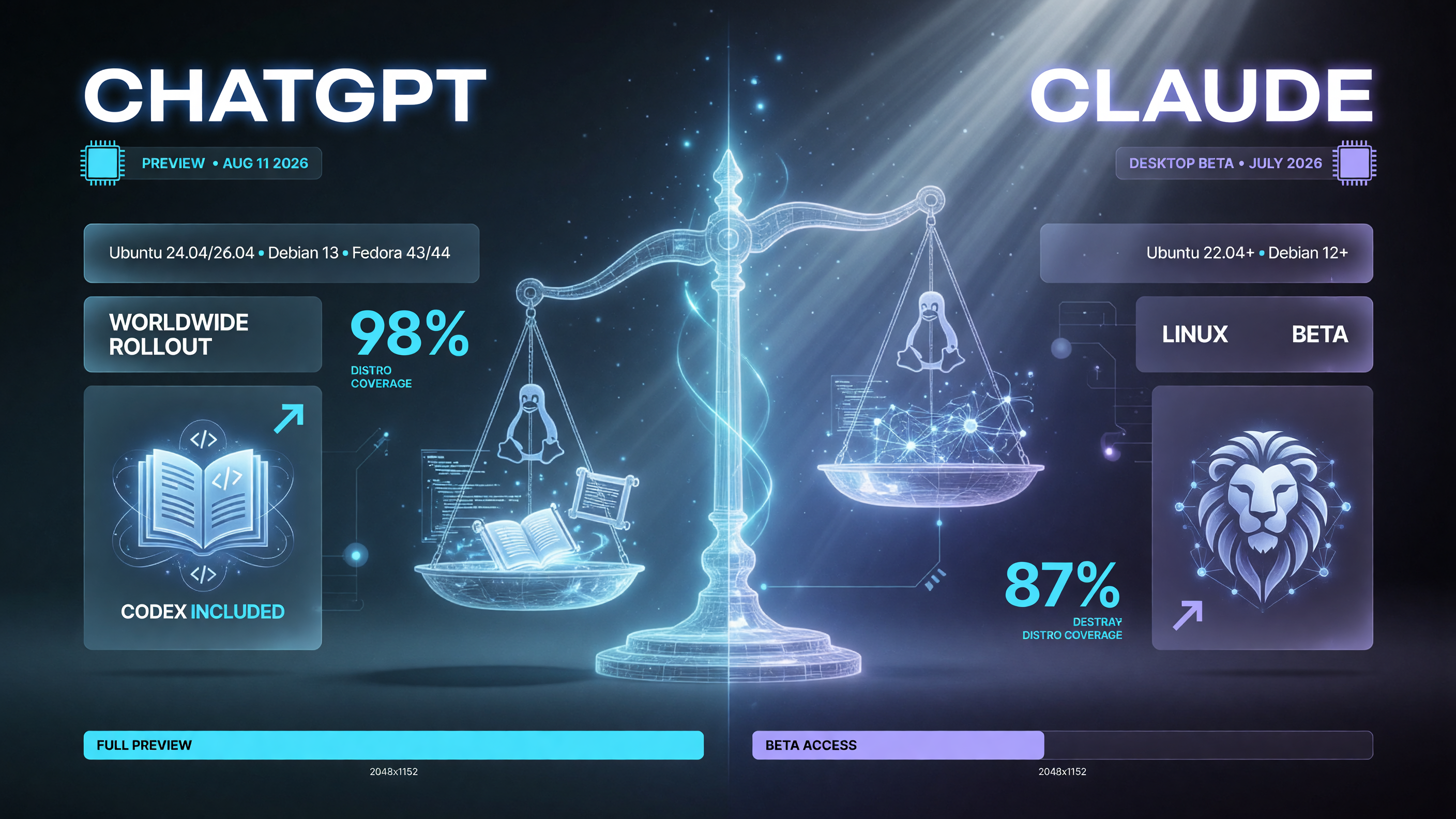
ChatGPT landed on Linux in preview worldwide on Aug 11, 2026, roughly a month after Claude’s Linux desktop beta — the two apps now go head to head.
Codex is OpenAI’s agentic coding assistant. It doesn’t just autocomplete; it takes a task, works through it, and produces changes a developer reviews. For a small team with a big backlog, that changes the math on what gets shipped. The boring, repetitive parts — boilerplate, migrations, test scaffolding, documentation — can be delegated in a way that frees your senior people for the work that actually needs judgment.
Pairing Codex with a business that already runs Linux is unusually natural, because Linux shops are already comfortable with tooling that automates the mechanical parts of work. The desktop app just puts that same philosophy on the assistant layer your team reaches for all day. You’re not asking them to learn a new way to work; you’re handing them the next version of a workflow they already trust.
Cost Realities: Desktop App Doesn’t Change Your Plan Price
One question comes up every time a major platform launch lands: does this cost more? For ChatGPT on Linux, the honest answer is no — the app is free to install, and your existing plan determines what runs inside it.
For a US small business deciding between the Free, Plus, and Business tiers, nothing about the desktop app changes the value calculation. What changes is how much of that value actually gets used. A team that opens a desktop app in a native window tends to use their AI assistant more consistently than a team that has to remember to open a browser tab. That consistency — not the plan price — is where the real ROI lives.
Should You Install It Today or Wait?
My honest answer: install it now — but time-box your expectations. This is a preview release, so expect rough edges. Updates will land fast, and the distro list will almost certainly grow. If you’re on a supported distro and your team already depends on ChatGPT, grab the app, run a week of real work through it, and compare your actual hours saved against a browser-only setup.
If you’re on an unsupported distro, don’t fight it. Keep the browser workflow for now, or check a downstream flavor that inherits from one of the supported bases. A broken install on a production business machine is a worse trade than waiting a few months for broader support.
For the competitive angle: your competitor who chose convenience and went Mac or Windows has had desktop ChatGPT for a while. That advantage just evaporated for Linux-native operators who refused to switch. The tool you need now runs where you work — and that’s the whole game.
Frequently Asked Questions
Is the ChatGPT desktop app for Linux free?
The app itself is free to install, same as on Windows and Mac. Your ChatGPT plan — Free, Plus, or Business — carries over. Codex and ChatGPT Work functionality depend on the access your plan includes.
Which Linux distros does ChatGPT support?
OpenAI lists desktop variants of Ubuntu 24.04 and 26.04 LTS, Debian 13, and Fedora 43 and 44. Many downstream Ubuntu- or Debian-based flavors should also work.
Does the Linux app include Codex?
Yes. OpenAI says the Linux app gives users access to ChatGPT, ChatGPT Work, and Codex — the coding agent — in one desktop application.
Is ChatGPT for Linux stable enough for business use?
It’s labeled a preview release, so it’s earlier than the Windows and Mac builds. It’s worth running real work through for a week, but keep expectations reasonable and stay on a supported distro.
Does Claude have a Linux desktop app too?
Yes. Anthropic released a Claude desktop Linux beta roughly a month earlier, supporting Ubuntu 22.04 or later and Debian 12 or later.

About Barak Schurr
Barak Schurr is the founder and former president of the nightlife ticketing platform Wantickets and former Global Director of Dance and Nightlife at Eventbrite. He currently focuses on AI research and writes about practical AI for independent business owners that actually moves the needle — no hype, no corporate fluff. More at topnotchaitools.com.
Contact: [email protected]
More AI Resources for Your Business