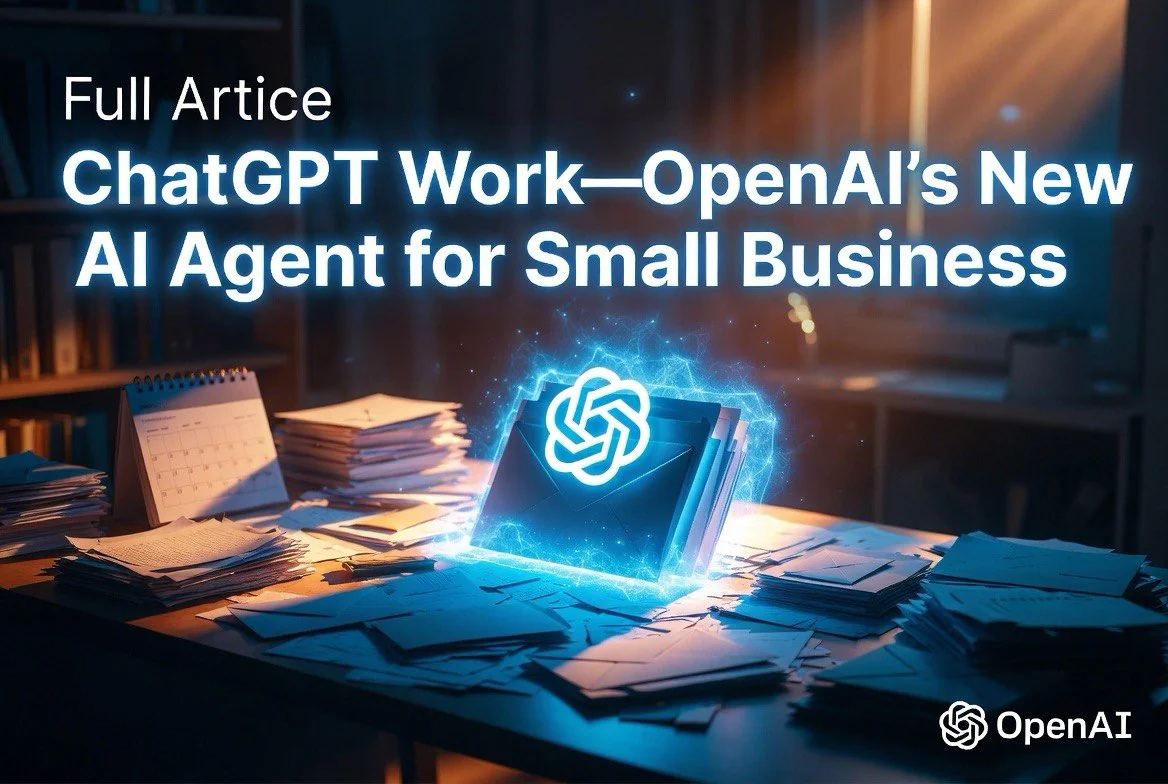
OpenAI Launched ChatGPT Work — An AI Agent for Small Business That Actually Finishes the Job
⚡ Expert Summary: OpenAI launched ChatGPT Work on July 9, 2026 — a persistent cloud AI agent that connects to email, Slack, calendars, and GitHub to complete complex multi-step tasks autonomously. Unlike ChatGPT’s standard chat mode, Work runs on a virtual machine in the cloud that stays active until the job is done, even if you close your laptop. Available to all paid tiers including Plus ($20/month).
OpenAI dropped something significant on July 9, 2026. Not a model update, not a feature tweak — a fundamentally different product that repositions ChatGPT from a chatbot into an autonomous work platform.
It’s called ChatGPT Work, and if you run a small business, it’s the most important OpenAI launch you need to understand this year.
Here’s why: ChatGPT Work doesn’t just answer questions. It takes a stated outcome — “research our top 10 competitors and build a presentation” — breaks it into steps, connects to your email, calendar, Slack, and GitHub, and stays with the project until it’s done. Hours if needed. On a cloud server. While you sleep.
What Makes ChatGPT Work Different
The core architectural bet is a persistent cloud-based virtual machine that runs on OpenAI’s servers, always available regardless of which device you’re on. That’s a deliberate departure from competitors whose agents require a local machine to stay powered on and connected.
Ty Geri, OpenAI product manager who helped build ChatGPT Work, described it to VentureBeat as democratizing the agentic AI capabilities that OpenAI’s internal engineering tool, Codex, has already demonstrated internally. “Our internal adoption of Codex is literally an exponential curve across every single product function and every single use case,” Geri said.
What that exponential curve tells you: when a company with OpenAI’s resources deploys agents internally and usage explodes across every function, the technology is ready for prime time.
What ChatGPT Work Can Actually Do
ChatGPT Work uses MCP-based plugins — the Model Context Protocol standard — to connect to external services. The launch integrations include Gmail, Google Calendar, Slack, and GitHub. Here’s what that means for a small business owner:
- Draft and send emails — It can read email threads, understand context, draft responses, and send them. Not just suggest text.
- Manage calendar workflows — Schedule meetings, check availability, send reminders, and update events based on email conversations.
- Slack coordination — Read channel history, respond in threads, ping team members, and coordinate across conversations.
- Code and development — For businesses with a technical side, it can commit code, review pull requests, and build simple websites from natural language instructions.
- Document and presentation creation — Gather context from connected apps and produce finished documents, spreadsheets, reports, and websites.
The key phrase in every case: “gather context from connected apps.” ChatGPT Work doesn’t start from a blank slate. It reads your existing work — your emails, your calendar, your code, your Slack threads — and builds from there.
Where the “Work” Part Actually Kicks In
The standard ChatGPT interface is great for bursts: write an email, explain a concept, brainstorm ideas. But it has no memory of what you asked 10 minutes ago in a different session, and it can’t act on anything.
ChatGPT Work is designed for the opposite scenario. You give it a broad outcome — “generate a Q3 marketing plan with competitor analysis and budget projections” — and it executes step by step, checking in only when it needs a decision or runs into something it can’t resolve.
Geri demonstrated this during the launch. The system detected his role as a product manager and immediately suggested relevant tasks: evaluating AI systems, building research artifacts, and managing cross-functional projects. The onboarding is personalized per role, so a restaurant owner and a marketing consultant get suggested workflows tailored to their actual work.
And it’s available on mobile. Geri emphasized that you can create a website from your phone at the beach and share it with collaborators. That’s not a gimmick — it’s the product thesis: the agent works whether you’re at a desk or not.
Pricing That Actually Matters for Small Teams
This is the part that matters most for small business owners. ChatGPT Work is not locked behind Enterprise agreements or the $200/month Pro tier.
OpenAI is rolling it out to all paid plans, including ChatGPT Plus at $20/month. Geri told VentureBeat: “It’s accessible to all paid plans, including Plus users, which in my opinion is a really big feat, and really part of that OpenAI mission.”
Pro, Enterprise, and Edu users get it first, with Plus and Business users following over the next few days.
At $20/user/month, this is the most affordable persistent AI agent for small teams on the market. The closest competitor products from other vendors cost significantly more or require enterprise contracts.
How Small Businesses Should Use It
Based on the launch features and what early adopters are reporting, here are the highest-leverage use cases for a small business owner:
- Client onboarding. Feed ChatGPT Work your intake form responses. It drafts the welcome email, creates the project timeline in your calendar, sets up Slack channels, and populates your CRM. One prompt replaces 45 minutes of repetitive work.
- Weekly reporting. “Pull metrics from Google Analytics, summarize this week’s support tickets from email, and draft a client update email.” Three tools, one prompt, a finished email in your drafts.
- Competitor tracking. Research competitors from your specified sources, format into a presentation, add notes on what matters for your specific market position. Done in the background while you handle customer calls.
- Content production. “Find three industry reports on restaurant AI adoption, summarize key stats, draft a blog post outline, and add it to the editorial calendar.” Research, writing, and scheduling in one chain.
The Caution: MCP Plugin Limits
The launch supports Gmail, Google Calendar, Slack, and GitHub. Connecting multiple Gmail accounts — a frequent small business pain point — is “definitely on the roadmap” but not available at launch.
If your business relies on Microsoft 365 (Outlook, Teams, SharePoint), those integrations are not confirmed yet. OpenAI’s heavy bet on Google Workspace at launch suggests Microsoft will need to play catch-up on integrations, or OpenAI will need to extend coverage quickly.
Also worth noting: each connected app means your data moves through OpenAI’s cloud. For businesses handling sensitive client or financial information, the security implications of a persistent cloud agent need to be part of your decision.
The Bottom Line
ChatGPT Work is the first AI agent that’s both genuinely useful for small business operations and priced within reach. At $20/month per user with Plus access, it’s cheaper than most SaaS subscriptions and potentially more valuable — freeing hours per week that would otherwise be spent on multi-app administrative work.
The question is no longer “Can AI do my work?” It’s “What do I want my AI to finish while I work on something else?”
ChatGPT Work vs. Microsoft Copilot vs. Claude Cowork: How It Stacks Up
The AI agent space got crowded fast in 2026. Microsoft launched Copilot Wave 3 with multi-step agentic tasks inside M365 apps. Anthropic pushed Claude Cowork as a desktop agent for research and analysis. Now ChatGPT Work enters the ring with a fundamentally different approach.
Here’s the key difference: persistence and cloud-native architecture.
Both Microsoft Copilot and Claude Cowork run primarily on your local machine or within their respective ecosystems. If your computer goes to sleep, the agent stops. If you switch devices, the agent session is lost. ChatGPT Work runs on OpenAI’s cloud servers. It stays active regardless of whether you’re on your phone, your laptop, or offline entirely. That single architectural decision changes what it can do.
For a small business owner, this matters because your work doesn’t stop when you close your laptop. A lead comes in at 9 PM. ChatGPT Work can draft the response, log it in your CRM, and add a follow-up reminder to your calendar — all while you’re asleep.
Microsoft Copilot’s advantage is deep integration with Office apps. If your business runs on Word and Excel, Copilot Wave 3’s agentic sequences inside those tools are powerful. But they’re tied to the Microsoft ecosystem. ChatGPT Work’s MCP plugin architecture is open and extensible, supporting Gmail, Google Calendar, Slack, and GitHub from day one.
Claude Cowork is strong on analytical depth — it processes long documents with high accuracy and has been well-reviewed for contract review and research synthesis. But it launched as a desktop product, which limits its persistent, multi-hour workflow capabilities.
Real Use Case: A Full Morning Routine in One Prompt
Let’s make this concrete for a small business owner. Here’s one prompt that ChatGPT Work could handle right now:
“Read the Slack thread from last night about the Smith account. Draft a follow-up email addressing their concerns about pricing. Check my calendar for available slots this week, add a “Smith follow-up” placeholder in the best slot, and log a note in the CRM that the conversation moved forward.”
That one sentence triggers: Slack read → email drafting → calendar check → calendar update → CRM logging. That’s five apps, five actions, one prompt. Without ChatGPT Work, that’s probably 15-20 minutes of switching between apps, copying and pasting, and context-switching every step of the way.
For a business owner billing $150/hour, that’s $37-50 saved per routine task. Run three of those per day and the ROI on $20/month is absurdly positive.
What Early Adopters Are Reporting
Initial reactions from small business users on social media and early access forums highlight several patterns:
- Email backlog collapse. Several users report clearing weeks of accumulated email within hours by having ChatGPT Work draft responses to every thread and presenting them for review.
- Client deliverable speed. Freelancers and agency owners are using it to turn meeting notes into polished deliverables — proposals, reports, project plans — in minutes instead of hours.
- Sales pipeline acceleration. Small sales teams are feeding call transcripts into ChatGPT Work and getting CRM updates, follow-up task creation, and personalized email drafts without manual data entry.
- The “always on” advantage. The most consistently praised feature is that Work runs whether you’re in the app or not. Users describe coming back to completed projects they started before lunch.
The minor complaints center on integration gaps: no Outlook support yet, no QuickBooks or Xero integration for financial workflows, and the multiple-Gmail-account limitation. These are all on the roadmap, but if your small business runs entirely on Microsoft 365 and accounting software, the launch-day integration set won’t cover your full workflow.
Should You Upgrade Your Team?
If you’re a solo operator or have a small team (2-10 people), here’s my recommendation based on the launch features and pricing:
Upgrade if: You’re on Google Workspace, you handle significant email and calendar coordination, and you have recurring multi-step workflows that eat 5-10 hours per week per person. The $20/user/month will pay for itself in time saved within the first week.
Wait if: Your team runs primarily on Microsoft 365, your workflows are mostly single-step (send an email, check a calendar, write a document), or you handle sensitive data where cloud persistence raises compliance questions.
Try it if: You’re already on ChatGPT Plus. The feature is rolling out to Plus users free with your existing subscription. There’s zero cost to test it on one real workflow and see if it sticks.
Frequently Asked Questions
What is ChatGPT Work and how is it different from regular ChatGPT?
How much does ChatGPT Work cost for a small business?
Which apps does ChatGPT Work connect to?
Can ChatGPT Work run without my computer being on?
What tasks can ChatGPT Work automate for a small business?

About Barak Schurr
Barak Schurr is the founder and former president of the nightlife ticketing platform Wantickets and former Global Director of Dance and Nightlife at Eventbrite. He currently focuses on AI research and writes about practical AI for independent business owners that actually moves the needle — no hype, no corporate fluff. More at topnotchaitools.com.
Contact: [email protected]
More AI Resources for Your Business