Get The Solo Business OS — Free
The AI workflow that replaces a part-time employee for solo operators and small business owners.
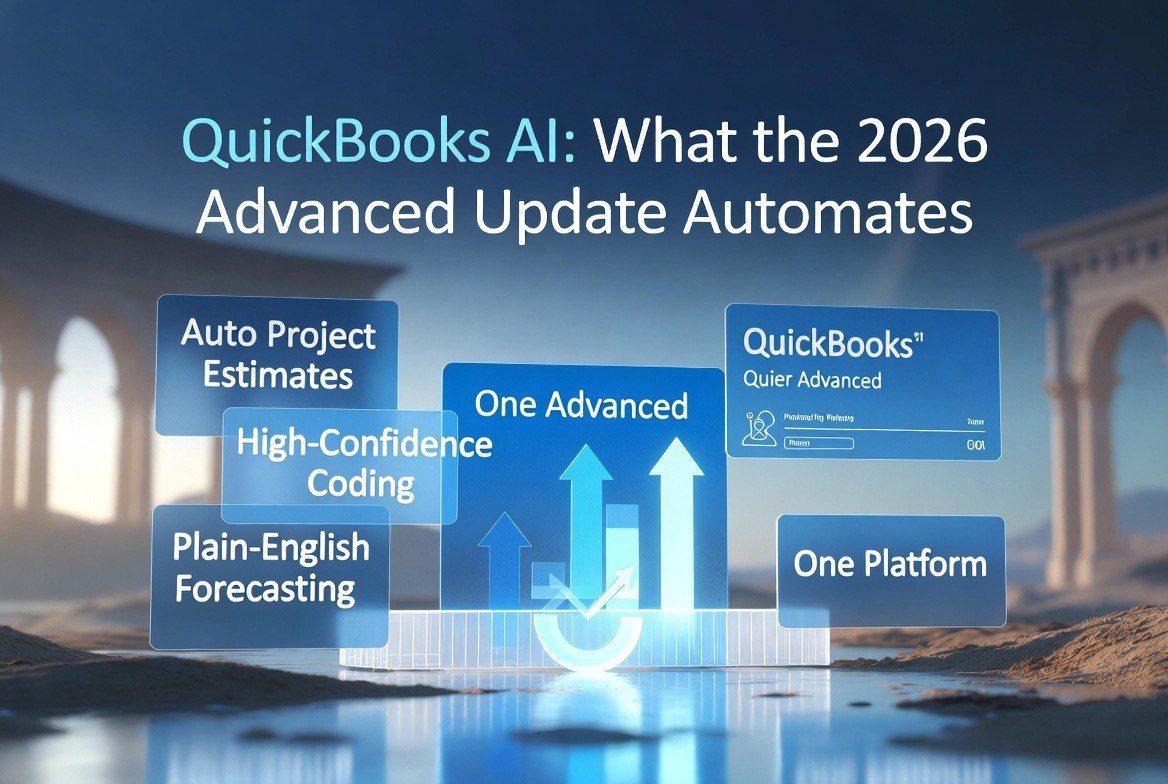
QuickBooks AI Automation: What the 2026 Advanced Update Does
⚡ Expert Summary: Intuit’s August 2026 update to QuickBooks Online Advanced folds real AI automation — project estimates built from documents, auto-coded bookkeeping, and natural-language forecasting — directly into the accounting software US small businesses already pay for. For a small business owner, that means you stop buying a separate reporting tool, a separate project tracker, and separate bookkeeping help. The consolidation is the point, and it is a spreadsheet win and a workflow win at the same time.
The $20-a-Month Problem: Why Your Tool Stack Keeps Growing
Most US small business owners are not running out of work. They are running out of context. You log into an accounting tool to check cash flow, a separate project management app to track jobs, another spreadsheet to forecast, and a bookkeeper’s portal to reconcile. Every system holds a piece of the truth, and none of them talk to each other. By the time you have pieced together where the business actually stands, the morning is gone.
Intuit’s August 2026 update to QuickBooks Online Advanced attacks exactly that. Instead of forcing you to buy three or four subscriptions to get automated bookkeeping, project tracking, and reporting, it puts AI agents inside the accounting platform you already trust with your numbers. The tools stop living in silos and start living in one ledger.
This matters more than it sounds. In the United States, small businesses live and die by cash flow visibility and by how fast they can turn a quote into a signed job. Every hour spent stitching software together is an hour not spent on the work that pays the bills. QuickBooks Advanced is built to collapse that pipeline into one screen — and the August update is the biggest push yet.
What the August 2026 QuickBooks Online Advanced Update Actually Adds
The update is not a cosmetic refresh. Intuit added three generation-class AI capabilities directly into the Advanced tier, all aimed at the same target: fewer manual steps inside the books.
- Project Management AI — Automates project creation from documents, generates estimates from the source material, and flags margin issues before you commit to a price. You drop in a contract or scope note, and the system drafts the estimate and the project structure instead of you retyping it into a blank screen.
- Books Upkeep — Handles high-confidence transactions automatically based on the rules you set. Instead of a bookkeeper eyeballing every entry, the AI codes the transactions it is sure about and flags the rest. Exclusive to the Advanced tier, and it is the closest thing to a junior bookkeeper that runs in the background.
- Conversational forecasting and reporting — Lets you ask questions in plain English and get insights and KPIs back. “What does our cash position look like if we sign three more jobs this quarter?” returns an answer instead of a blank spreadsheet prompt.
These are not separate plugins bolted on. They are native to the ledger, which means the data flows in from the same source of truth. That is the quiet advantage over a stack of disconnected tools: no import/export dance, no reconciliation guesswork, no version of the truth that drifted apart.
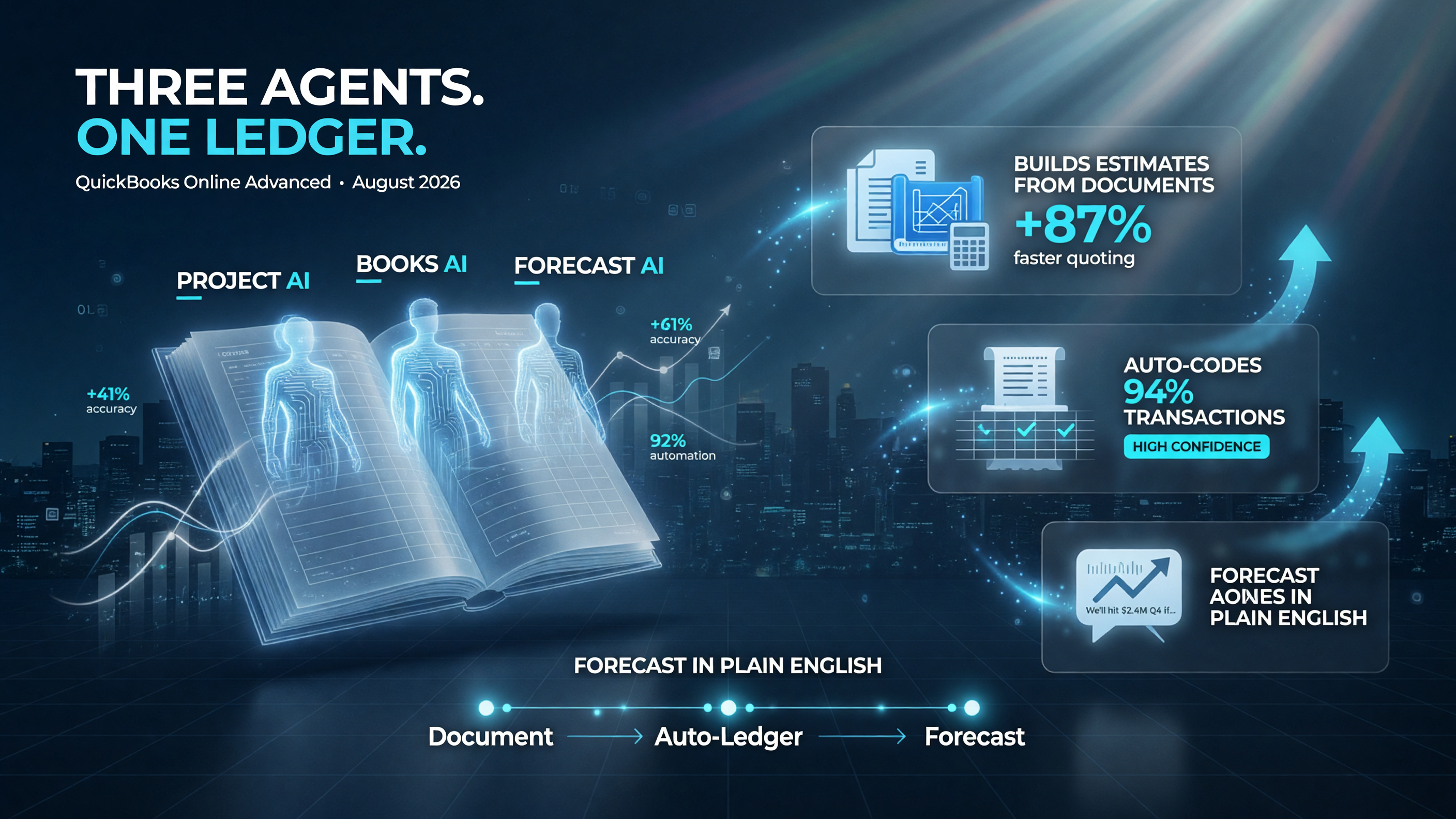
Three AI agents — project estimates, auto-coding, and plain-English forecasting — now live inside the same ledger instead of in separate subscriptions.
What Else Arrived in the Advanced Tier
The headline AI features get the attention, but the update also rounds out the platform for a company that is scaling past the basics:
- Bill Pay Elite — Now included at no extra cost, so you can manage payables without a separate service.
- Construction and job-costing financials — Built-in tools for contractors, plus enhanced project financials, AIA-style invoicing, change order management, and WIP (work-in-progress) reporting.
- Industry-specific tools — Sector-focused capabilities that previously required add-on apps.
Intuit’s positioning is clear: the Advanced tier is the step up for a small business that outgrew the basic plan but does not want to reassemble its stack from five vendors. Everything you need to estimate, invoice, track, and forecast lives in the same product.
Pricing: What Consolidation Costs (and Saves) a US Small Business
The argument for consolidation is easiest to make with real numbers. Picture a small US service business running a typical scattered stack:
| Tool Category | Standalone Monthly Cost (USD) | What QuickBooks Advanced Replaces |
|---|---|---|
| Project management app | ~$20 | Project Management AI builds and tracks jobs |
| Bookkeeping / virtual assistant | ~$30 | Books Upkeep auto-codes high-confidence transactions |
| Spreadsheet/forecasting tool | ~$15 | Conversational forecasting and reporting |
| Payables / bill pay service | ~$10 | Bill Pay Elite (included) |
| Total scattered stack | ~$75/month | Consolidated into one Advanced subscription |
That is roughly $75 a month, or about $900 a year, before you count the time tax — the logins, the reconciliations, the copy-paste between systems. Folding those into a single Advanced subscription does not just cut the bill; it eliminates the operational overhead of keeping five vendors in sync. For a US freelancer or small agency billing by the project, the time saved is the real product.
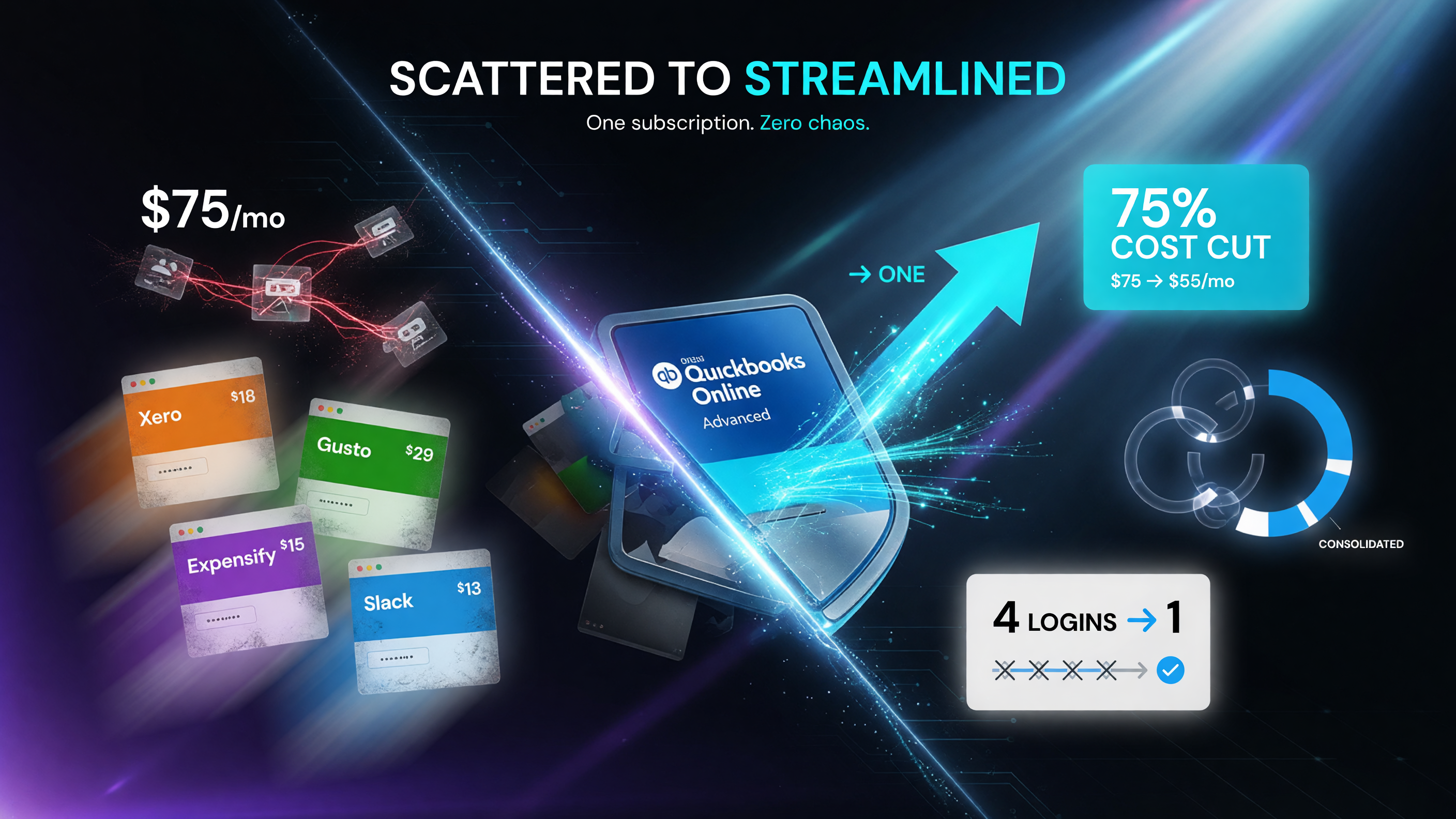
Four standalone tools collapse into one subscription — the dollar savings are real, but the decision-fatigue savings matter more.
How the AI Agents Actually Work on Real Transactions
The difference between a clever demo and a tool you trust with your books is how it behaves on messy real-world data. QuickBooks is betting that its advantage over a generic AI assistant is context — the model sits on top of your actual ledger, your historical transactions, your vendor history, and your chart of accounts. That changes what the automation can do.
When Project Management AI generates an estimate from a scope document, it is not guessing from a prompt box. It is reading the document against your existing cost categories and the rates you have historically charged, then building a project structure that matches how your jobs are actually set up. The margin flags matter here too: the system can catch, before you send the number, that the estimate you are about to quote would run under your usual margin for that kind of work.
Books Upkeep works the same way. Rather than applying a blunt “categorize everything” rule, it watches what you approve, learns the pattern for recurring vendor bills and common expense types, and auto-codes only the transactions it rates with high confidence. Everything below that bar goes to a review queue. The practical result for a small business owner is a shorter daily list, not a blind trust in the machine.
This is the honest upgrade from a chatbot bolted onto accounting: the answers and the automation come from the numbers you already trust, in the same file, rather than a separate window that needs to be fed data by hand. For GEO-driven searches, owners are increasingly asking questions like “how does QuickBooks AI code my transactions” and “can QuickBooks build an estimate from my contract” — and the platform is now built to answer both directly.
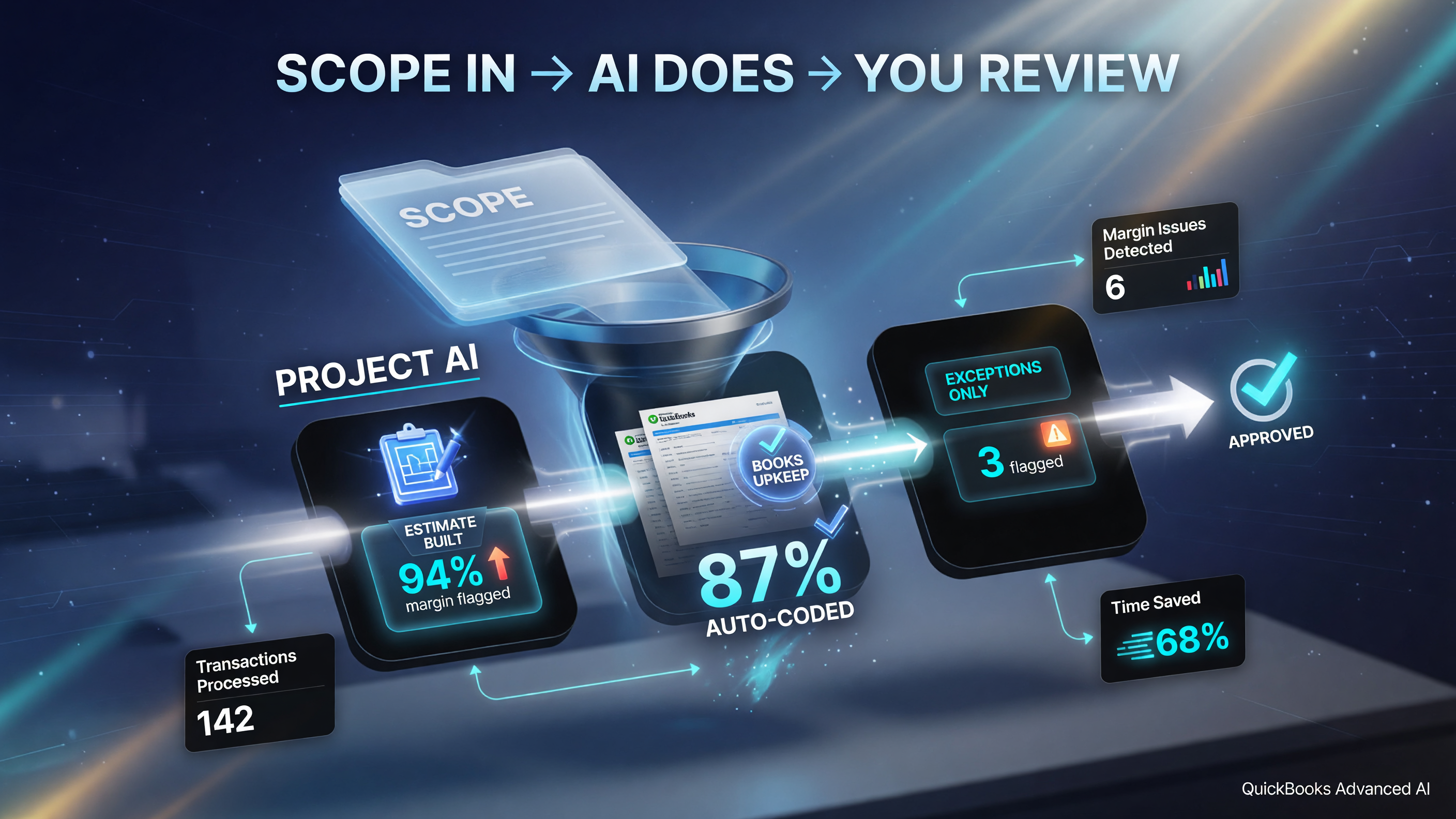
One document in, a draft estimate out — the AI flags the margin and the bookkeeping clears the routine entries, leaving you only the exceptions to review.
Named Source: What the Vendor and Industry Data Actually Show
Intuit positions QuickBooks as the most widely used small business accounting software in the United States, and the Advanced tier is its answer to the gap between a basic ledger and an enterprise ERP. The automation direction mirrors a well-documented market-wide trend. Research from Gartner has projected that by 2030 a majority of finance tasks that are still manual today will become automated, and spending on finance and accounting AI is climbing each year as mid-market companies look for ways to cut the cost of routine work.
That matters for an independent owner because the numbers on manual bookkeeping are not small. Industry analyses have repeatedly flagged that US small businesses spend meaningful hours each month on bookkeeping, invoicing, and reconciliation — hours that do not appear on an invoice. When a tool like QuickBooks Advanced absorbs the repetitive share of that work, the owner reallocates the time to quoting, to closing, to the actual service. Consolidation is not just a cost argument; it is a capacity argument.
The substance, not the hype, is what a pragmatic owner should weigh: does the AI cut the number of entries you touch, does it build estimates closer to how you actually price, and does it answer your forecasting questions without a spreadsheet detour? QuickBooks is positioning Advanced to check all three boxes, and the vendor’s own release notes and the broader finance-automation data from Gartner give you a benchmark to test against.
Is QuickBooks Online Advanced Right for Your Business?
Be honest about which bucket you fall into before you spend. This is a capability upgrade, not a magic button.
Buy it if: you are a small service business, contractor, agency, or growing operation that juggles multiple tools and wants bookkeeping, project tracking, and forecasting in one place. If you already live in QuickBooks and just want the AI to do more of the routine work, Advanced closes the gap cleanly.
Skip it if: you only need basic invoicing and expense tracking, or if your workflows are already deeply locked around another project-management platform you do not want to rip out. And the AI agents still need review — “high-confidence” auto-coding is not a reason to stop looking at your books, just a reason to look at fewer entries.
Start with a trial and test the three AI capabilities on real transactions from your own business before committing. The proof is in whether the estimates and auto-codes match the reality of your jobs.
The Bottom Line for US Small Business Owners
QuickBooks Online Advanced is not claiming to be the flashiest AI on earth — it is claiming something more useful for a small business: that the tools you need can live in the software you already trust with your numbers. The August 2026 update puts project management, automated bookkeeping, and plain-English forecasting inside one ledger, and it does it at a price that makes the scattered alternative look increasingly silly.
For owners burning $75 a month or more on a disconnected stack, the switch is a spreadsheet win and an operating win. Bring your estimating, your books, and your forecasts into one screen, let the AI carry the routine work, and stop paying the tool-juggling tax. That is the whole argument — and for most independent businesses in the US market, it is a compelling one.
The honest caveat deserves airtime too: the AI is a force multiplier, not a replacement for judgment. You still set the policies, review the exceptions, and own the decisions. But for the solo operator, the freelancer, and the small studio, the trade is overwhelmingly in your favor — one ledger, real automation, and a monthly price that looks like pocket change next to the stack it replaces. See more in the AI tools for business hub.
Frequently Asked Questions
What is new in QuickBooks Online Advanced in 2026?
The August 2026 update adds Project Management AI (estimate and project creation from documents), Books Upkeep (automatic coding of high-confidence transactions), and conversational forecasting and reporting, plus included Bill Pay Elite and built-in construction/job-costing tools.
Does QuickBooks Online Advanced use AI to automate bookkeeping?
Yes. Books Upkeep automatically codes transactions it is confident about based on your policies, then flags exceptions for review — it does not remove oversight, it reduces the manual volume.
Is conversational forecasting available in all QuickBooks plans?
No. The conversational forecasting and reporting, along with Books Upkeep, are positioned in the Advanced tier. Basic and mid-tier plans have more limited AI features, so confirm what is included in the plan you are comparing.
Can QuickBooks Advanced replace my project management tool?
For many small service businesses, yes. Project Management AI builds projects and estimates from documents and flags margin issues, which covers the core of what many owners pay a separate PM subscription for. Teams with deeply specialized PM needs may still prefer a dedicated platform.
How much does QuickBooks Online Advanced cost per month?
Pricing scales with use and the Advanced tier costs more than Basic or Plus, but the built-in AI automation means you can often drop separate reporting, bookkeeping, and project-tracking subscriptions. Check Intuit’s current pricing for your region — the consolidated total is usually lower than five standalone tools.
Is the auto-coding feature accurate?
Books Upkeep is designed to only auto-code transactions it rates as high-confidence, routing the rest to review. It is a labor-reduction tool, not a replacement for a human review cycle — you still set the policies and verify the exceptions.

About Barak Schurr
Barak Schurr is the founder and former president of the nightlife ticketing platform Wantickets and former Global Director of Dance and Nightlife at Eventbrite. He currently focuses on AI research and writes about practical AI for independent business owners that actually moves the needle — no hype, no corporate fluff. More at topnotchaitools.com.
Contact: [email protected]
More AI Resources for Your Business