OpenAI’s Operator Agent: Can Small Businesses Actually Use It in 2026?
⚡ Expert Summary: OpenAI’s Operator agent hit the market in January 2025 with big promises—an AI that browses the web, fills forms, books appointments, and places orders so you don’t have to. But 18 months later, the reality for small business owners is mixed. Operator scores around 32% on computer-use benchmarks, costs $200/month on the ChatGPT Pro plan, and struggles with anything beyond simple, single-website tasks. Meanwhile, cheaper alternatives from Anthropic, Google, and open-source platforms already outperform it on both price and reliability. The takeaway: Operator is a promising start but not yet ready to replace a human employee—or even a $50/month no-code automation tool. For 2026, small businesses are better off testing it on low-stakes tasks or skipping straight to more mature alternatives.
What Is OpenAI Operator?
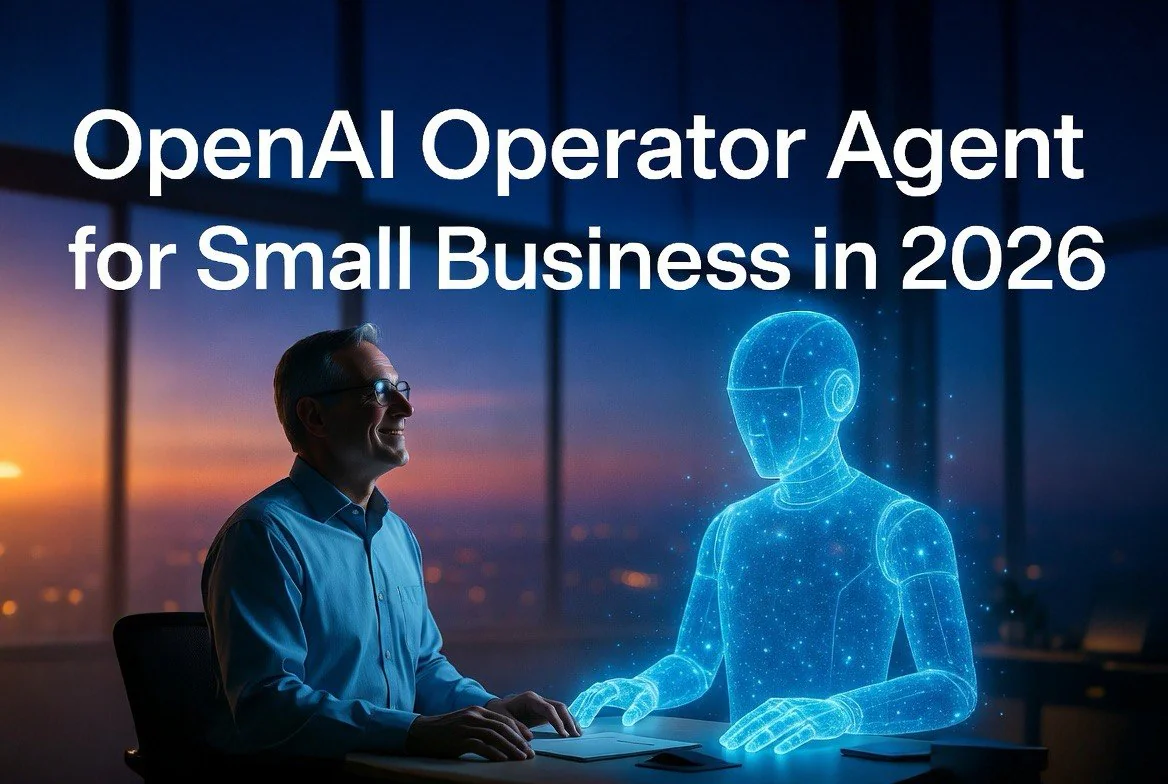
Operator is OpenAI’s first attempt at a “computer-using agent” (CUA)—an AI that doesn’t just generate text but actually uses software like a human. It runs inside a cloud-hosted browser and uses GPT-4o’s vision capabilities to see web pages, identify buttons, fields, and links, then click, type, and navigate through multi-step workflows autonomously.
It launched as a research preview in January 2025, available exclusively to ChatGPT Pro subscribers. The original interface was a standalone website (operator.chatgpt.com) where you typed your task and watched the AI navigate a browser window in real time. By early 2026, OpenAI folded Operator directly into ChatGPT as “agent mode,” making it accessible from the same interface millions of business owners already use for drafting emails, analyzing spreadsheets, and generating content.
The core value proposition is seductive: skip the API integrations, skip the workflow builders, skip the technical setup. Just describe what you want done and let the AI handle the clicking. For a small business owner juggling operations, marketing, and customer service simultaneously, that promise hits exactly where it hurts.
But promise and delivery are not the same thing.
The $200/Month Reality Check
Let’s talk numbers. ChatGPT Pro costs $200 per month per user. That’s $2,400 annually for a single seat. If you have two employees who need agent access, you’re looking at $4,800 per year.
Here’s what else $200 buys in the business automation landscape:
- Zapier Teams: $69/month for up to 5 users, with 7,000+ app integrations, multi-step Zaps, and premium support. That’s less than half the cost of one Pro seat.
- Lindy AI: $49/month for a persistent AI agent with web browsing capability, 4,000+ integrations, and crucially—memory that persists between sessions.
- n8n self-hosted: Free. Unlimited workflows, full customizability, and no recurring fee beyond your server cost.
- Anthropic Claude Pro + API usage: $20/month for the chat interface, plus pay-per-use for computer-use API calls. Most moderate-usage businesses will spend $30–50 total per month.
- Google Workspace Business Standard: $12/user/month includes Gmail, Drive, Docs, Meet, and increasingly capable Gemini AI agents embedded throughout the ecosystem.
The comparison is stark. Operator costs more than most entire software stacks for small businesses. And unlike those tools, it doesn’t consistently deliver on its core functionality.
The OSWorld Benchmark Problem
OSWorld is the most widely cited benchmark for computer-use agents. It tests an AI’s ability to complete real-world desktop and web tasks across different operating systems and environments. Tasks range from “open a PDF and extract the table on page 3” to “fill out this multi-page form with data from an email.”
As of June 2026, OpenAI’s Operator scores approximately 32.6% on OSWorld. For context, that means it fails roughly two out of every three tasks it attempts. This isn’t a niche academic metric—it correlates directly with the real-world frustrations users report.
Anthropic’s equivalent model performs notably higher in controlled tests, while Google’s Project Mariner has been measured at over 83% on certain web-based benchmarks. The gap is not small.
Where Operator Fails in Practice
The benchmark scores line up with what actual small business users report on forums, review sites, and social media. Common failure patterns include:
Form-filling errors. Operator regularly enters data into the wrong fields, especially on sites with JavaScript-heavy validation, dynamic dropdown menus, or non-standard layouts. If your task involves a custom CRM or an older web application, expect issues.
Session drift. Multi-step tasks that require the agent to hold context across several page loads often result in the AI “drifting”—navigating to irrelevant pages, clicking on unrelated elements, or losing track of the original objective entirely.
Authentication blocks. Two-factor authentication, CAPTCHA challenges, and session timeouts break Operator cold. It cannot respond to SMS codes, solve visual puzzles, or re-authenticate when a session expires. Any workflow that involves a logged-in account will require human hand-holding at some point.
No persistent memory. This is the most consequential limitation for business use. Every Operator session starts with a blank slate. It doesn’t remember your supplier list, your preferred shipping addresses, your common order templates, or the vendor-specific quirks you’ve learned over months of manual work. Each session requires re-explaining context that a human employee would carry forward automatically.
Speed of execution. Operator is not fast. Watching it navigate a web page feels like watching someone use a computer through a laggy remote desktop connection—because that’s essentially what it is. Tasks that take a human 30 seconds can take Operator 2–3 minutes, and that’s only when it gets them right the first time.
The Real-World Use Cases That Work
To be fair, Operator does have a set of tasks it handles reasonably well. They share three characteristics: simple, single-site, low-stakes.
Ordering from familiar vendors. If you place weekly supply orders from the same website with the same account, Operator can handle the routine. The workflow is predictable, the site layout is consistent, and a mistake costs nothing but a retry.
Competitive price checks. Ask Operator to check the current price of a specific product on three competitor sites. It will navigate to each, locate the price, and report back. For a once-a-day check, this works.
Form submission for standardized processes. Business license renewals, permit applications, registration forms—if the form is government-issue static HTML with clear labels, Operator can fill it faster than a human can type.
Data entry into standardized interfaces. Copying data from one system to another through a web interface, when both sides have predictable layouts, is Operator’s strongest use case.
Notice the pattern: every example involves a single website, a linear workflow, and zero tolerance for complexity. If your business process touches multiple systems, requires authentication, or depends on contextual knowledge, Operator will require more supervision than it saves.
Better Alternatives for 2026
The agent market in mid-2026 is dramatically different from what it was when Operator launched. Several competitors have emerged that challenge Operator on price, reliability, or both.
Anthropic’s Claude with Computer Use offers comparable browser-control capability through API integration, with stronger security and compliance features. It’s pay-per-use, so you only pay for successful task completions rather than a flat subscription. For businesses handling sensitive data or working with regulated industries, Claude’s built-in safety guardrails are a significant advantage.
Google’s Project Mariner and Workspace AI agents are purpose-built for the ecosystem most small businesses already use. If your business runs on Gmail, Google Docs, Google Sheets, and Google Calendar, the agent tools integrated into your existing Workspace subscription may handle your automation needs at zero additional cost. Google’s benchmark scores are notably higher than Operator’s in web-based task completion.
Lindy AI targets the exact sweet spot Operator misses: persistent memory, no-code workflow building, and a starting price of $49/month. Lindy remembers context between sessions, integrates with thousands of business tools natively, and offers proactive task execution—it doesn’t wait for you to prompt it.
Open-source frameworks including Browser Use, Stagehand, and BrowserBase give technically inclined business owners full control over their automation at no recurring cost. For a single setup investment (typically a weekend of configuration), you can build customized agents that match or exceed Operator’s capabilities for your specific workflow. The open-source community has been particularly active in improving reliability on OSWorld-style tasks, with several community models achieving above 50% success rates.
Zapier Central and n8n continue to dominate the no-code automation space for small businesses. They don’t offer the “prompt and watch” experience Operator provides, but they execute reliably every single time—because they use APIs, not visual browser navigation. For most business automation needs, API-based workflows are simply more reliable than vision-based browsing.
Should You Try Operator or Skip It?
The answer depends on your current setup and your pain tolerance.
If you’re already paying for ChatGPT Pro (and many power users are—the unlimited GPT-4o access, advanced voice mode, and file analysis capabilities make it worth the $200 for some users), then by all means test Operator on a low-stakes workflow. Set it to check a competitor’s pricing once a day or fill a recurring form. See how it performs in your specific context. You’re already paying for the subscription, so the marginal cost of trying is zero.
If you’re considering signing up for ChatGPT Pro specifically to use Operator as an automation tool, think carefully. Consider whether the $200/month would be better spent on Lindy AI, a Zapier upgrade, or even a part-time virtual assistant. In most scenarios, the alternatives deliver more reliable automation for less money.
If your needs are simple, single-site, and low-stakes: Operator might work for you, but Lindy or Zapier will work better at half the price.
If your needs involve multiple systems, authentication, or sensitive data: skip Operator entirely and go with Claude or Google agents.
If you’re technically inclined and want maximum control: open-source frameworks will outperform Operator at zero recurring cost.
Where Operator Goes From Here
OpenAI has continued to invest in Operator. The move from a standalone preview to integrated ChatGPT agent mode was a significant step forward for accessibility. The Frontier enterprise platform, launched in February 2026, offers more robust agent management for organizations. The underlying model has been upgraded from the original GPT-4o base to newer versions with improved reasoning.
Analysts expect Operator-like capabilities to improve substantially through 2026 and 2027 as the underlying vision models get better at parsing complex interfaces and maintaining context across longer sessions. The competitive pressure from Anthropic, Google, and open-source alternatives will likely force either a price reduction or a significant capability upgrade.
For now, the honest assessment is that Operator is an impressive prototype with practical limitations that make it a poor fit for most small business automation needs. It’s a glimpse of where we’re heading, not a tool for where we are.
The smart play for 2026: budget for automation, but spend it on tools that work today. Keep an eye on Operator for the next major update, and in the meantime, let your Zapier workflows, Claude agents, and n8n automations carry the load that Operator isn’t yet ready to handle.
Frequently Asked Questions
Is OpenAI Operator worth $200/month for a small business?
Only if you already need ChatGPT Pro for other features. As a standalone automation tool, Operator’s 32.6% task failure rate and session-based memory model make it hard to justify—especially when Lindy AI ($49/month), Zapier Teams ($69/month for 5 users), and Google Workspace agents (often included at no extra cost) deliver more reliable automation for less.
Can Operator replace a human employee?
Not in 2026. Operator handles simple single-website tasks but fails on multi-step workflows, authenticated sessions, and any process requiring judgment. A 32% benchmark success rate means the vast majority of complex tasks require human intervention. This is assistive automation, not replacement.
What tasks does Operator handle well?
Simple, repetitive, single-website tasks with predictable layouts: ordering from a familiar vendor, checking competitor pricing, filling standardized forms, data entry into consistent interfaces. The common thread is low complexity, low stakes, and linear workflows.
What are the best alternatives to Operator?
Anthropic Claude Computer Use (pay-per-use, stronger security), Google Project Mariner (Workspace integration, higher benchmark scores), Lindy AI ($49/month, persistent memory, 4,000+ integrations), Zapier Central (API-reliable, thousands of connectors), and open-source frameworks like Browser Use and Stagehand (free, self-hosted, customizable). Each competes with or outperforms Operator on specific use cases.
Has Operator improved since launch?
Yes. The move from standalone preview to integrated ChatGPT agent mode improved accessibility. Model upgrades (from GPT-4o to o3-based versions) have improved reasoning. The Frontier enterprise platform, launched February 2026, offers better agent management for larger organizations. But the core reliability gap on complex tasks persists.
Does Operator work with business-critical systems?
Not reliably. Two-factor authentication, CAPTCHA challenges, session timeouts, and dynamic web interfaces all break Operator without human intervention. For workflows involving payment processing, customer data, or inventory management, the failure rate is too high for unsupervised operation.
More AI Resources for Your Business