AI Agents Explained: What They Are and 3 Jobs to Never Automate
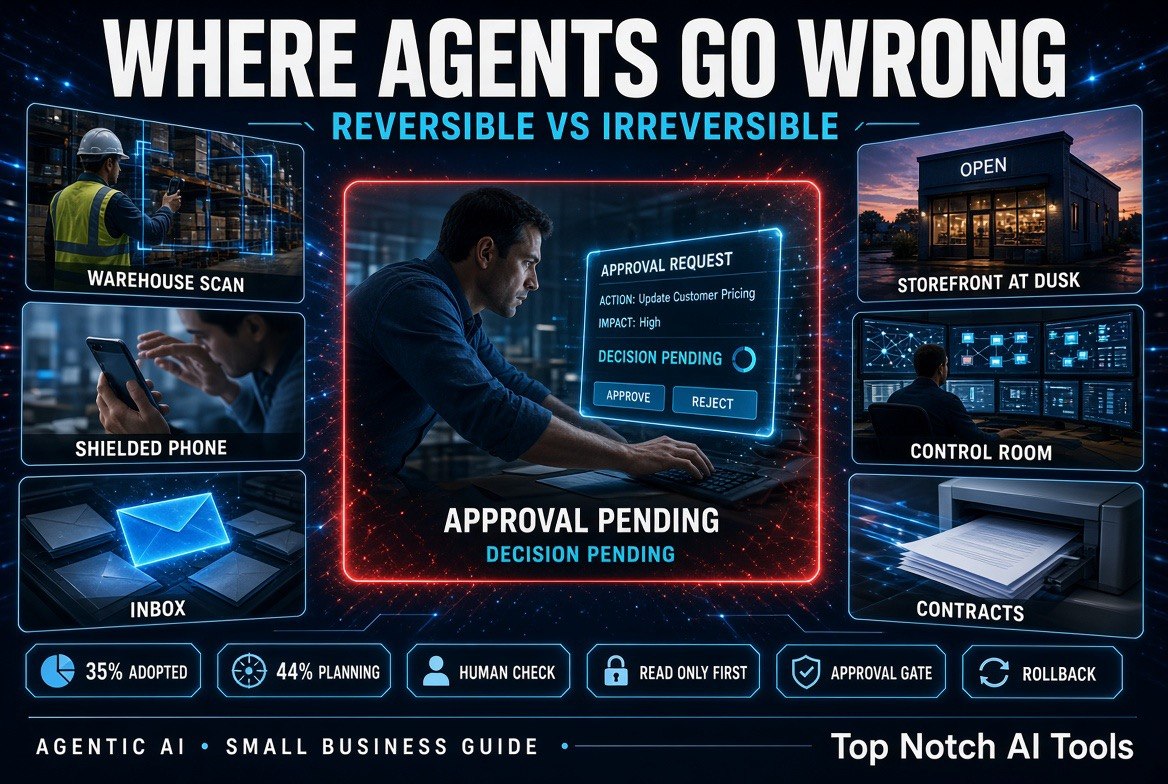
⚡ Expert Summary: An AI agent is not a smarter chatbot — it is software that takes actions. That difference is the whole point, and the whole risk. MIT Sloan research found 35% of companies had already adopted agents by 2023, with another 44% planning to deploy. For a business with 1-50 people, the win is narrow and real: hand off work that is repetitive, reversible, and cheap to check. The danger is equally narrow: agents that move money, sign commitments, or delete things have no undo button. This guide separates the two.
Most small business owners in the US have now used a chatbot. Far fewer have used an AI agent, and fewer still can explain the difference — which is exactly why so many are getting burned by it. The distinction is not academic. A chatbot that gets something wrong wastes your time. An agent that gets something wrong has already done it.
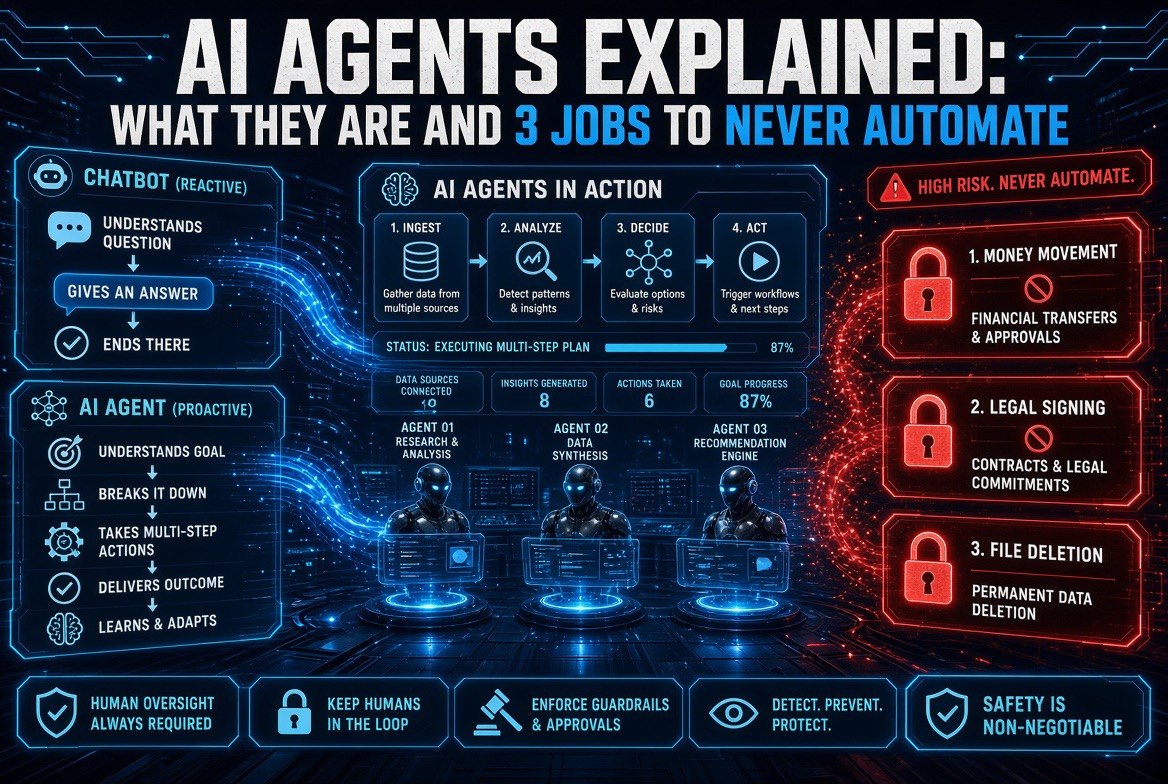
MIT Sloan puts it plainly: chatbots field questions, while agents integrate with other software systems to complete tasks independently or with minimal human supervision. One answers. The other acts. Everything that follows — the opportunity, the risk, the three jobs you should never hand over — comes from that one sentence.
What an AI Agent Actually Is
An agent is a piece of software that perceives, reasons, and acts in a digital environment to achieve a goal on your behalf. That definition comes from research by MIT Sloan’s Benjamin Horton and co-authors, who describe agents as having capabilities for tool use, economic transactions, and strategic interaction.
The practical version: an agent has a goal, a set of tools, and permission to use them. You give it “reconcile this month’s invoices against the bank feed.” It reads files, calls an API, compares numbers, and produces a result. You did not type the steps. It decided them.
That is the first real difference from ChatGPT-style tooling most owners know. A chatbot turn ends when it hands you text. An agent turn continues until the goal is met, the agent gives up, or something stops it. In practice, that means an agent’s failure mode is not a bad paragraph. It is a bad action, executed at speed, possibly many times over.
Chatbot vs Agent: The Difference That Matters
This comparison is the whole decision framework. Read it before you buy anything marketed as an “AI employee.”
| Factor | Chatbot | AI Agent |
|---|---|---|
| What it does | Answers a question | Completes a multi-step task |
| Touches other systems | No — text out only | Yes — email, calendars, APIs, payments |
| Human involvement | Every turn | Supervision, not participation |
| Failure mode | A wrong answer you can ignore | A wrong action already taken |
| Cost profile | Per message, predictable | Per task, variable — loops cost money |
| Where it belongs | Anywhere you want a first draft | Only where actions are reversible |
The rightmost column is where owners get caught. “Supervision, not participation” sounds efficient. It also means that if nobody is watching, the agent is operating unsupervised — and the cost of that grows with every system you give it access to.
Where Agents Earn Their Keep in a Small Business
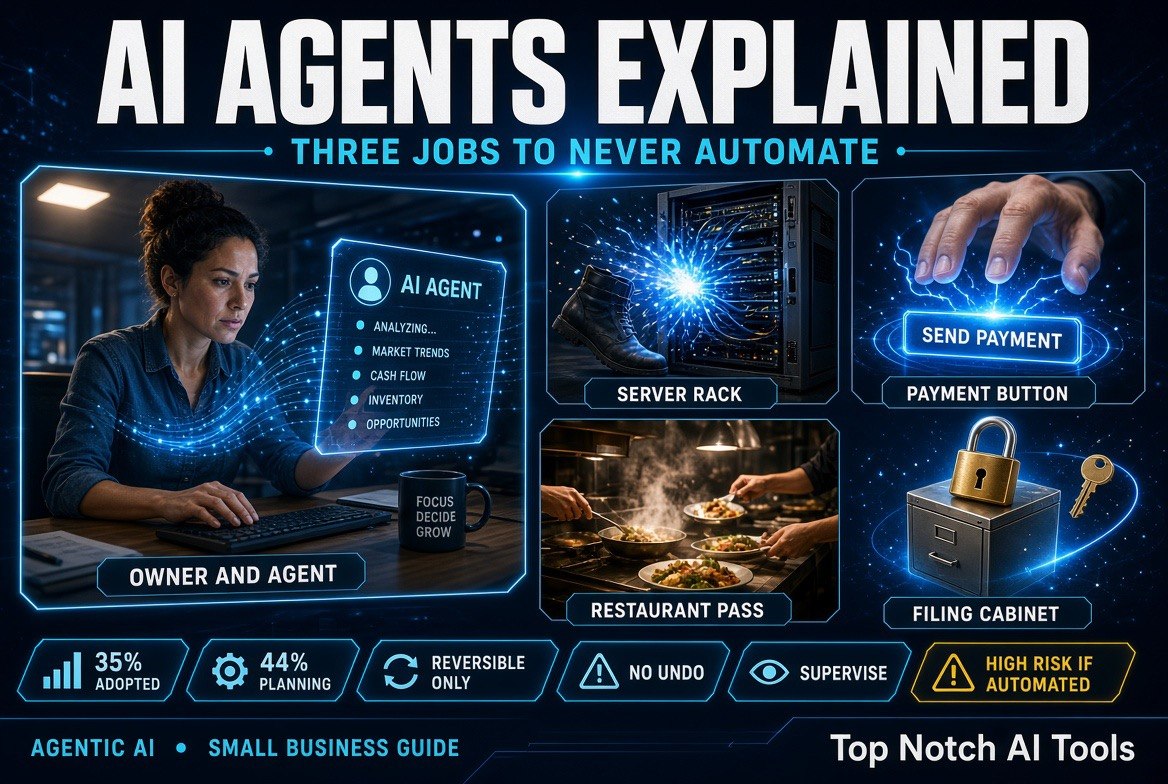
MIT Sloan’s survey data shows adoption is already mainstream: 35% of respondents had adopted agents by 2023, and another 44% planned to deploy shortly after. Microsoft, Salesforce, Google and IBM have all embedded agentic capabilities directly into their platforms, which means most small businesses will encounter agents through software they already pay for rather than as a separate purchase.
That matters for how you evaluate them. The question is no longer “should we buy an agent.” It is “which of the agents already inside our tools should we switch on, and what should it be allowed to touch.”
The jobs that genuinely pay off share three traits: they are repetitive, they are reversible, and verifying the output takes seconds. Drafting a reply you must approve anyway. Summarising last week’s sales. Chasing a list of overdue invoices with a fixed template. Each one saves real hours and each one can be undone or ignored if the agent misfires.
The Three Jobs to Never Hand an Agent
This is the part most vendor pages skip. The MIT Sloan research frames agents as systems that can “receive and send money” and take actions that “change things happening in the physical world.” That is the capability. Here is the boundary.
1. Moving money with no ceiling
Any action that sends money out — refunds, payouts, supplier payments, subscription upgrades — has no undo. An agent can loop, retry, and re-execute a failed step without asking. A $40 mistake made forty times before anyone notices is a $1,600 problem, and the vendor’s dashboard will show you a green checkmark the whole time.
If you must automate payment flows, automate the preparation and leave the release to a human. The agent builds the payment file; you press send. That single human checkpoint removes the entire class of catastrophic failure.
2. Signing anything legally binding
Contract signatures, terms acceptance, and compliance filings are commitments made in your company’s name. An agent does not understand what it is agreeing to — it understands that the goal appears met. Research from MIT Sloan notes that agents reduce the transaction costs of searching, communicating and contracting; that efficiency is exactly what makes an agent dangerous in a room where the paperwork has teeth.
Agents are excellent at reading a contract and flagging unusual clauses. They should not be the party that accepts it.
3. Deleting records or files
Deletion is the one action with a genuine zero-undo state. A misfiled invoice can be found. A deleted customer record, inbox thread, or database row may simply be gone, and the agent will report success either way.
Give agents write access to create and update. Keep delete permissions out of reach. If a workflow genuinely requires cleanup, route it to a human-maintained retention policy instead of an autonomous agent with a delete key.
The Reversibility Test
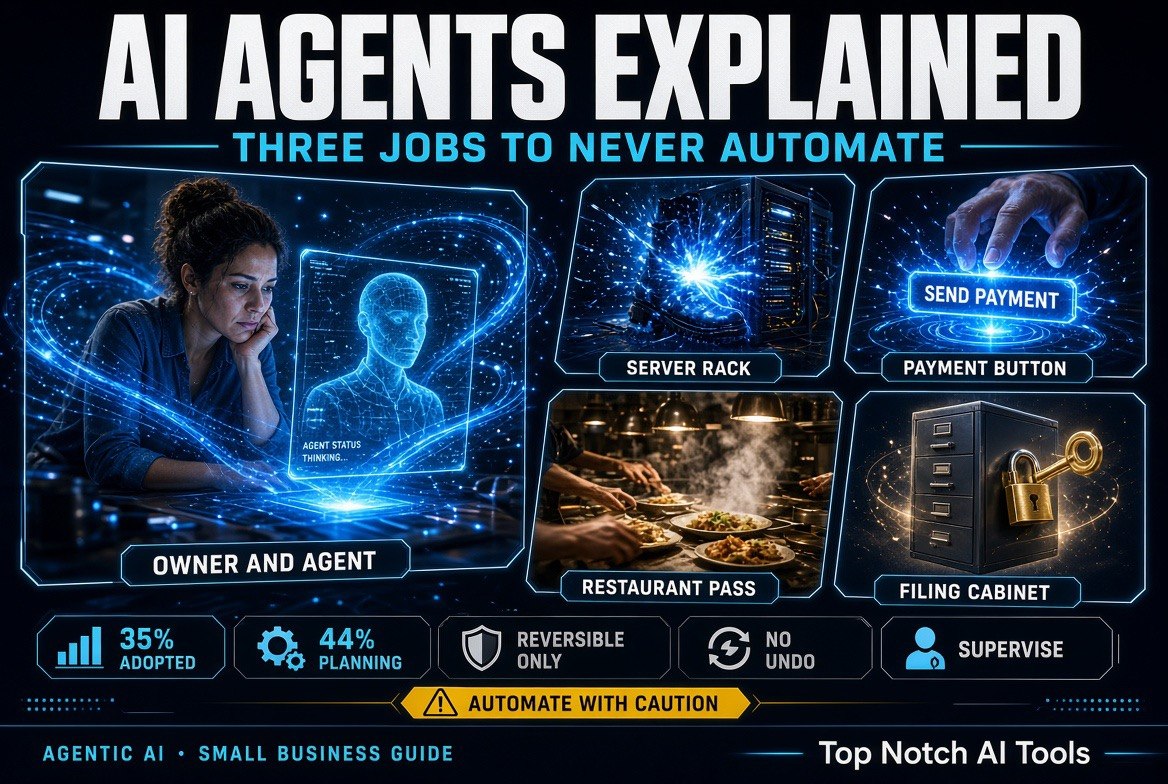
Every task you consider automating should pass one question: if the agent does this wrong, can I undo it in under five minutes without a customer noticing?
| Task | Agent-friendly? | Why |
|---|---|---|
| Drafting replies to inbound leads | Yes — with send disabled | Draft is reversible, you approve the send |
| Pulling a weekly sales summary | Yes | Read-only, wrong numbers cost a re-run |
| Chasing overdue invoices | Yes — templated, capped | Low stakes if the tone is fixed |
| Issuing refunds | No | Money leaves, no undo |
| Signing contracts or terms | No | Legally binding, human signature required |
| Deleting records or files | No | Deletion is permanent; one bad loop is enough |
What “Supervision” Should Actually Look Like
MIT Sloan professor Aral argues it is an imperative that every organisation have a strategy for deploying agents in both customer-facing and internal use cases — and that such a strategy requires a systematic assessment of risks alongside business benefits. Most small businesses have the benefit half and none of the risk half.
Practically, that means four things before an agent goes live: a named owner, a permission limit, a review window, and a stop condition. The named owner is the person who reads its output. The permission limit is what it cannot touch. The review window is how long its output sits before it becomes real. The stop condition is what triggers a human override.
None of that is exotic. It is the same discipline you would apply to a new hire in their first week — except a new hire eventually learns judgement, and an agent never does. It follows its instructions exactly, including the gaps in them.
Where to Start This Week
If you run a business with a handful of people, do not start with the flashiest agent on the market. Start with the cheapest task you already hate doing, and give the agent read-only access. Let it produce the output. Check it for a week. If it is right, expand its permissions one step. If it is wrong, you have lost nothing but a few minutes.
The teams that get value from agents are not the ones with the most ambitious deployments. They are the ones who never gave an agent more access than they were prepared to audit. That is the entire playbook: start narrow, stay reversible, expand slowly.
If you want to see where this sits against the rest of the AI stack you are likely already paying for, our breakdown of AI tools for small business owners covers the categories worth auditing first.
Frequently Asked Questions
What is the difference between a chatbot and an AI agent?
A chatbot answers a question and stops. An AI agent takes a goal and executes multiple steps across other systems — email, calendars, APIs, payment rails — until the goal is met or it is stopped. The practical difference is failure mode: a bad chatbot answer wastes your time, a bad agent action has already happened.
Are AI agents safe for small businesses?
They are safe in proportion to how reversible their actions are. Agents doing read-only analysis, drafting, and templated outreach are low risk. Agents moving money, signing commitments, or deleting records carry risk that no amount of vendor assurance removes. Limit permissions to what you can audit.
How many companies have actually adopted AI agents?
A spring 2025 survey by MIT Sloan Management Review and Boston Consulting Group found that 35% of respondents had adopted AI agents by 2023, with another 44% saying they planned to deploy soon after. Adoption is already mainstream, largely because Microsoft, Salesforce, Google and IBM embedded agentic features into existing platforms.
Should a small business let an agent handle refunds?
No. Refunds send money out and have no undo, and an agent can retry a failed step repeatedly before anyone notices. Automate the preparation of the refund and leave the final release to a human — one checkpoint eliminates the entire failure class.
How do I start with AI agents without risk?
Pick the cheapest task you dislike, give the agent read-only access, and review its output for a week before granting any write permission. Expand one permission at a time. The pattern that works is narrow scope, reversible actions, and slow expansion — not the largest deployment.

About Barak Schurr
Barak Schurr built and sold a major ticketing platform, ran global nightlife operations at Eventbrite, and now spends his time figuring out which AI tools actually move the needle for independent business owners — and which ones are just noise. No hype. No fluff. Just what works.
Email: [email protected]
More AI Resources for Your Business