Microsoft Scout: The Always-On AI Agent That Replaces Copilot
⚡ Expert Summary: Microsoft announced Scout on June 2, 2026 at Build — an always-on, autonomous AI agent for Microsoft 365 that monitors emails, Teams chats, and calendars in the background and takes action without waiting for prompts. Unlike Copilot, which requires you to ask before it does anything, Scout watches, remembers, and executes. It represents Microsoft’s first “Autopilot” — a persistent AI agent with its own governed identity that works for you even when you’re offline. This is the most significant shift in Microsoft’s AI strategy since Copilot launched in 2023.
Why Scout Is Not Copilot 2.0 — It’s a Different Category Entirely
If you have used Microsoft Copilot, you know the pattern: type a prompt, get a response. It is reactive. Useful, but reactive. You initiate, it responds. This describes every chat-based AI tool on the market — ChatGPT, Gemini, Claude, Copilot. They all sit there until you open the interface and ask a question.
Scout flips that model.
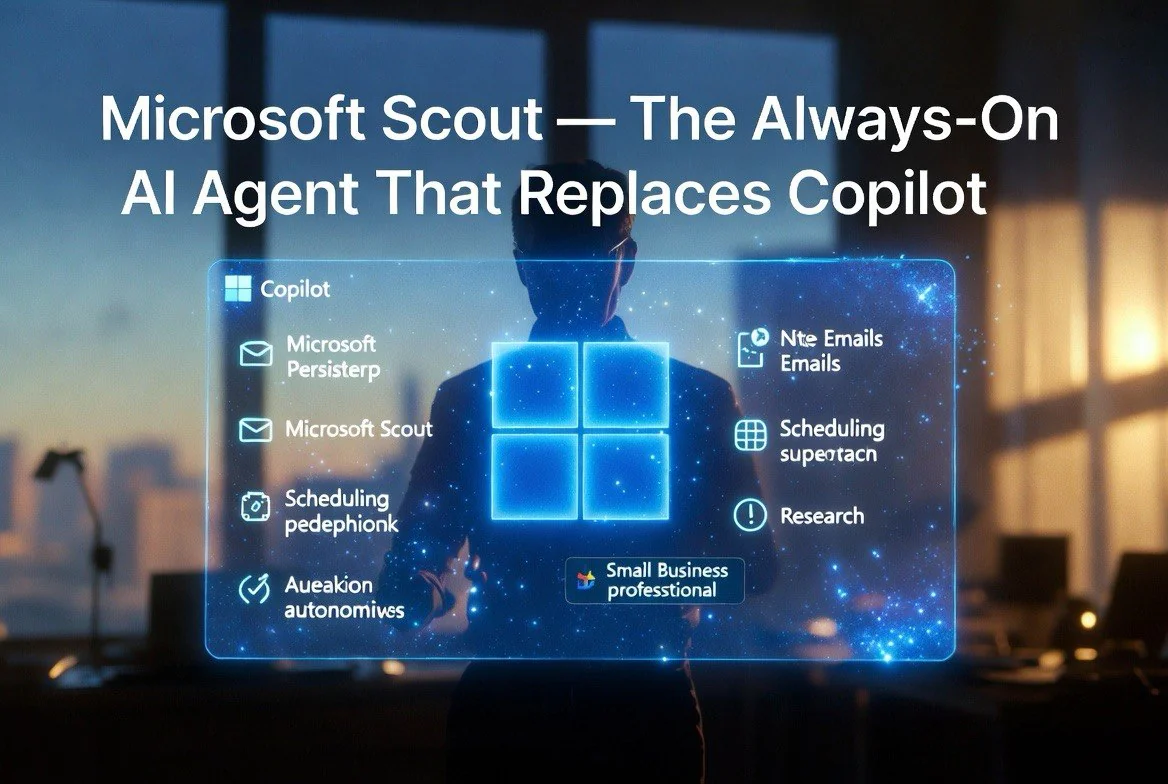
Announced at Microsoft Build on June 2, 2026, Scout is Microsoft’s first “Autopilot” agent — an always-on, persistent AI that monitors your Microsoft 365 environment continuously. It watches your emails, tracks your Teams conversations, monitors your calendar, and keeps tabs on your SharePoint and OneDrive activity. Then it acts: drafts responses to emails you haven’t answered, identifies scheduling conflicts before they happen, chases down deliverables that are overdue, prepares meeting pre-reads automatically, and surfaces project bottlenecks — all without being asked.
According to Microsoft’s official announcement from Corporate VP Omar Shahine, Scout represents “a new category of agent — the always-on, governed personal agent that works alongside you.” The company positions it as the start of a broader shift from reactive AI tools to proactive AI agents that take initiative.
How Scout Works Under the Hood
Scout is built on the OpenClaw agentic framework, as reported by TechCrunch on June 2. This framework enables persistent context across sessions, tool-use capabilities, and autonomous execution. Scout does not run a single model call per task — it plans, executes subtasks, and coordinates multiple steps to complete complex workflows.
Here is what that means in practice. You receive an email inviting you to a meeting next Thursday at 2 PM, conflicting with an existing client call. Copilot would respond if you ask “do I have a conflict at 2 PM next Thursday?” Scout checks your calendar proactively, flags the conflict to you in Teams, and offers to reschedule one of the meetings, providing alternative time slots from both attendees’ availability.
Scout operates with its own Entra ID identity and is governed by Purview access controls, meaning it inherits your company’s security and compliance policies automatically. Microsoft’s HelpNetSecurity coverage confirmed that Scout requires user approval for sensitive actions (sending emails, accepting meetings, modifying documents) but handles low-risk tasks autonomously once configured.
Users interact with Scout primarily through Microsoft Teams, where it appears as a contact — like a colleague you can message and delegate to. A desktop app and browser extension extend its reach to local files and web resources. Scout can also connect to Model Context Protocol (MCP) servers, enabling it to interact with third-party tools and services.
What Scout Actually Does Differently
The feature set breaks into four categories:
Proactive monitoring. Scout watches your inbox and Teams channels for action items you have missed. If an email asks for a document and you have not sent it, Scout prompts you. If a deadline is approaching on a project tracked in Planner or Asana (via MCP), Scout flags it before it becomes urgent. The key difference from a traditional notification is context: Scout knows why something matters and suggests the specific action to take.
Autonomous task execution. Give Scout a goal like “prepare the client Q3 review deck” and it plans the steps: find the relevant data in SharePoint, pull the last deck from OneDrive, cross-reference the Q2 performance metrics, draft slides, and ask for your review before finalizing. It shows progress as it works and stops for approval at decision points you predefine.
Meeting intelligence. Scout automatically generates pre-read summaries for every meeting on your calendar — pulling relevant documents, recent email threads with attendees, and action items from the previous meeting in the same series. During the meeting, it can take notes. Afterward, it drafts follow-ups, assigns action items, and updates your task list.
Deliverable tracking. When someone assigns you a task in a Teams message or email, Scout captures it, tracks the due date, follows up if you have not started, and escalates to your manager if you miss the deadline by more than 24 hours (configurable). This effectively turns every communication channel into a task management system.
The Privacy and Security Question
An always-on agent reading your emails and Teams messages raises obvious concerns. Microsoft addressed this directly in the Build announcement. Scout runs entirely within your Microsoft 365 tenant. Data does not leave your organization’s boundary. It uses your existing Entra ID permissions — Scout can access only what you can access. It cannot read emails or files that your account does not already have permission to see.
Scout also supports Purview Data Loss Prevention policies. If your organization blocks certain data from being processed by AI tools, those policies extend to Scout automatically. Audit logs capture every action Scout takes, and administrators can review agent activity through existing Purview compliance tools.
For sensitive actions — sending emails on your behalf, accepting meeting invitations, modifying documents — Scout requires explicit user approval. The default configuration for enterprise deployment is approval-on for any action that creates or modifies content outside your personal scope. These settings are configurable per user group through Intune.
Microsoft’s own research indicates that 72% of organizations cite data governance as their top concern with autonomous AI agents. Scout’s architecture was designed specifically to address this — governed identity, inherited permissions, full audit trail, and configurable approval thresholds.
Scout vs. the Competition
Microsoft is not the first to market with an always-on agent concept. Google’s Project Jarvis (announced late 2025) offers similar proactive monitoring within Google Workspace. The critical difference is integration depth: Scout lives inside Teams, Outlook, and SharePoint natively because Microsoft controls the entire stack. Jarvis works through browser extensions and has limited access to Google’s productivity apps compared to what Scout can reach within the Microsoft 365 environment.
Startups like Adept AI (backed by Lux Capital) and Inflection AI (Pi) are building general-purpose agents, but neither has the enterprise foothold that Scout inherits from Microsoft’s 400 million Microsoft 365 commercial users. A Gartner analysis from early 2026 predicted that enterprise agent adoption would be determined by platform integration rather than raw capability — meaning the vendor already embedded in your workflow wins by default. Scout validates that prediction.
For small and medium businesses specifically, Scout’s advantage is that it requires zero setup. If your business uses Microsoft 365 Business Premium or Enterprise, Scout is available through the existing license structure for the Frontier program participants, with broader rollout expected in late 2026. No new infrastructure, no IT project, no separate vendor negotiation. It turns on and works with your existing data and permissions.
Who Should Care About Scout (and Who Can Wait)
Scout targets knowledge workers who spend significant time managing communication and deliverables. A Gartner study from 2025 found that knowledge workers spend an average of 28% of their workweek managing email and 19% tracking tasks and status updates. That combined 47% of the week — roughly 18 hours — is Scout’s addressable surface area. For more on AI tools that improve business productivity, explore the full library.
For small business owners operating without an executive assistant, Scout fills that role at a fraction of the cost. An executive assistant in the US market costs $50,000-$80,000 annually. Scout is a software subscription bundled into Microsoft 365. The ROI calculation for any business owner spending more than 10 hours per week on email, scheduling, and task management is straightforward: if Scout saves you 5 hours per week, that is 260 hours per year — worth roughly $26,000 at a conservative $100/hour valuation.
For teams, the compound value comes from shared context. When a team adopts Scout, it tracks dependencies across members. If Bob is waiting on Sarah for a deliverable and Sarah’s Scout knows she is blocked by a resource issue, both Scouts can flag the bottleneck and suggest an escalation or reallocation. This cross-agent coordination is unique to the Microsoft ecosystem and not available in standalone agent tools.
Who can wait: anyone whose work does not involve significant email, document, or meeting management. Roles in manufacturing, logistics, field service, or retail operations will see less immediate value from Scout because their workflows are not primarily digital within Microsoft 365.
What Comes Next
Scout launched in June 2026 to a small group of customers through Microsoft’s Frontier program. Microsoft expects to expand availability through late 2026 and into 2027. Pricing has not been announced, but analysts expect Scout to be bundled into Microsoft 365 Business Premium and Enterprise E3/E5 at no additional cost or as a modest per-user add-on.
The longer-term significance is that Scout is the first Autopilot — but Microsoft has signaled more are coming. Each Autopilot will specialize in a domain: Scout for personal productivity, with others for sales, customer service, supply chain, and development. Microsoft’s Build 2026 also previewed Project Solara and other agentic tools, suggesting the company is building an entire agent ecosystem rather than a single product.
For businesses already using Microsoft 365, the question is not whether to adopt an agent. It is whether to adopt Microsoft’s agent or a third-party alternative. Scout’s advantage — and it is substantial — is zero integration cost. It already has access to your data, your permissions, your security policies, and your users. It was always going to be the first and deepest agent on those 400 million enterprise desktops.
Frequently Asked Questions
What is Microsoft Scout?
Scout is Microsoft’s first always-on, autonomous AI agent for Microsoft 365, announced June 2, 2026 at Build. It monitors emails, Teams chats, calendars, and documents proactively — taking action without waiting for prompts. Unlike Copilot, which is reactive, Scout is proactive and works continuously in the background.
How is Scout different from Copilot?
Copilot is a reactive chat interface — you ask, it answers. Scout is an autonomous agent that monitors your workspace continuously and acts without being prompted. Copilot helps you do things. Scout does things for you and tells you when human judgment is required.
Does Scout read all my emails and Teams messages?
Scout accesses your Microsoft 365 data within your tenant using your Entra ID permissions. It can only access what you can access. All actions are logged in Purview audit logs. Sensitive actions require user approval. Data does not leave your organization’s boundary.
When will Scout be available?
Scout launched in June 2026 through the Microsoft Frontier program to a limited customer group. Broader availability is expected in late 2026 through early 2027. Pricing has not been announced.
Does Scout work with third-party apps?
Yes, through the Model Context Protocol (MCP) server connections. Scout can interact with external tools and services, extending its reach beyond Microsoft 365. However, its deepest integration is within the Microsoft ecosystem.
How much does Scout cost?
Pricing has not been announced as of June 2026. Industry analysts expect Scout to be included in Microsoft 365 Business Premium and Enterprise E3/E5 subscriptions or offered as a modest per-user add-on.
More AI Resources for Your Business