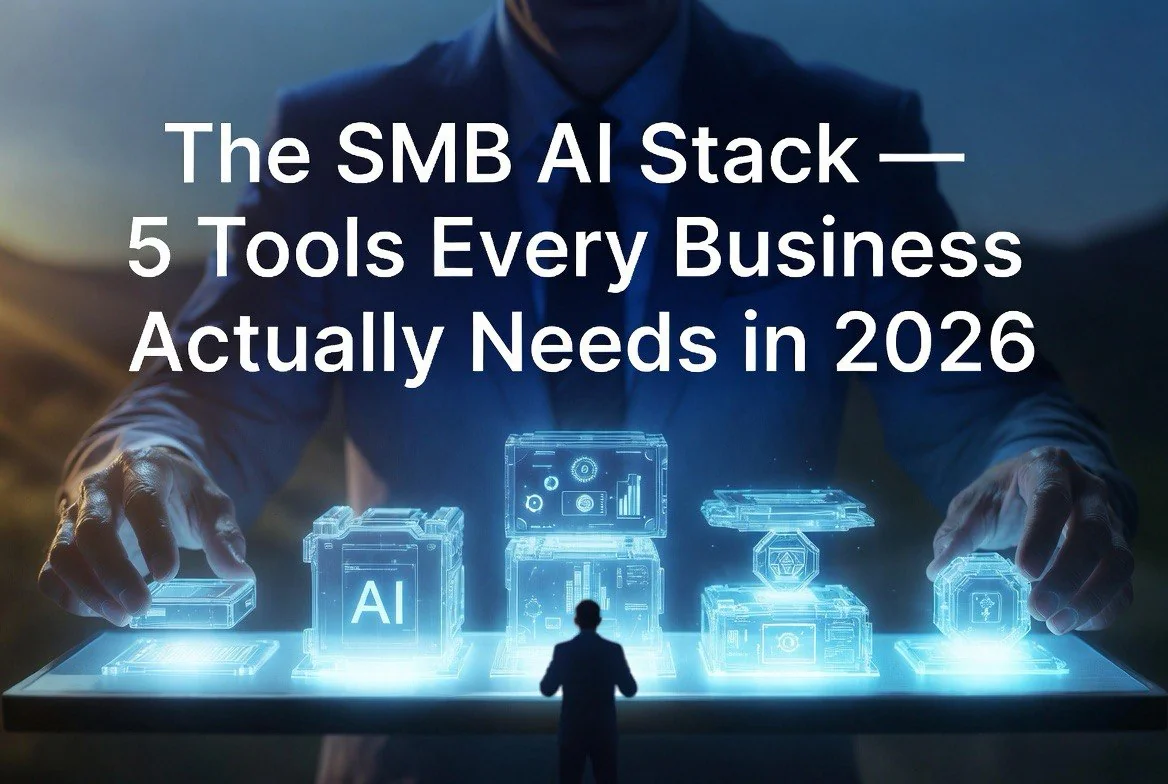
The SMB AI Stack: 5 Tools Every Business Actually Needs in 2026
⚡ Expert Summary: The median small business now runs five AI tools according to SBE Council’s 2026 data. But running five disconnected tools is worse than running two well-connected ones. This guide breaks down the proven five-tool stack — AI assistant, marketing suite, automation layer, CRM, and finance engine — and shows you exactly how they connect. Based on surveys of 1,800+ small businesses and real deployment patterns.
Most AI advice starts with “pick a tool” and ends there. The problem is that one tool solves one problem, and small businesses don’t have one problem — they have a dozen.
The SBE Council’s 2026 Small Business Tech Use Survey nailed the current state: the median small business uses five AI tools. Not one. Not two. Five.
But here’s what the survey doesn’t show — most of those five tools operate in isolation. The CRM doesn’t talk to the marketing platform. The chatbot doesn’t feed data back to the pricing engine. The AI assistant generates content that never makes it to the automation layer.
A disconnected stack is worse than no stack at all. It creates data silos, duplicate work, and a monthly subscription bill that grows faster than your revenue.
This guide is the corrected version. Five tools. One connected workflow. Based on what actually works across hundreds of small business deployments.
Layer 1: The AI Assistant — Your Operational Hub
The pick: ChatGPT or Claude (paired, not traded)
Every stack needs a center. The AI assistant is it.
ChatGPT handles the bulk of daily work — drafting emails, brainstorming campaign ideas, writing social posts, answering customer questions, summarizing documents. It’s the Swiss Army knife that sits in your pocket and handles whatever comes up.
Claude handles the heavy lifting — long documents, contract review, competitive analysis, deep research summaries, code debugging. It processes more context and produces more nuanced output for complex tasks.
Why run both instead of one? Because they’re optimized for different loads. Using Claude to draft a two-paragraph email is like using a chainsaw to cut butter. Using ChatGPT to analyze a 50-page competitor report is like using a butter knife on a tree. The pair costs roughly the same as one premium plan and covers your full range of needs.
What it connects to: The AI assistant feeds everything downstream. Marketing copy goes to Canva. Email drafts go to your CRM. Research summaries inform your pricing decisions. If your AI assistant isn’t producing outputs that flow into your other tools, you’re leaving 60% of its value on the table.
Layer 2: Marketing Suite — Where AI Makes Your Brand Visible
The pick: Canva (with Magic Studio features)
Marketing is the number one AI use case among small businesses, and for good reason. It’s the area where AI delivers the most visible, measurable ROI.
Canva’s Magic Studio is the clear winner here. The 2026 version includes AI-generated social media templates, video creation, brand kit consistency across channels, and AI-powered design suggestions that match your existing aesthetic. A business owner with zero design experience can produce professional-grade social posts, ads, presentations, and promotional materials in under 10 minutes.
The key insight from SBE Council’s data: small businesses using AI marketing tools report improved customer reach, engagement, and revenue generation. Not “slightly better.” Measurably better.
What it connects to: Content flows from your AI assistant (Layer 1) into Canva for formatting and design, then gets scheduled through Zapier (Layer 3) into your social platforms and email lists in HubSpot (Layer 4).
Layer 3: Automation Layer — The Glue That Makes Five Tools Feel Like One
The pick: Zapier (or Make, if you need more complex workflows)
This is the layer most businesses skip, and it’s the most important one.
Zapier connects your tools so they talk to each other without you having to copy-paste data between them. When a customer fills out a form in Canva, Zapier can automatically add them to your CRM, send a welcome email, create a task in your project management tool, and log the interaction — all without human intervention.
The SBE Council data shows administrative automation is the fastest-growing AI category. This is why. A properly configured automation layer eliminates entire categories of busywork.
What it connects to: Everything. Zapier is the bridge between your AI assistant, marketing suite, CRM, and finance tools. If you set up nothing else, set up the Zapier connection between your CRM and your email platform — it will save more time than any other single integration.
Layer 4: CRM and Customer Communication — Revenue Engine
The pick: HubSpot (free tier is genuinely useful)
HubSpot’s 2026 AI features include automated lead scoring, email drafting, customer record summaries, and predictive sales insights. The free tier handles enough for most small businesses to run their full customer workflow without upgrading.
The SBE Council data ranks customer engagement and management as a top-three AI use case, particularly for businesses selling online or across multiple channels. The reason is simple: AI-powered CRMs don’t just track customers — they tell you which customers to prioritize, what they’re likely to buy next, and when to reach out.
What it connects to: Inbound leads from your marketing (Layer 2) get routed here. Outbound emails get drafted by your AI assistant (Layer 1). Sale data flows to your finance tools (Layer 5). Customer interactions from Tidio or your chatbot feed back into HubSpot’s scoring algorithm.
Layer 5: Finance and Operations — The Decision Engine
The pick: QuickBooks Online (AI features included)
Finance AI is the most underrated layer in the stack. The SBE Council survey found that among businesses using AI pricing tools, 97% report positive revenue impacts and 94% say it made their business more competitive. That’s a higher satisfaction rate than any other AI category.
QuickBooks’ 2026 AI features include automated bookkeeping categorization, cash flow forecasting, invoice generation, and expense tracking. For businesses selling products, tools like Prisync or Competera add dynamic pricing that adjusts in real-time based on demand and competitor movement.
What it connects to: Sales data from HubSpot flows into QuickBooks for automated invoicing. Pricing data informs your marketing strategy. Cash flow forecasts tell you when to invest in growth and when to tighten.
How the Stack Works Together — The Full Flow
Here’s what this stack looks like in a real business day:
8:00 AM — Your AI assistant (ChatGPT) drafts the day’s social posts and email newsletter based on your latest content research. You review and approve in ten minutes.
8:15 AM — Canva auto-generates branded visuals for the approved content. Zapier pushes them to your scheduling queue.
9:00 AM — HubSpot shows three new leads that scored high overnight. Your AI assistant drafts personalized follow-ups for each one.
10:00 AM — You review and send the drafts. Zapier logs the outreach and creates follow-up reminders.
2:00 PM — A customer submits a support request via your chatbot. HubSpot records the interaction and triggers a workflow in QuickBooks if it involves billing.
4:00 PM — Your AI assistant summarizes the day’s key metrics pulled from HubSpot and QuickBooks. You review for five minutes and leave.
That’s a full day of operations running across five tools. The human touch points: content approval, send authorization, end-of-day review. Everything else happens automatically.
What About AI Agents?
The 2026 landscape adds a new layer that didn’t exist in 2024: AI agents that operate autonomously within your stack.
Tools like Zapier’s Central AI Agents, Relevance AI, and Lindy are changing the automation layer. Instead of building individual zaps (one trigger, one action), you can now deploy agents that observe your workflows, make decisions, and execute multi-step processes without predefined rules.
Practical example: Instead of a Zap that says “when form submitted, add to CRM,” an agent can monitor incoming leads, enrich each one with research from your AI assistant, score them against your historical conversion data, send a personalized outreach sequence, and escalate high-value leads to your calendar — all without a single manual trigger.
The SBE Council data shows that businesses using AI agents alongside traditional tools report 40% higher time savings than those using automation alone. The agent layer is still early, but it’s the fastest-moving segment of the 2026 stack.
Where agents fit in the five-layer stack: They sit between the automation layer (Layer 3) and the CRM (Layer 4). They don’t replace Zapier — they enhance it, handling the judgment-heavy workflows that predefined rules can’t manage.
Why Five Tools Instead of One All-in-One Platform
The obvious question: why not just buy one platform that does everything?
Because all-in-one platforms do everything adequately and nothing well. The AI assistant in an all-in-one CRM is worse than ChatGPT. The design tools in an all-in-one marketing platform are worse than Canva. The automation in an all-in-one suite is worse than Zapier.
The stack approach gives you best-in-class at every layer, with Zapier providing the connection that makes them feel like one system. The total cost is roughly the same as an all-in-one enterprise platform that covers half your needs.
The One-Stack Rule
If you’re starting from zero or rebuilding a broken stack, follow this order:
1. Set up your AI assistant first. It’s your lowest-cost, highest-impact starting point.
2. Add your automation layer next. Don’t add a second tool until Zapier connects the first.
3. Layer in your marketing suite. Use the assistant-automation pipeline to produce and distribute content.
4. Add CRM when you have customer data worth tracking.
5. Add finance tools last. They require clean data from the other four layers to work properly.
6. Evaluate AI agents once the first five layers are running. Agents amplify an existing stack; they don’t fix a broken one.
This order prevents the most common stack failure: buying five tools, connecting none of them, and wondering why your productivity didn’t improve.
Common Stack Mistakes (and How to Avoid Them)
Mistake 1: Buying a subscription before building a workflow. The most expensive AI stack is the one where you pay for five tools but only use two. Before you subscribe to anything, draw the workflow on paper: what data moves where, and what triggers each action.
Mistake 2: Over-integrating too fast. Connecting all five tools on day one creates a debugging nightmare when something breaks. Connect them one at a time. Test each connection with real data before adding the next.
Mistake 3: Skipping the training layer. 73% of small business owners told Goldman Sachs they need more AI training. If you buy the tools without training your team on how to use them, you’re paying for capabilities that never get deployed. Budget 10% of your tool cost for training.
Mistake 4: Ignoring data hygiene. AI tools are only as good as the data they process. A CRM with outdated contact information, a finance tool with miscategorized expenses, and a marketing suite with inconsistent brand assets will produce bad outputs no matter how good the AI is.
The Bottom Line
The five-tool stack — AI assistant, marketing suite, automation layer, CRM, finance engine — covers every core business function with best-in-class tools at each layer. The connecting element is automation, not a single platform.
The businesses running these five tools well are the ones that consistently outperform their peers on SBE Council’s growth metrics. The ones running five disconnected tools are the ones who tell survey researchers they’re “using AI” but haven’t seen real results.
The difference isn’t the tools. It’s how they connect.
Frequently Asked Questions
What five AI tools should a small business use in 2026?
The proven five-tool stack is: ChatGPT/Claude (AI assistant), Canva (marketing suite), Zapier (automation layer), HubSpot (CRM), and QuickBooks Online (finance engine). The median small business now uses five tools, and these represent the best-in-class picks at each layer based on SBE Council survey data and real deployment patterns.
Do I need to pay for all five tools at once?
No. Start with the AI assistant (ChatGPT free tier or $20/month) and add layers in order. The total stack costs approximately $100-150/month for paid tiers, with most tools offering genuinely useful free versions.
How do I connect my AI tools so they work together?
Zapier is the connection layer. It bridges your AI assistant, marketing suite, CRM, and finance tools so data flows between them automatically. Set up Zapier before adding any tool beyond your first AI assistant.
What if I can’t afford all five tools?
Prioritize by pain point. If content creation takes up most of your time, start with the AI assistant + Canva. If customer management is your bottleneck, start with HubSpot. The stack builds over time — you don’t need all five on day one.

About Barak Schurr
Barak Schurr is the founder and former president of the nightlife ticketing platform Wantickets and former Global Director of Dance and Nightlife at Eventbrite. He currently focuses on AI research and writes about practical AI for independent business owners — no hype, no corporate fluff. More at topnotchaitools.com.
Contact: [email protected]
More AI Resources for Your Business